254 of 271
Z-Axis Failures
The z-axis movement on the machine is controlled by the electronics. The motor driver on the Main
PCB sends signals to the Z-motor. Feedback to the Main PCB is provided by the encoder and the z-index
optical sensor. These devices tell the software and the Main PCB where the z-motor position is at during
embroidering.
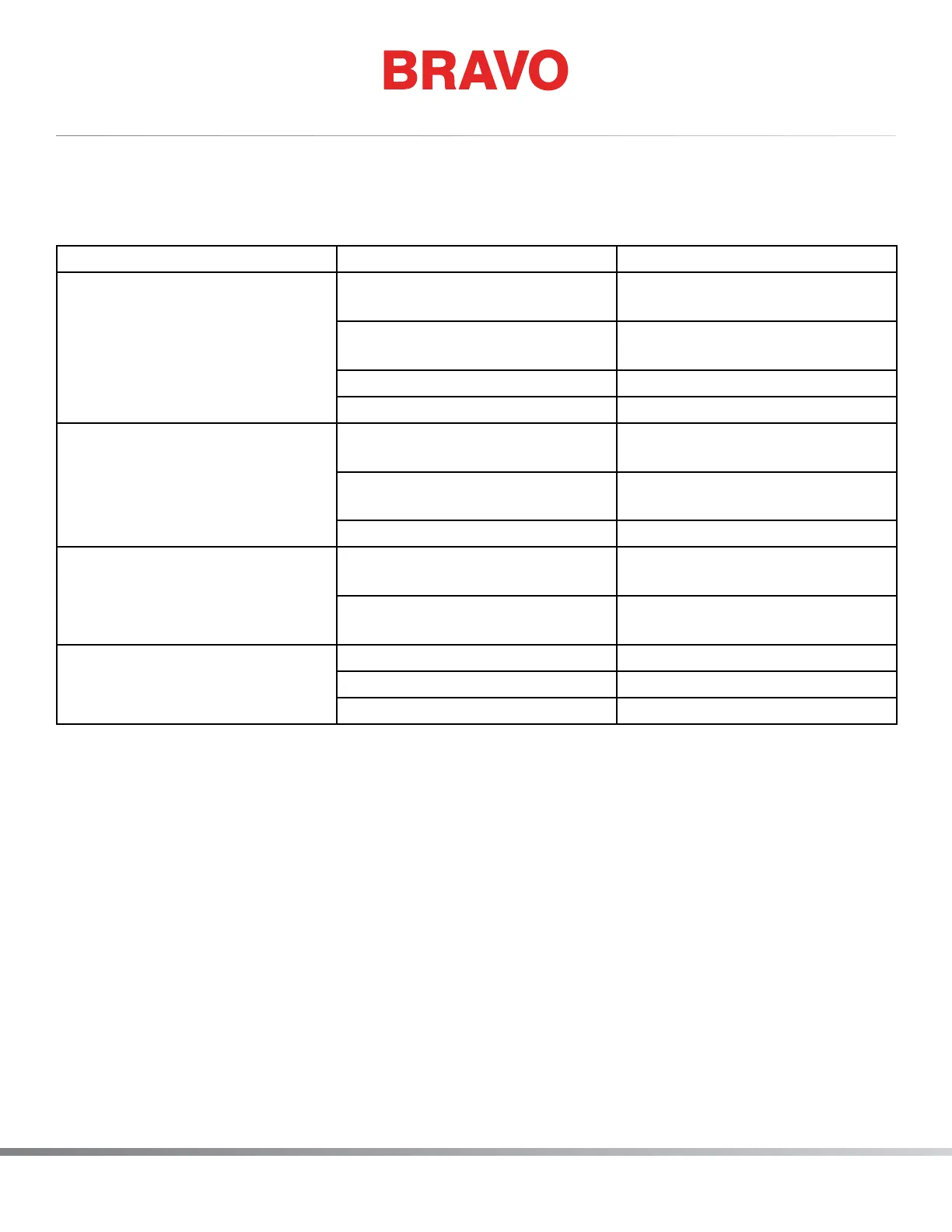
Problem Possible Causes Solution
Binding in z-axis or jumpy, un-
even movement
z-shaft out of alignment, bear-
ings lost preload
Contact Technical Support. This
will require factory repair if true.
Z-drive timing belt tension too
tight or too loose
Adjust the z-belt tensions
Damaged z-axis timing belt Replace the z-axis timing belt.
Binding in the motor windings Replace the z-motor.
Excess noise in the needle-bar
area
Lack of lubrication to the needle
bars
Lubricate the needle bars
Lack of lubrication to the recipro-
cator or presser foot
Lubricate the needle drive and
presser foot
Damaged needle bar Replace damaged needle bar
Z-axis runaway Connection at motor encoder
reversed
Reconnect the interface harness
to the z-motor correctly
Short in either the z motor har-
ness or the motor interface cable
Replace the defective harness
Can not nd z-home Z-axis ag loose Set Head Up Position
Dirty or damaged sensor Clean or replace the z-index PCB.
Loose harness connection Reconnect the harness



 To Next Page