26 of 271
Keypad Buttons
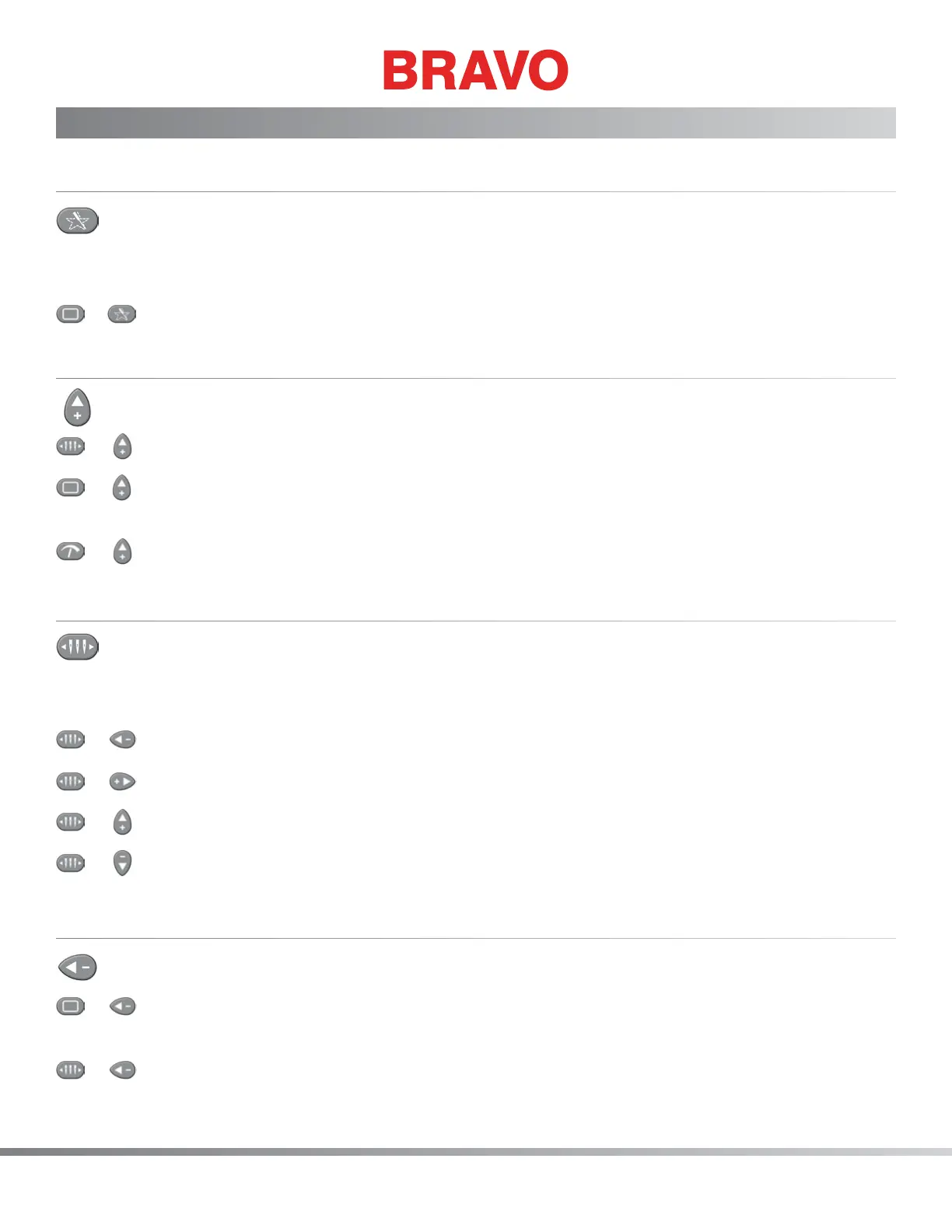
Trace Button
The trace button is used to trace the design, a method used to help the operator determine if the design
is properly centered and ts within the hoop used.
+
To trace a design, press the Hoop button and the Trace button.
Arrow Up Key (Y-Axis Back)
+
The needle case moves to the next color.
+
The hoop key and the arrow up key performs a manual jog, moving the stitch point to the top
of the design. The hoop actually moves towards the front of the machine.
+
The sew speed (stitches per minute) is increased.
Color Change/Needle Case
When used in conjunction with the arrow keys, the machine will perform a color change function (mov-
ing the hoop) or move needle case left or right.
+
Needle case to the left
+
Needle case to the right
+
Color change to next color
+
Color change to the previous color
Arrow Left Key (X-Axis Left)
+
The machine performs a “manual jog”, moving stitch point left. The hoop actually moves to
the right.
+
The needlecase moves to the left.



 To Next Page