25 of 271
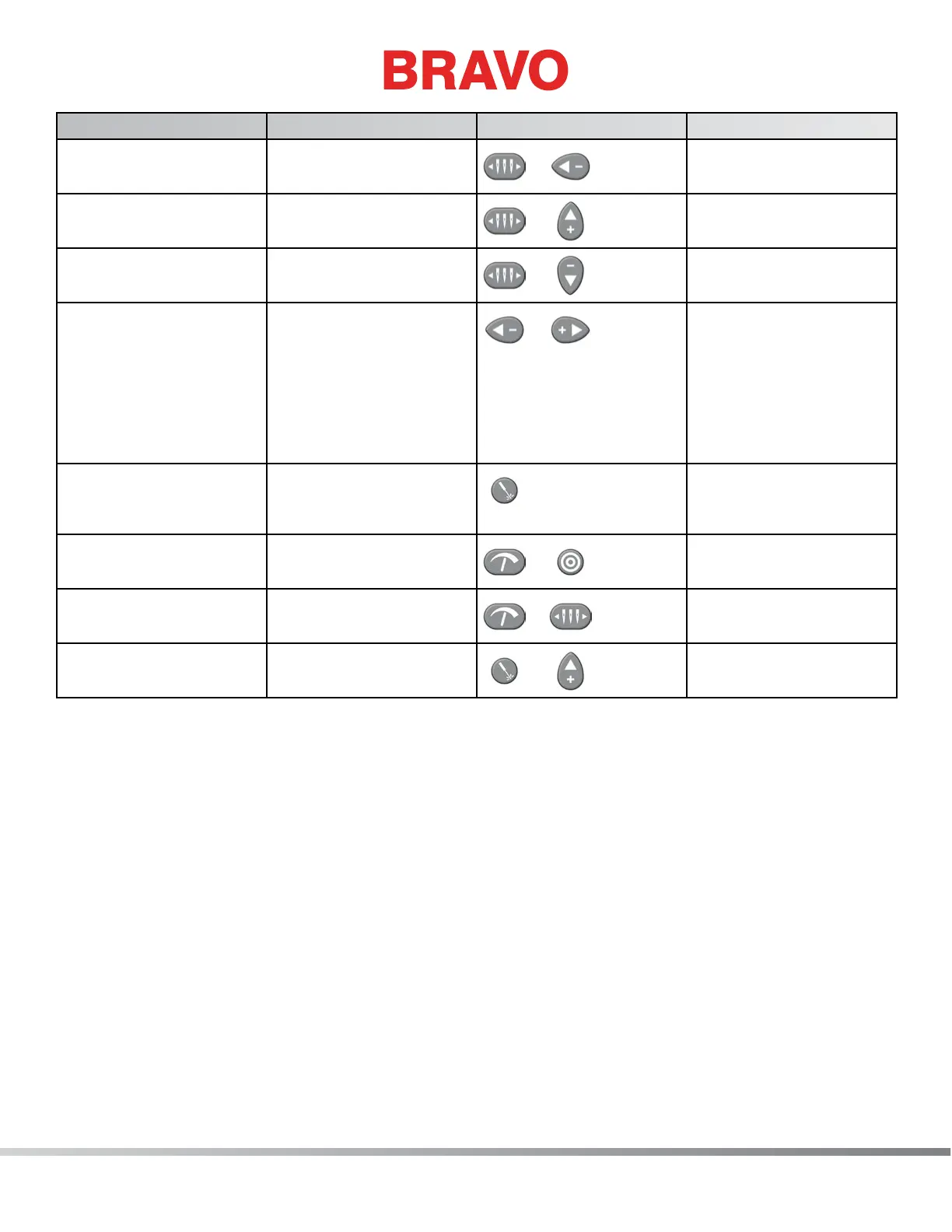
Function Press these key(s) Keypad Pictures Notes
To move the needlecase
to the left
Needlecase key + Left
Arrow
+
To color change to the
next color
Needlecase key + Up
Arrow
+
To color change to the
previous color
Needlecase key + Down
Arrow
+
Return to Previous Stitch Left Arrow + Right
Arrow
+
If a hoop has been
moved during the sew-
ing of a design, pressing
this combination will
move the hoop back to
the position of the most
recent stitch to sew.
To turn the laser on Laser
This will allow you to
see the active needle
position
Toggle front grabber Adjustment + Center
+
Toggle to thread the
needle
Trim Immediate Adjustment +
Needlecase
+
To manually feed thread Laser + Up Arrow
+
Manually feeds thread
on the current needle



 To Next Page