115 of 271
11. Connect the thread feeder harness to the motor.
12. Turn the machine on and launch Bravo OS.
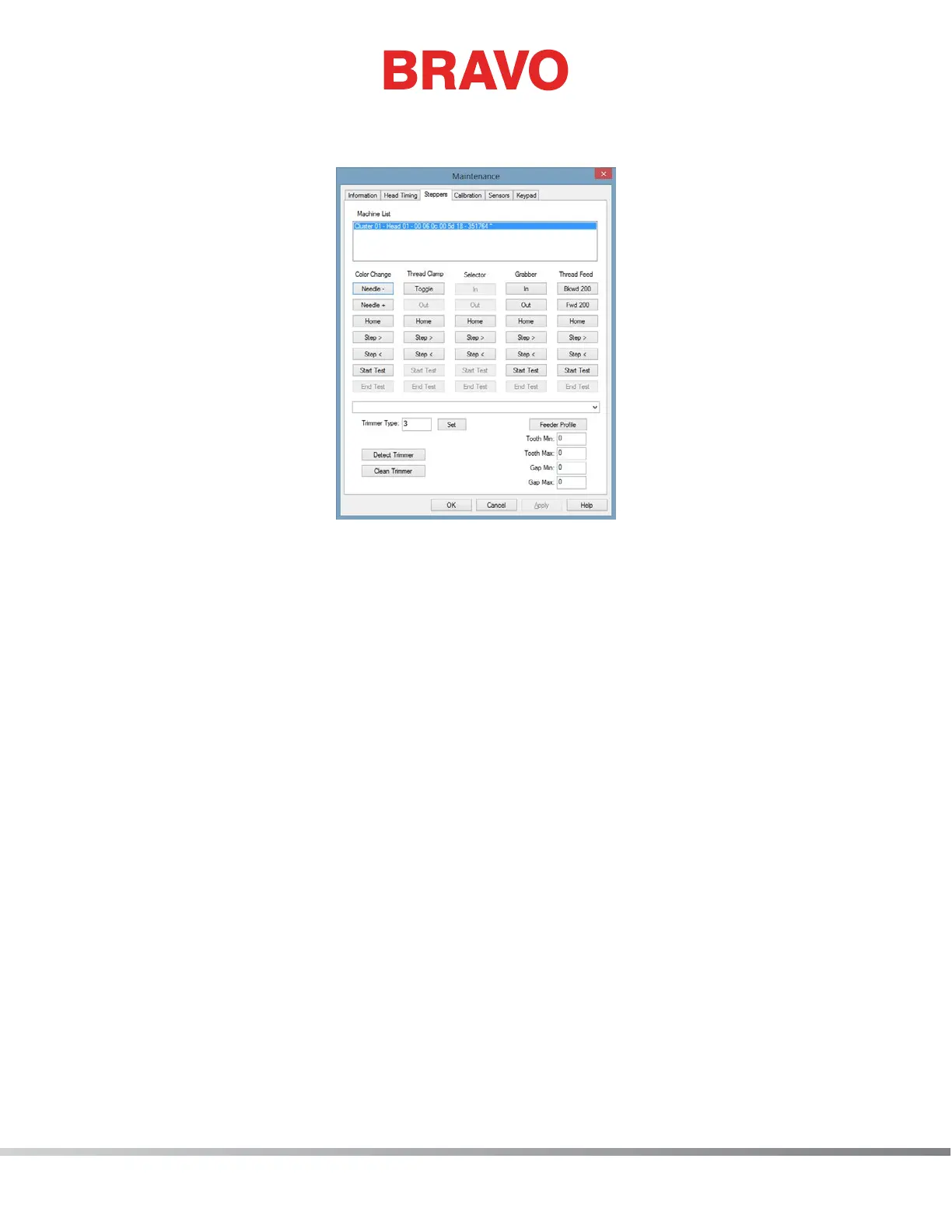
Figure 2 - Steppers Menu
13. Open the “Tools>Maintenance” menu from the Bravo OS main menu and select the “Steppers”
tab.
14. Under the “Thread Feed” column, click on “Home”. Check the alignment of the white thread
feed gears by color changing and verify that there is no clicking sound during the movement.



 To Next Page