157 of 271
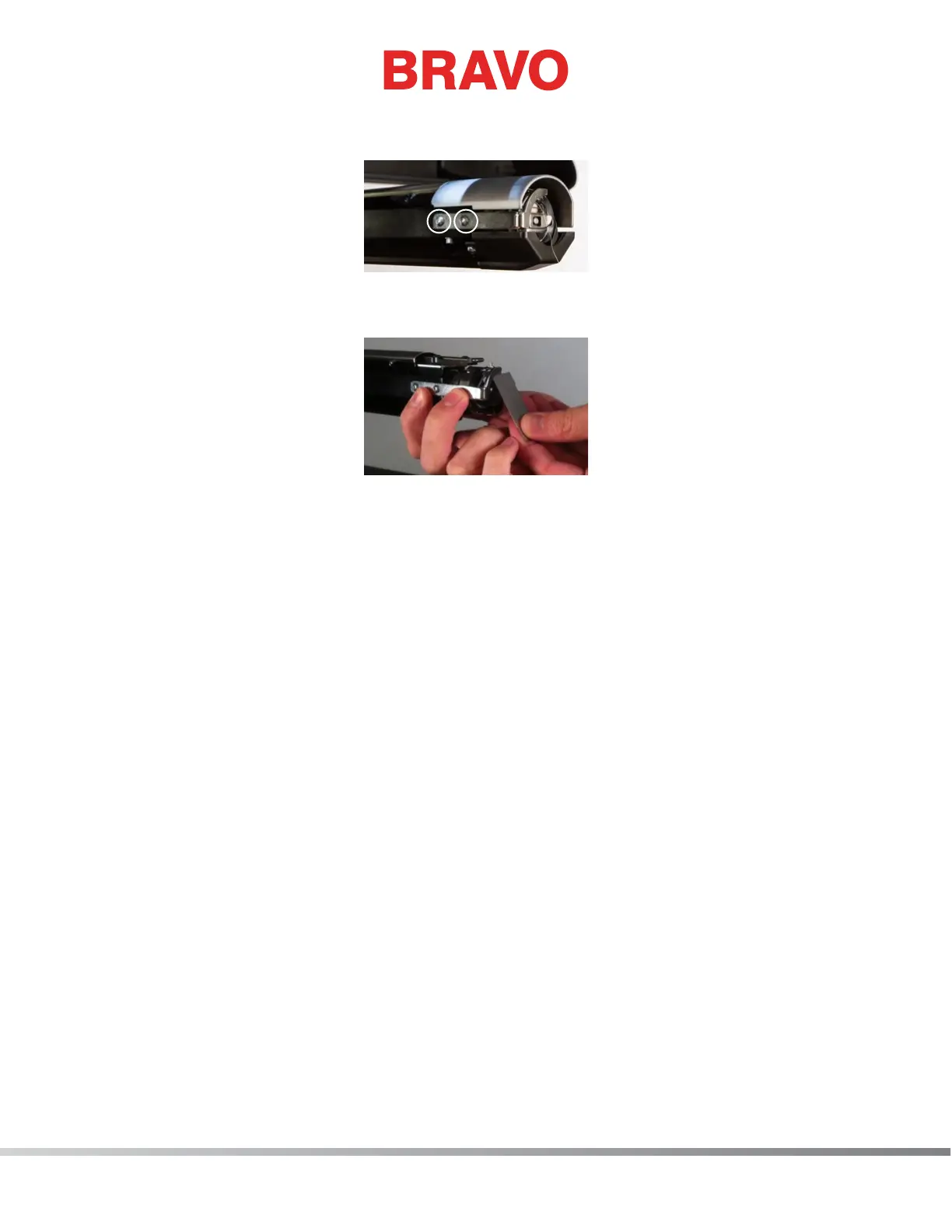
10. While holding the rotary hook support in place, re-install the button head cap screws that you
removed previously and loosely tighten both screws.
11. Set the gap between the hook support and the rotary hook using the instructions described in the
Rotary Hook Support Adjustment section and xture P/N 009027-01.
12. Move Z-Axis to 201.5 and check distance to closest needle (see hook timing procedure).
13. Install the needle plate and hook guard.
14. Run Sew test.



 To Next Page