Microtronix Access User Guide
Using the main menu in the left hand pane of the displayed page, click the desired configuration or
display options. Edit as needed and remember to click any Apply or Update button to save changes.
Under the System section of the main page menu, Date and Time settings can be used to configure
date, time, time zone, and NTP server. The IP network settings are available with the Ethernet menu
item. Refer to the following sections for more detail: Date and Time, and Ethernet.
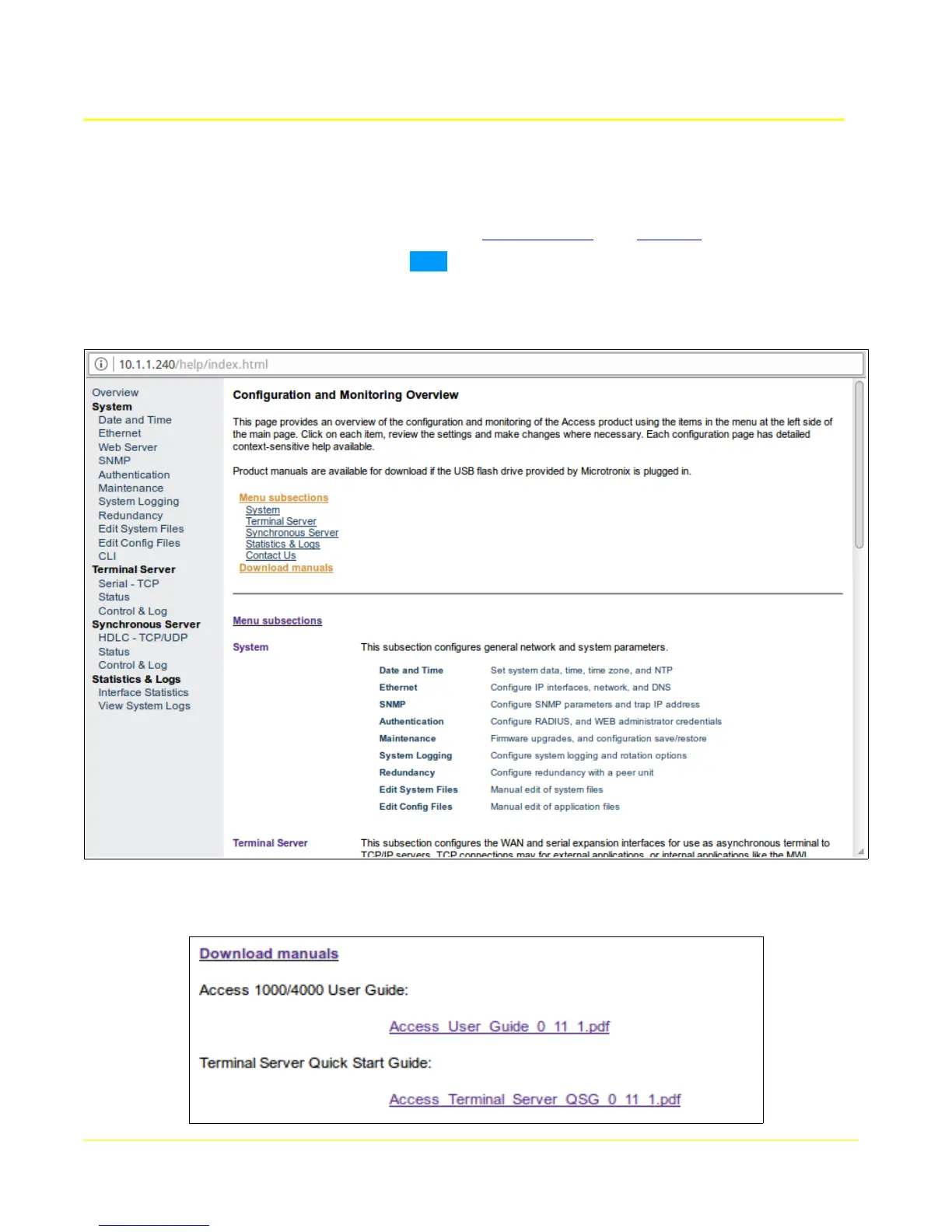
Context-sensitive help is available with the Help button located in the top right of each page. These
contain the most up-to-date information, and should be used in preference to this manual. An overview
is available from the help button on the main page:
If there is a Microtronix USB flash drive installed in the unit, the manuals (including this one) are
available by following the Download manuals link in Menu subsections:
20



 To Next Page