Microtronix Access User Guide
7.3 X.25 Packet Layer
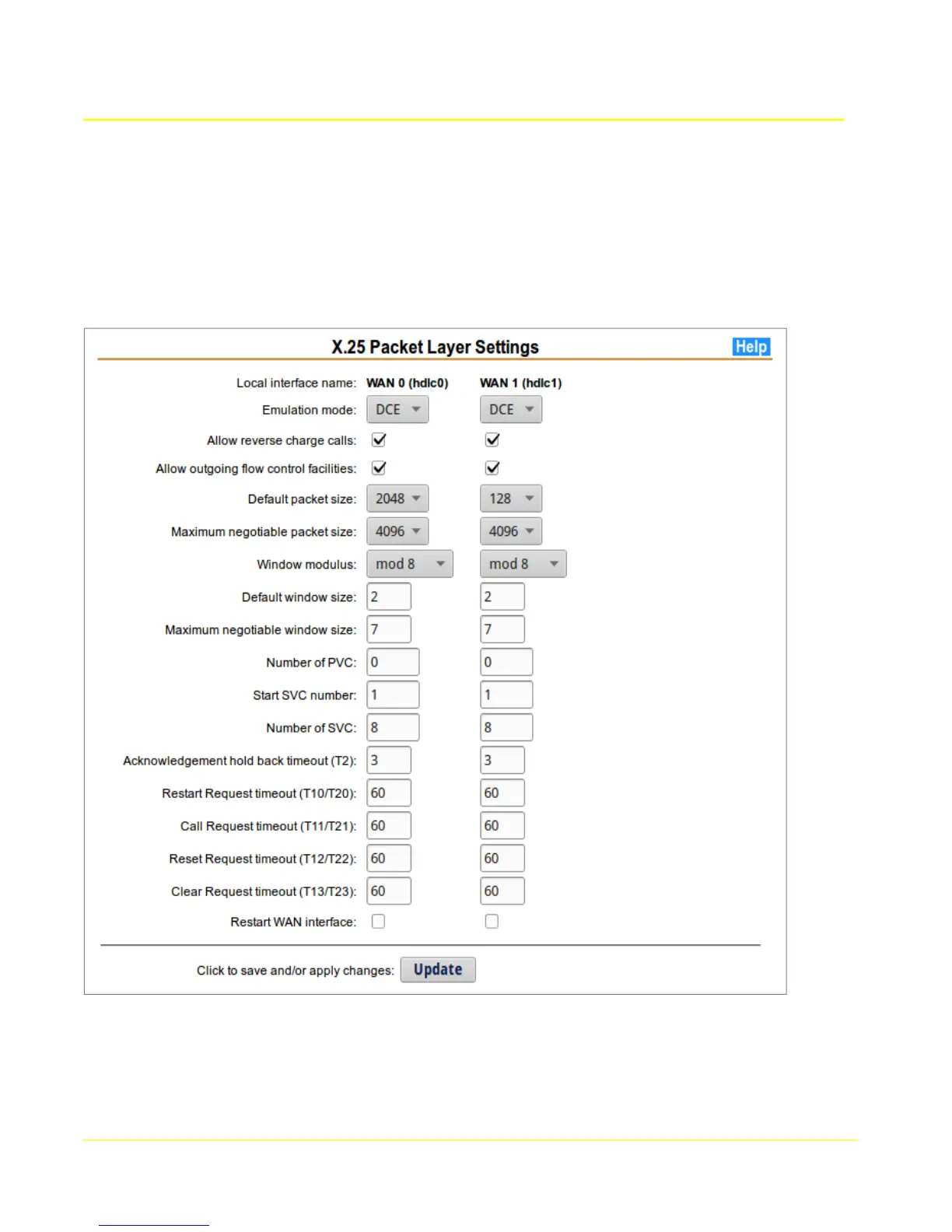
The X.25 configuration page allows any of the X.25 packet layer parameters to be set. The values that
MUST match to the attached peer are the packet & window default sizes, and the number of SVC &
PVC. The Emulation mode (DTE/DCE) is usually set to the opposite of the attached peer, but this is not
mandatory. Other parameters are not usually changed, but can be modified to fine-tune an interface.
7.3.1 X.25 Packet Layer Setup
1. Choose the Local Interface name column for the WAN interface to configure.
2. Modify the parameters to be compatible with the attached device.
53



 To Next Page