Microtronix Access User Guide
11.3 WAN Interface – Asynchronous / Serial Operation
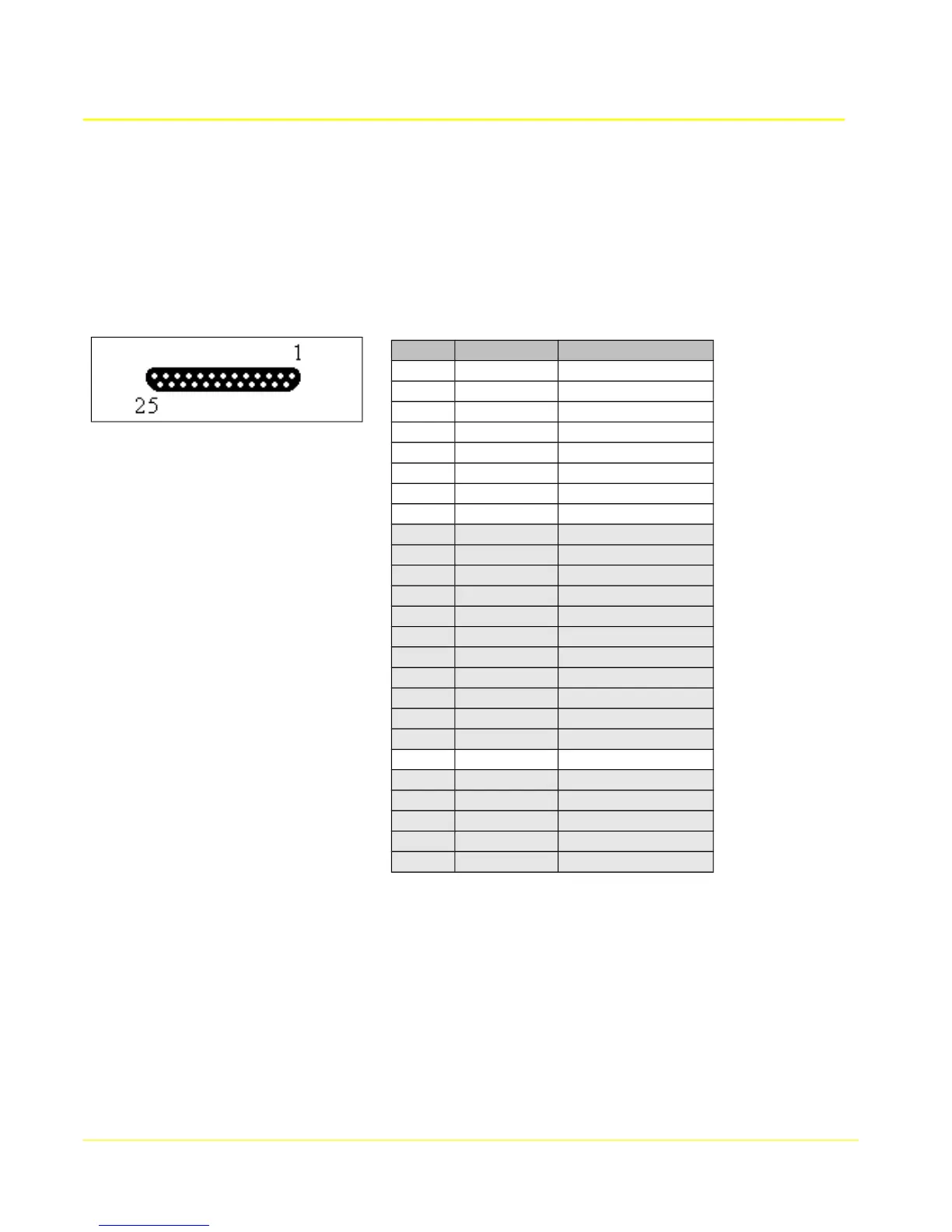
The WAN interface provides RS232 (V.24) in a DB25F connector with standard DCE pin configuration.
When configured for asynchronous / serial operation, the interface names are WAN 0 hdlc0), and WAN
1 (hdlc1) on the Access 4000 model.
The following table shows the RS232 pin configuration of the WAN interface when configured for
asynchronous operation.
11.3.1 Connecting to a DTE Device
The WAN interface is configured as a DCE, so can normally connect to a DTE device using standard
straight through or 9 pin adapter cables.
11.3.1.1 Straight Through Cables
The table shows the pin configurations and connector types of the cables. The first column, DB25M, is
the end of the cable that connects to the WAN interface. The other columns depict the connector and
pin configuration of the other end of the cables connecting to DTE device.
99
Pin # Direction Signal Name
1
--- FG
2
input TxD
3
output RxD
4
input RTS
5
output CTS
6
output DSR
7
--- SG
8
output DCD
9
10
11
12
13
14
15
16
17
18
19
20
input DTR
21
22
23
24
25



 To Next Page