Microtronix Access User Guide
4.6.3 Configuration
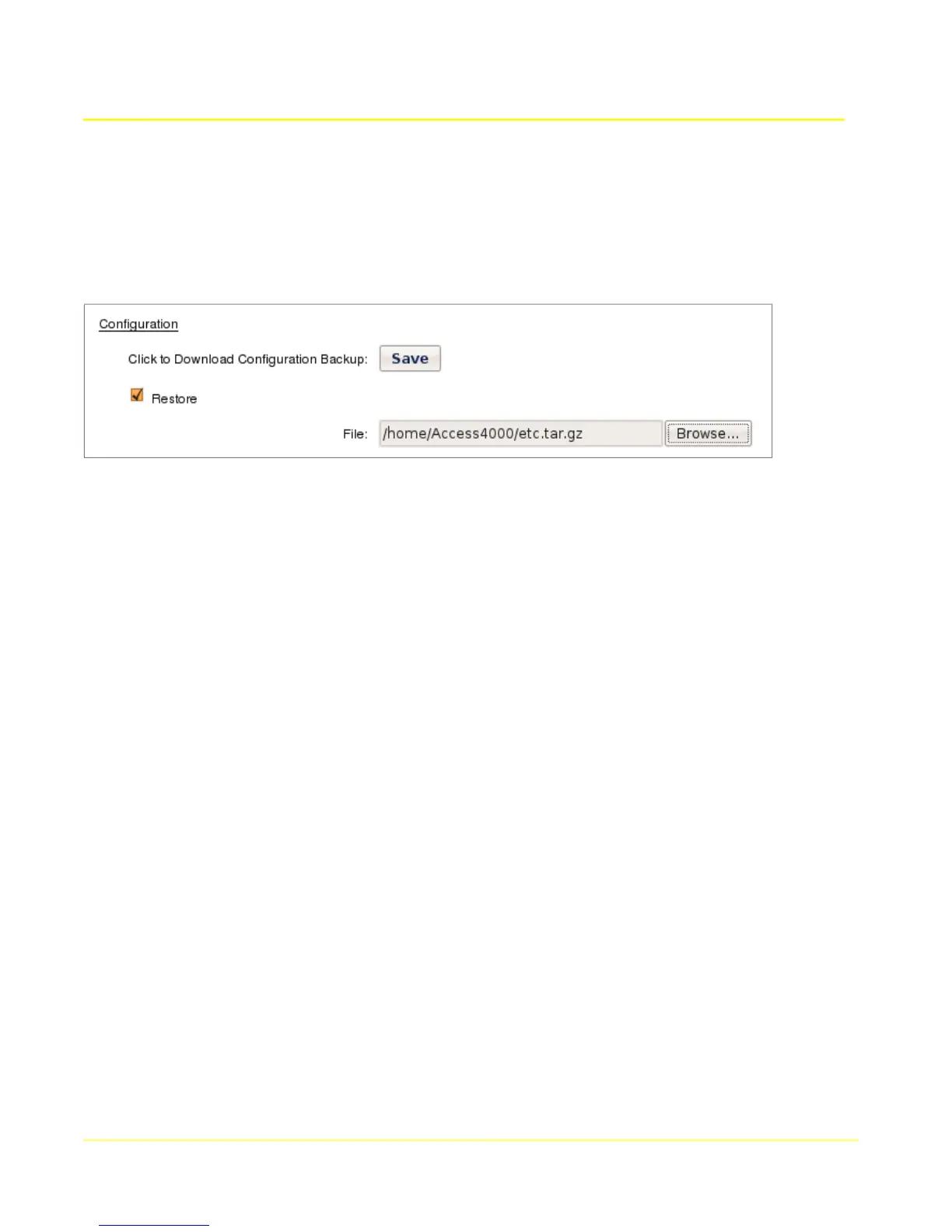
Configuration settings can be downloaded for backup, and then later restored to the Access Gateway.
To download the configuration settings backup file, click the Save button, and choose a location when
prompted. The proper filename for the file is “etc.tar.gz”. If the file or filename is altered by some
mechanism then it may not be useable to restore the configuration at a later date.
To upload a previously downloaded backup, click the Restore checkbox and choose the file using the
File field.
File: Select a previously downloaded configuration backup file to restore the configuration
settings. The file must be named “etc.tar.gz” and be a gzipped tar file for the upload to succeed.
31



 To Next Page