Microtronix Access User Guide
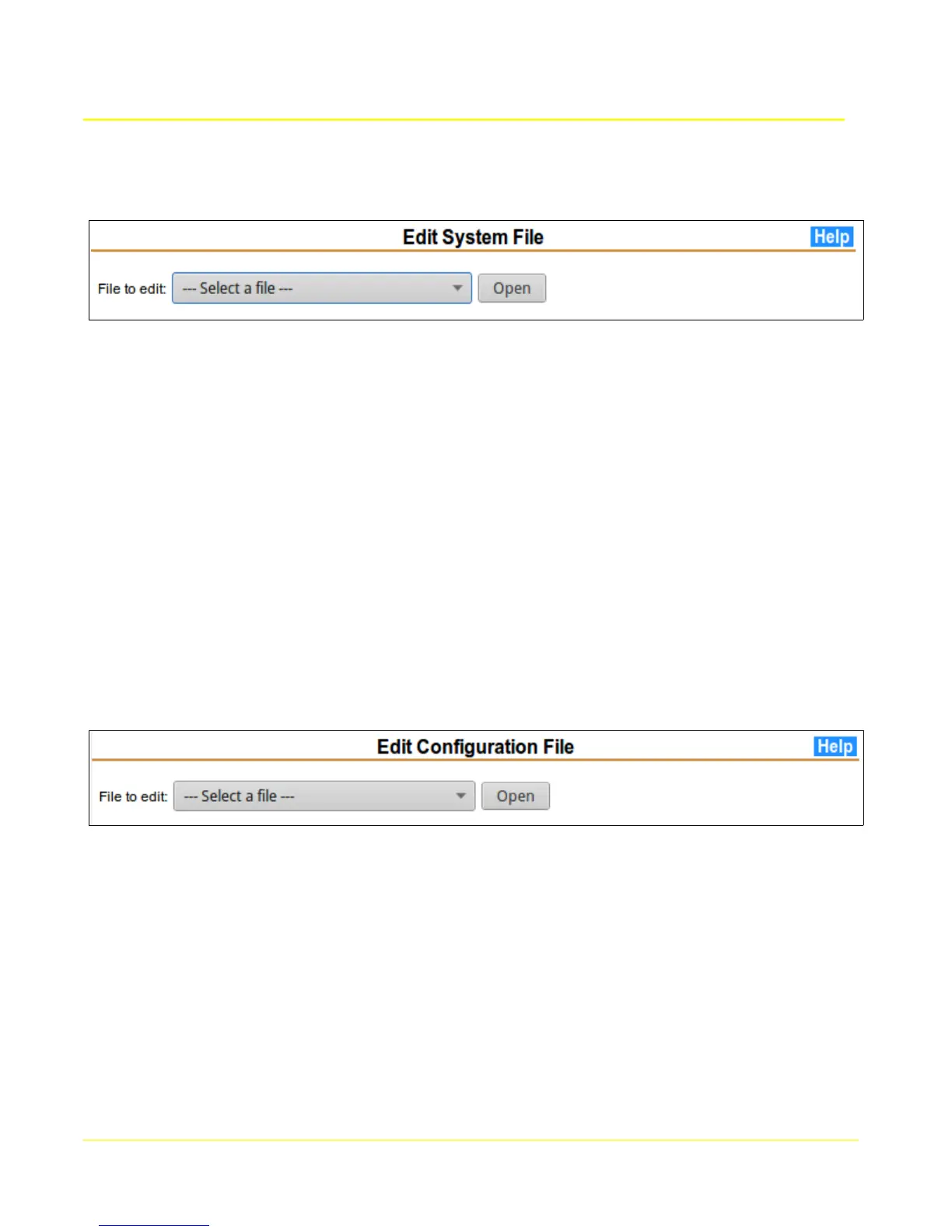
4.9 Edit System Files
This page allows access to system files for advanced settings. This should only be used by
experienced Linux users or with the explicit guidance of a Microtronix support technician. The Help
page provides more details.
Some of the things that may be accomplished are:
● Enable or disable servers like telnet, ssh, httpd, https, etc
● Enable system console on the Console/WAN port or a USB serial adapter port
● Enable NFS file system
● Modify USB file system for non-DOS USB flash drives
● Enable redundancy with a peer unit
● Operating system hardening
Contact Microtronix support with your requested change for instructions on how to accomplish it.
4.10 Edit Config Files
This page allows access to application configuration files for advanced settings. This should only be
used by experienced users or with the explicit guidance of a Microtronix support technician. The Help
page provides more details.
Some of the things that may be accomplished are:
● Modify X.25 interface parameters
● Modify Terminal Server parameters
● Modify Synchronous Server parameters
Saved changes will not take effect until the relevant interface is restarted.
Contact Microtronix support with your requested change for instructions on how to accomplish it.
35



 To Next Page