Microtronix Access User Guide
8.2.4 Remove an Existing Route
1. In the X.25 to TCP Routes table a route may be flagged for removal by selecting the checkbox
provided in the Remove column of the table in the corresponding route row. Multiple routes may be
selected.
2. The route will not be removed until the Save and Apply Changes button has been clicked.
8.2.5 X.25 to TCP Route Parameters
8.2.5.1 Identify inbound X.25 connection
Local interface: Name of the X.25 physical or virtual interface to which the peer X.25 client is
connected (WAN 0, WAN 1, ANY, XOT).
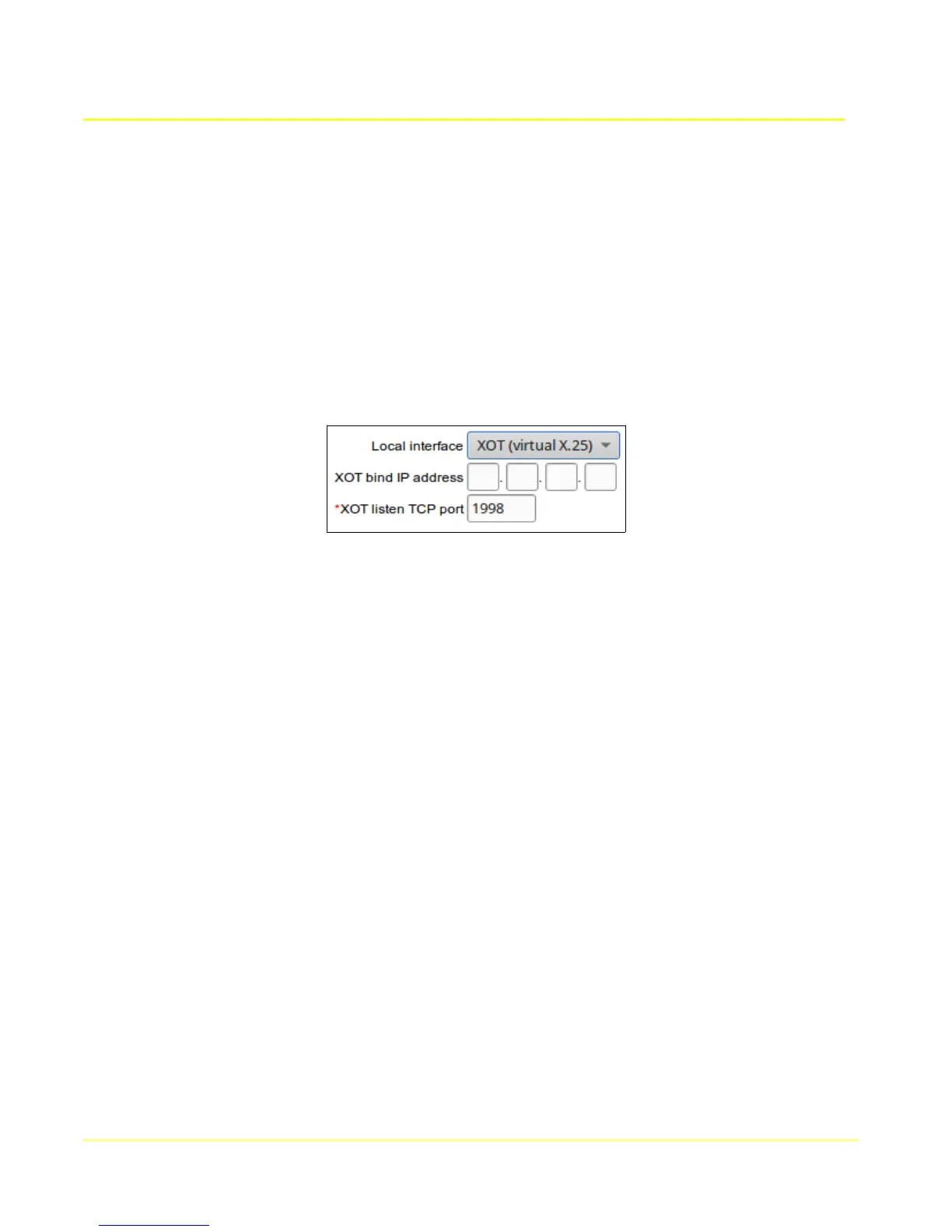
If the peer X.25 device is attached to a remote XOT router, then select “XOT”, and specify the listening
TCP port number in XOT listen TCP port field below.
XOT bind IP address: IP Address of a local IP interface to restrict access.
XOT listen TCP port: The listening TCP port to which a remote XOT peer will connect. The
normal default is port 1998.
X.25 connection type: Type of connection being received: SVC (call request) or PVC (automatic)
Called address: X.121 address expected in the called address field (destination) of a received call
request.
Calling address: X.121 address expected in the calling address field (source) of a received call
request. If the calling address in the call request is absent, it is considered a match regardless, and will
the Calling Address parameter will be inserted into the call request if the destination Conversion Type is
XOT.
Call User Data: User data field to match
Protocol Handler: Specifies the handling of protocols above the X.25 packet layer 3. Currently, X.29 is
the only option available. X.29 does partial handling of X.29 messages contained in Q-bit packets, and
is only effective when Conversion Type RAW, RAW-MBIT, MBIT, RFC1006, RBP, LINE, or IAC-ESC is
selected.
Local LCN: For PVC connection type, specifies the Logical Channel Number to connect.
XOT remote LCN: For XOT conversion type, and PVC connection type: specifies the Logical Channel
Number at the X.25 interface of the remote XOT peer.
XOT remote interface: For XOT conversion type and PVC connection type: specifies the interface
name <in brackets> at the remote XOT peer. For example: <hdlc0>
Window Size: Window size which will be negotiated for the session with the connecting X.25 peer.
Packet Size: Packet size which will be negotiated for the session with the connecting X.25 peer.
Throughput Class: Set the data rate of the DTE/DCE Interface to be negotiated during call setup
69



 To Next Page