Microtronix Access User Guide
4.6 Maintenance
4.6.1 General
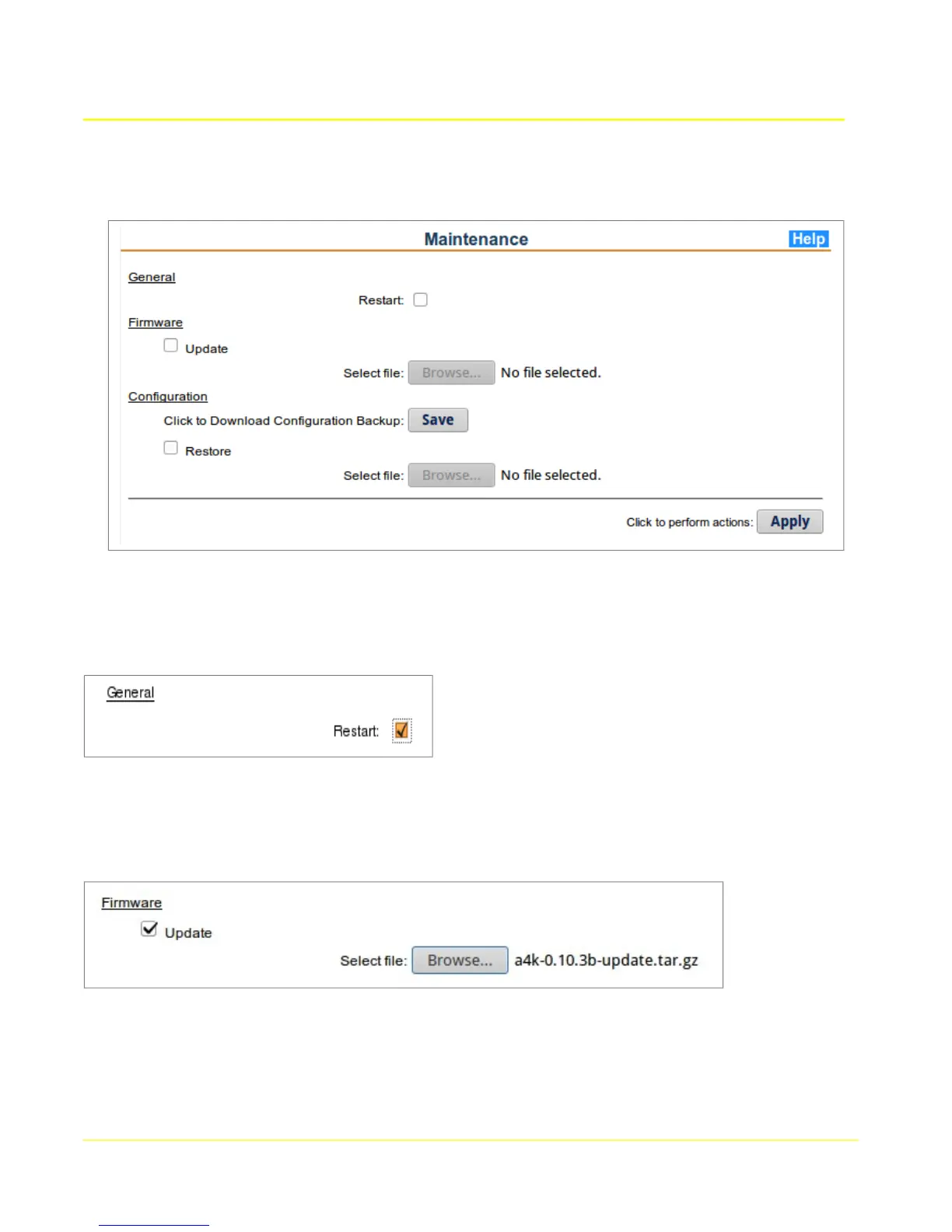
To reboot the Access Gateway, select the Restart box and click Apply. If other maintenance actions
are selected on this page, they will be performed prior to rebooting.
4.6.2 Firmware
To update the firmware (flash image) on the Access Gateway, select the Update box and fill in the
relevant fields.
4.6.2.1 Update Firmware
Select file: To upload a firmware update file, click Update, then click the “Browse...” button to
select the file to upload. The update will occur after the Apply button is clicked.
30



 To Next Page