Microtronix Access User Guide
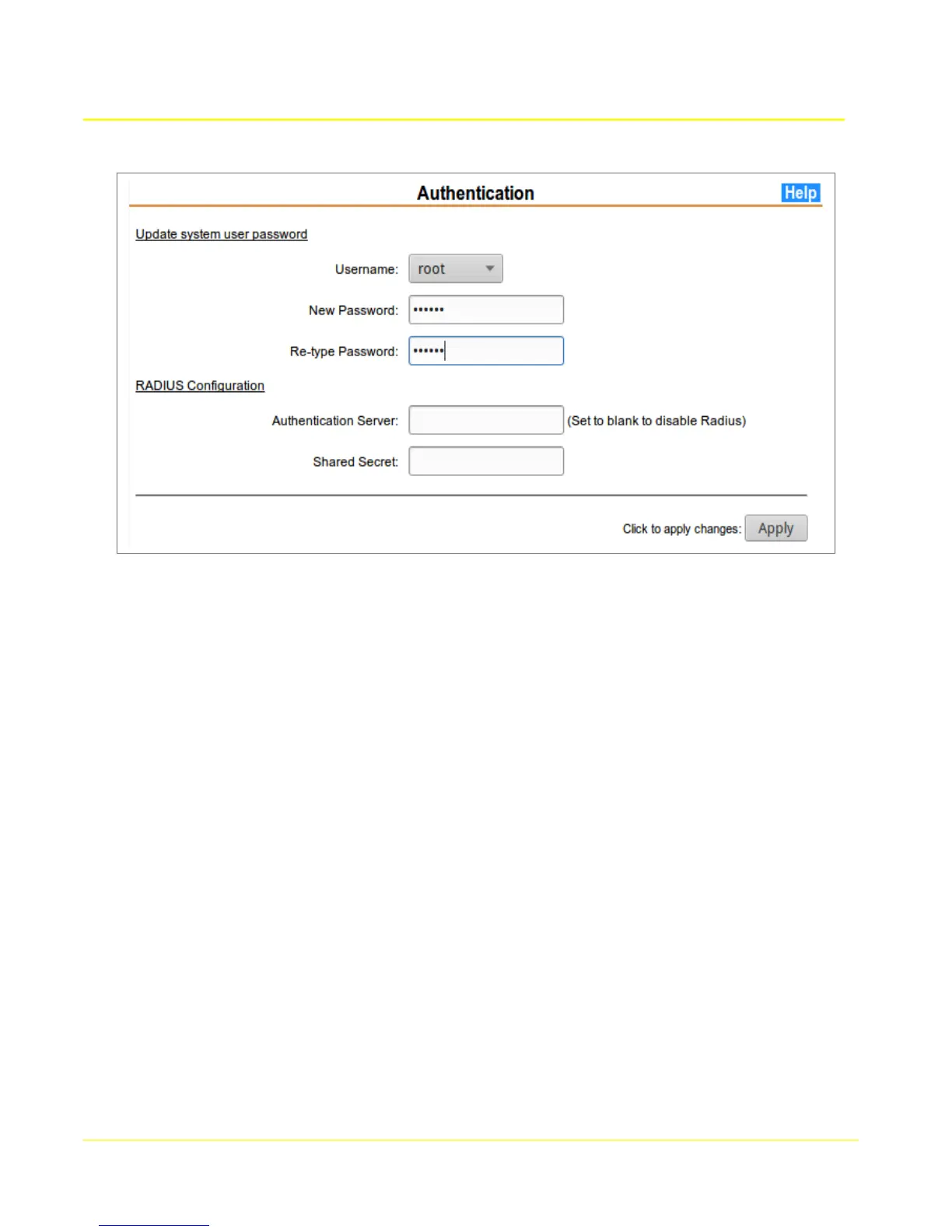
4.5 Authentication
4.5.1 Update system user password
4.5.1.1 Sytsem user Parameters
Username: Select from {root, admin}.
New Password: Enter a password to be used for authentication for the selected user.
New Password (re-enter): Enter the new password a second time for validation.
4.5.2 RADIUS Authentication
To enable authentication through a RADIUS server, select the “Use RADIUS for Authentication” box,
and enter the RADIUS server parameters in the provided fields.
4.5.2.1 RADIUS Parameters
Authentication Server: Enter the server address. To avoid a DNS query it is recommended
that an IP address is used instead of a hostname.
Shared Secret: Enter the shared secret that the RADIUS server will use to validate and encrypt
communication between the client and the server. Whitespace characters in the shared secret
are not supported by the RADIUS client.
29



 To Next Page