Microtronix Access User Guide
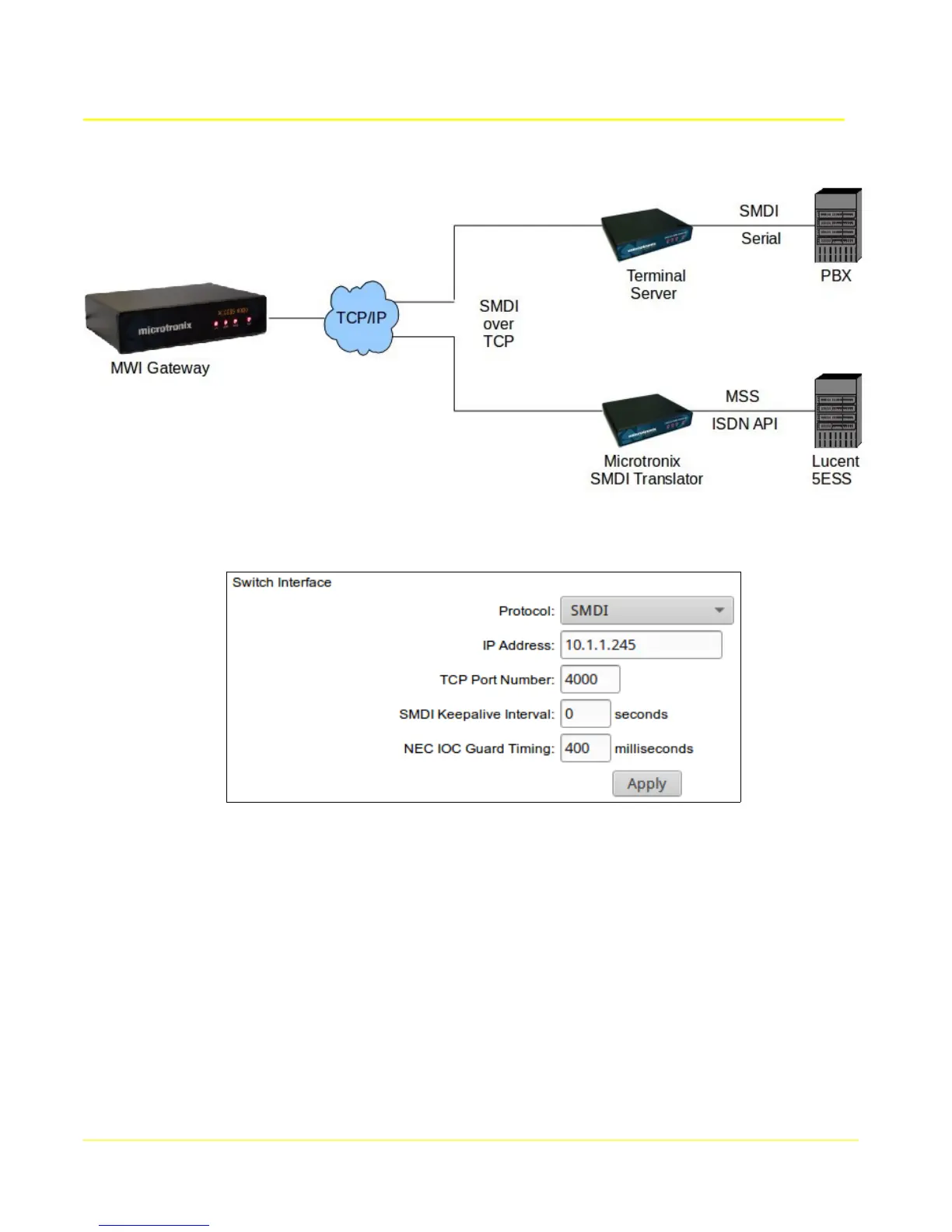
9.4.3.2 Serial Via External Terminal Server or Translator
Select an interface number by clicking it's Select to edit button to display it's configuration in the form.
Select the protocol SMDI or NEC MCI to match the switch interface.
To initiate a connection to the external terminal server's serial interface, configure it's IP address and
port number associated with it's serial interface connected to the switch. The remote terminal server
should be set to listen.
To accept a connection from the remote terminal server, set the IP Address to 0.0.0.0. The terminal
server Remote should be set to the IP address of the MWI Gateway to initiate the connection.
Click the Apply button.
83



 To Next Page