Microtronix Access User Guide
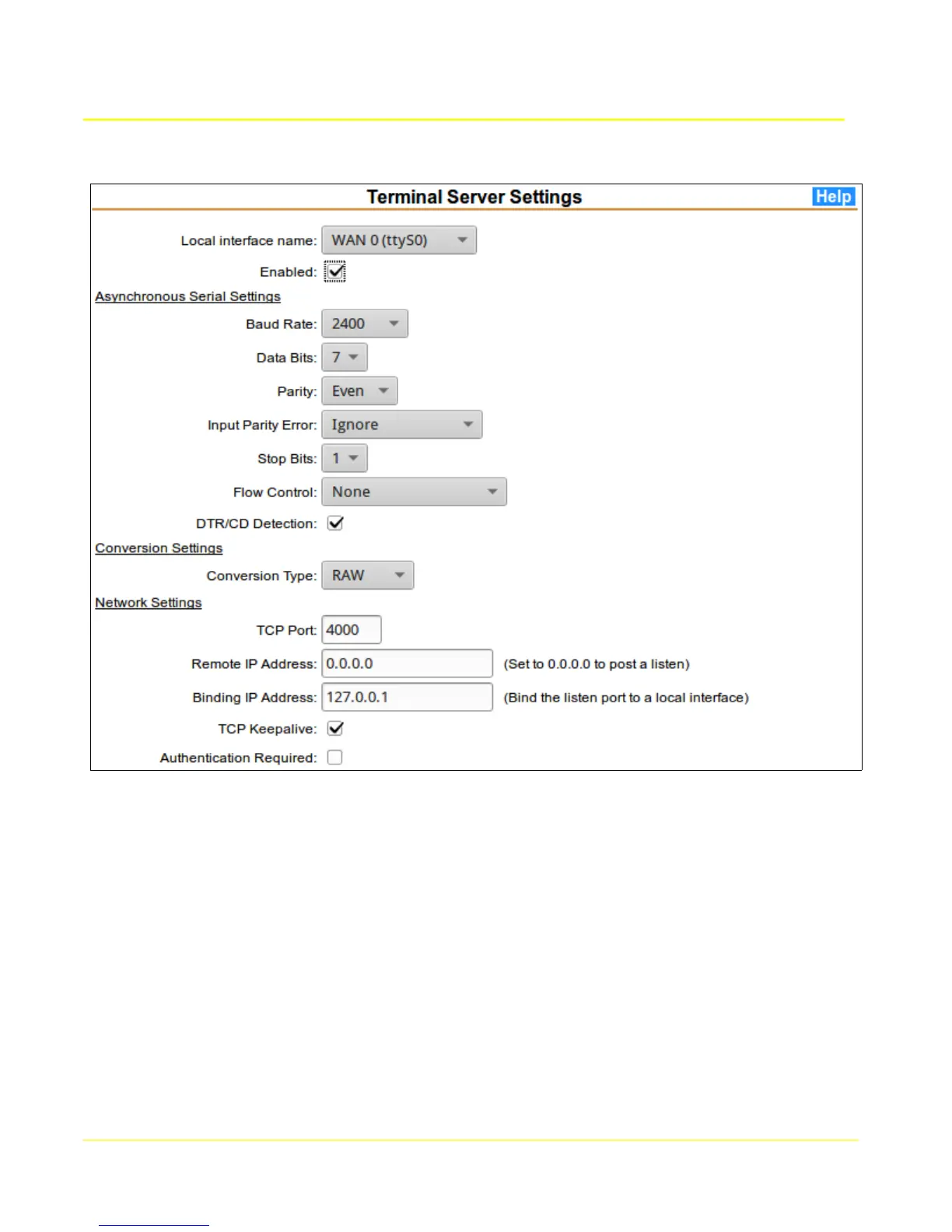
Click on the Serial-TCP link in the Terminal Server menu section to configure the local serial interface
connected to the switch.
Select the local interface connected to the switch and configure the Serial Settings to match the
attached switch interface. Configure a TCP port to match, and set Remote IP address to 0.0.0.0 to
listen for the local connection or 127.0.0.1 to initiate a local connection. Configure the Serial Settings to
match the attached switch interface.
82



 To Next Page