Microtronix Access User Guide
6.2 Status
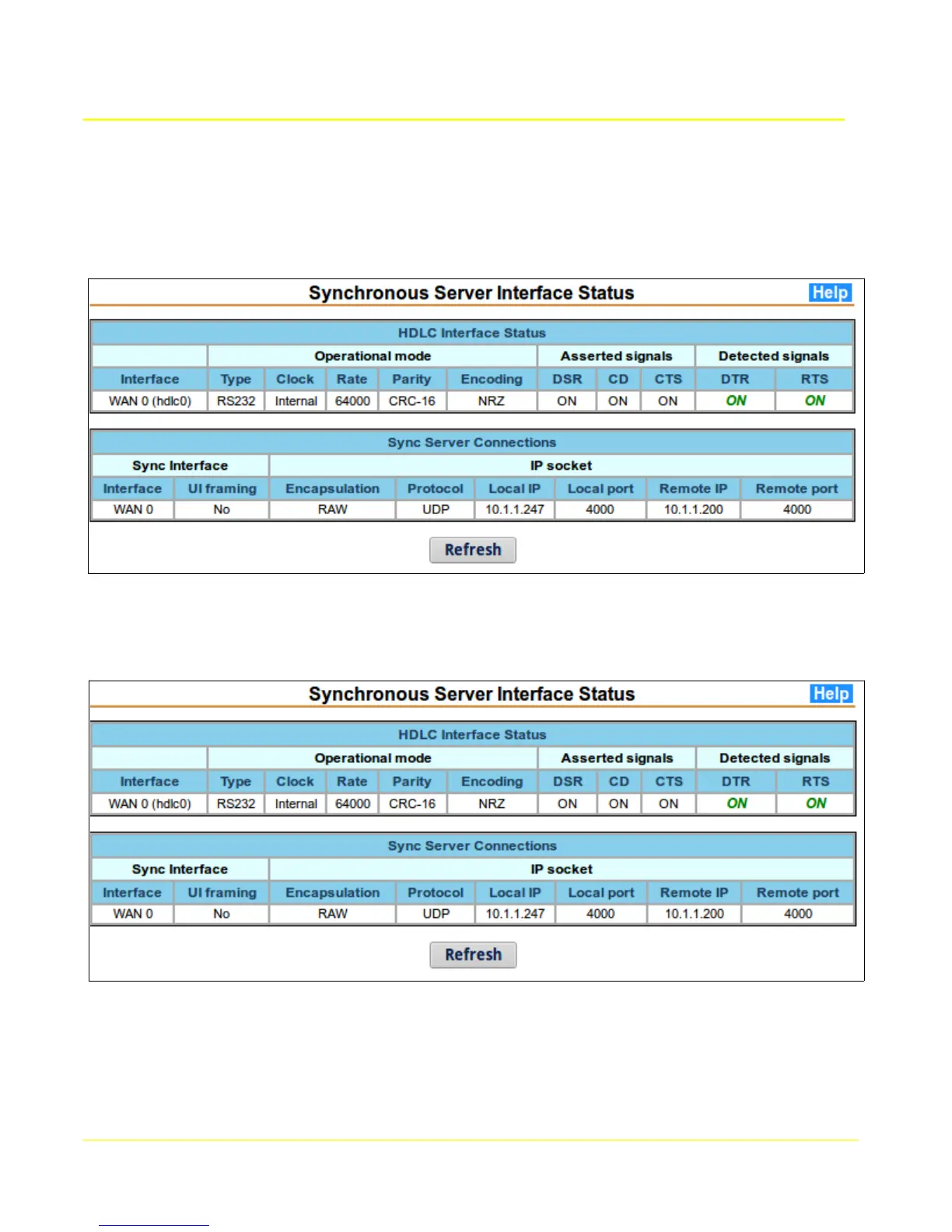
This page provides status information for serial interfaces configured for synchronous/HDLC operation.
This table shows that a connection with a remote TCP client/server has been established.
This table shows that a connection with a remote UDP client/server has been established. Note that
the local and remote UDP port numbers are always the same.
The values in the status display are provided by the running application, and may not necessarily reflect
the configured values. If they do not match, then the Synchronous Server may need to be restarted.
46



 To Next Page