Microtronix Access User Guide
6.3 Control and Log
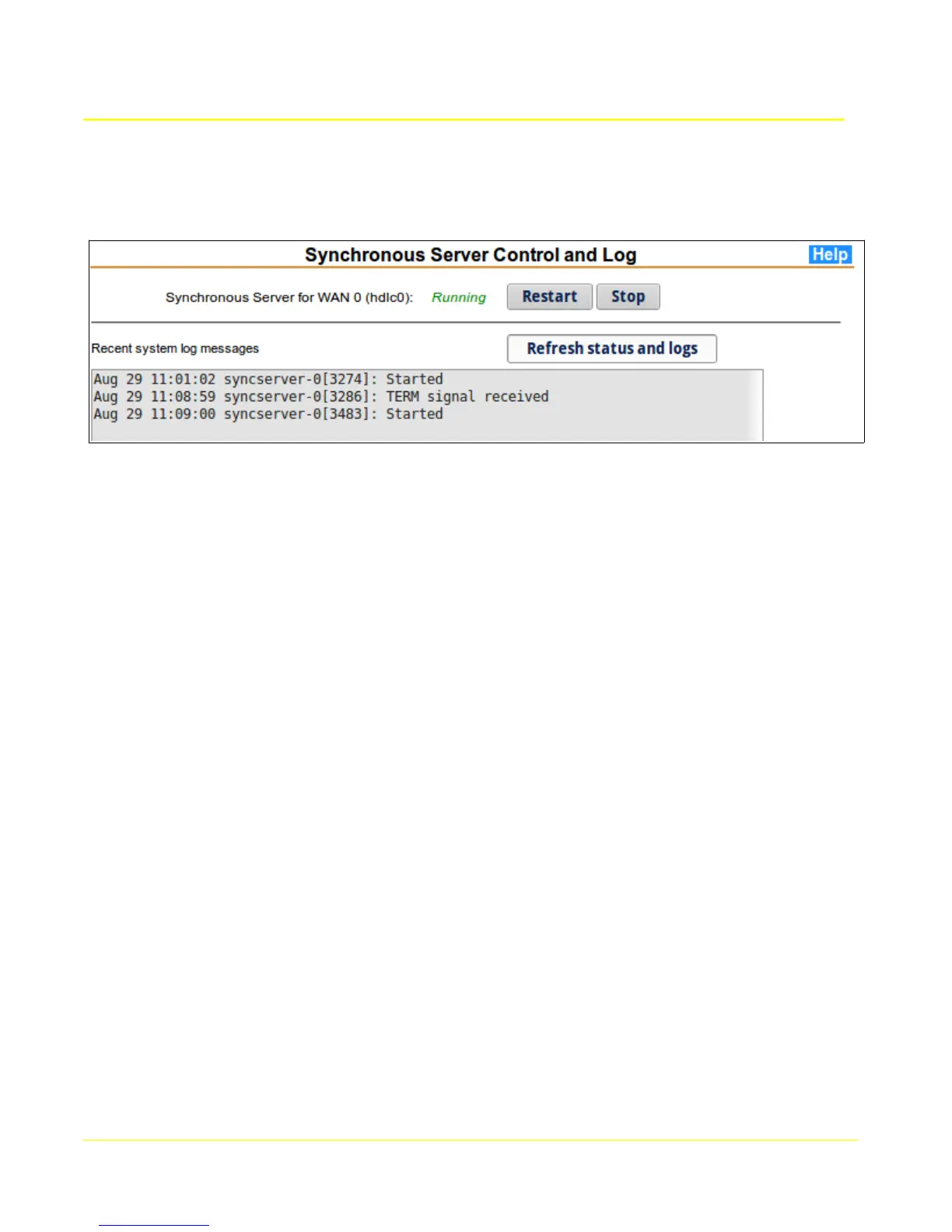
This page provides status and control of synchronous server application. System log messages
pertinent to this application will be displayed.
The current status of the applications are indicated by a Running or Stopped indicator. Stopping or
restarting an application will disconnect any active sessions and the associated TCP and HDLC
communication sockets will be closed.
If the application is stopped, then a Start button will be displayed to start it again. The synchronous
server must be enabled (from the Synchronous Server Configuration pages) in order to be started.
The system log scrolling region shows significant application events since the box was started. If there
are any unusual errors, they will be shown in the log.
48



 To Next Page