Microtronix Access User Guide
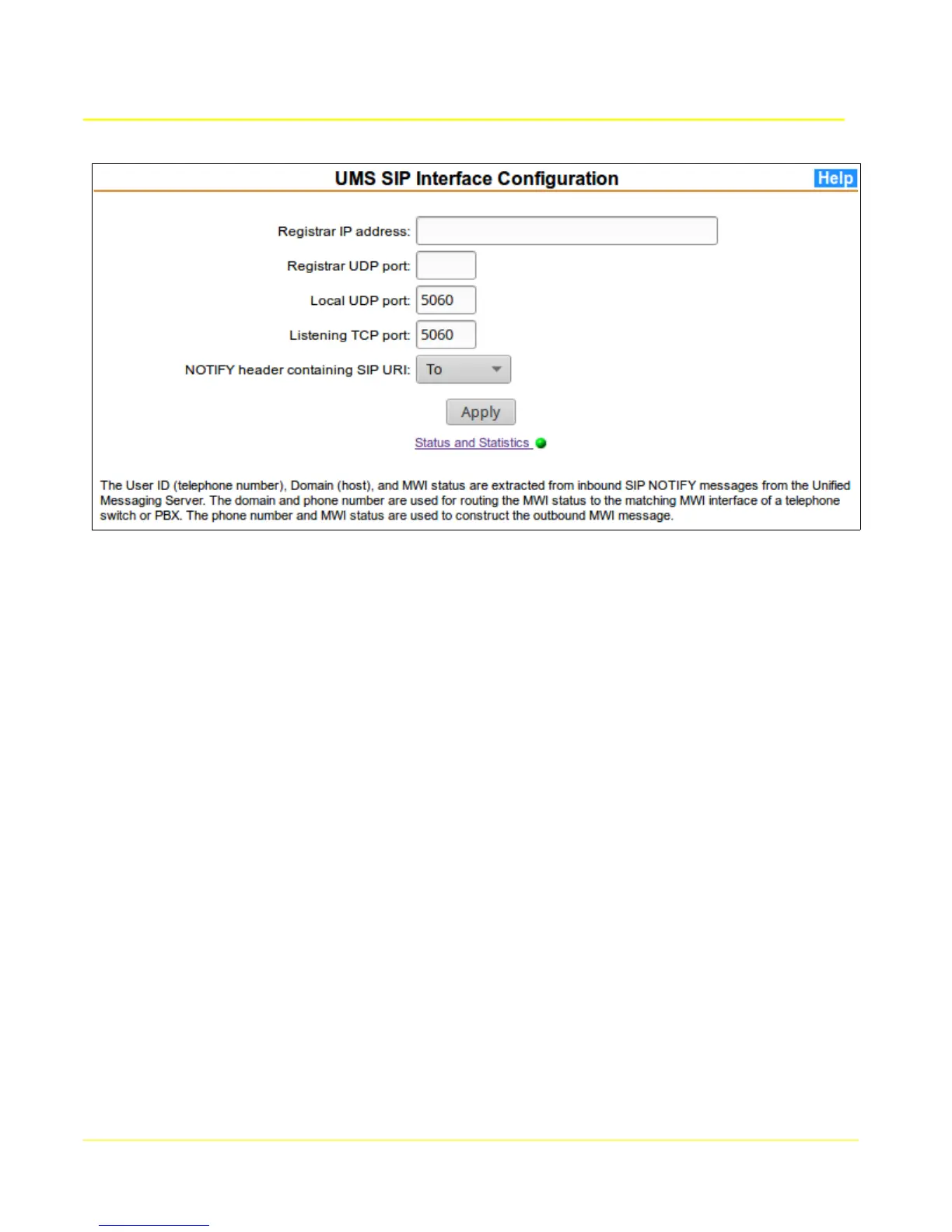
From main menu MWI Gateway section, select UMS SIP Interface to display the configuration form.
If the MWI Gateway needs to register itself, enter the Registar IP address and Registrar UDP port.
To accept incoming SIP Notify messages:
1) Specify the TCP and/or UDP port number to which the UMS interface will connect. The normal
default is port number 5060.
2) Select the SIP NOTIFY header field containing the SIP-URI that will be used for extracting userid
(telephone number) and domain name for routing the MWI message to a matching switch.
Click Apply to commit the settings and restart the application.
For additional information, click the Help button on the page.
The Status and Statistics link displays the current running status of the application with a red or green
indicator. Clicking the link will display the application status and message statistics.
76



 To Next Page