9-8 Patient Data Management
◼ Importing, exporting and sending a report
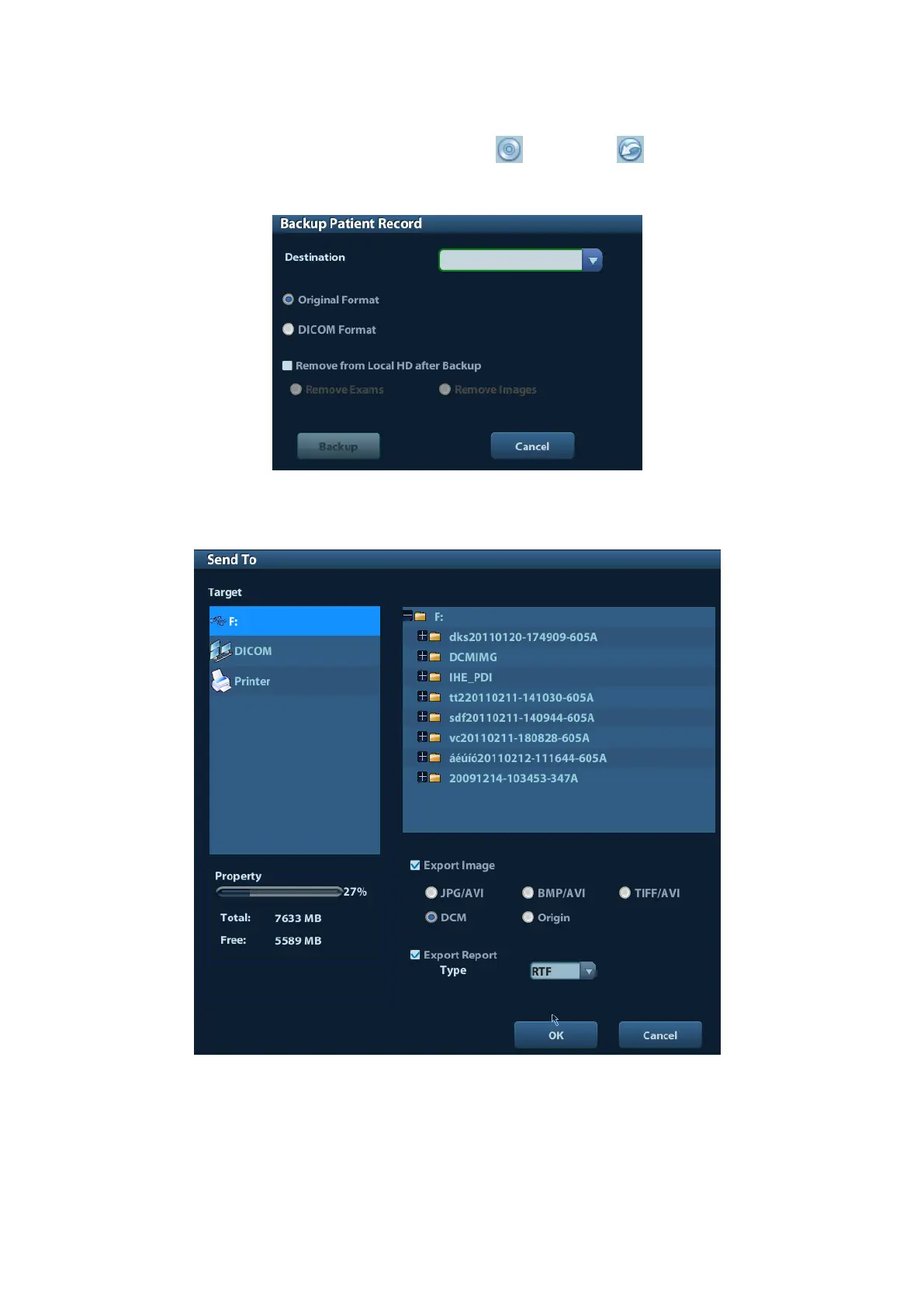
In the iStation screen, select patient data, click (Restore) or (Backup) to import
or export patient information, images and reports from or to an external memory device.
See the following figure:
In the iStation screen, click the Send To arrow; or, in Review screen, click [Send To] to
send patient data to an external memory device, you can choose if reports are exported
with images. See the figure below.
To export the report:
(1) Check “Export Report” on the screen.
(2) Click [OK] to confirm.
You can select paper size for the report in the path: [Setup] → [Print Preset]



 To Next Page