11-8 Setup
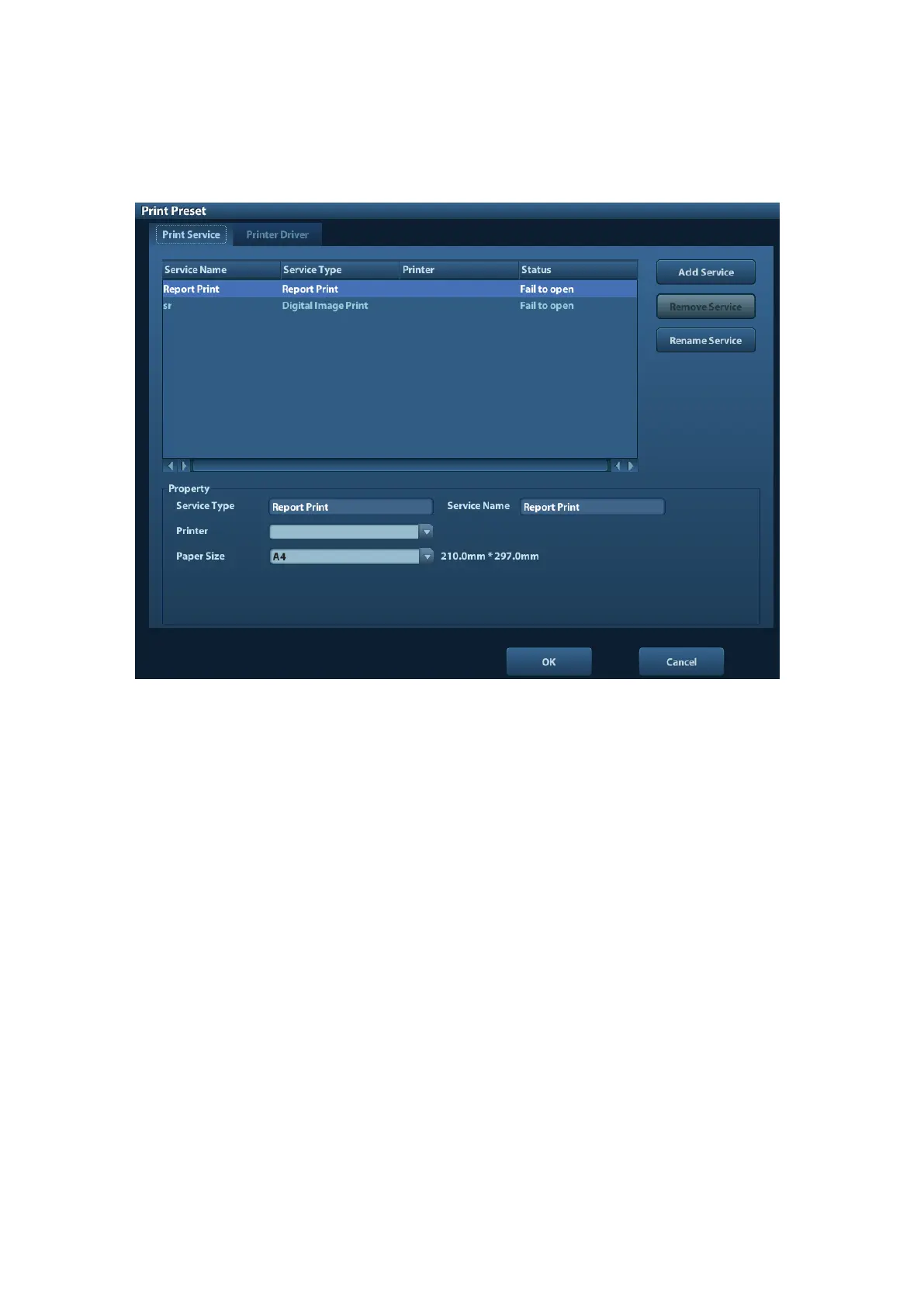
11.4 Print Preset
The settings of a printer include print service and print driver.
⚫ Print Service Setting
Add Service: click to begin print service adding.
Remove Service: click to delete the selected print service.
Rename Service: click to rename the selected print service.
Property: to preset the property of print services.
⚫ Printer Driver Setting
Printers listed in the operator’s manual are all supported by the system, no drive is
required.
Click [Print Driver] page to enter printer driver setting screen:
Display the printer name as well as print status.
You can add printer including network printer.
Check the printer attribute.
For details about DICOM print, please refer to “10 DICOM”.



 To Next Page