Patient Data Management 9-15
2. If [Enable User Account Control] is selected, you need to login before accessing system
data. If unselected, you can access all the data without the authority.
9.7.3 System Login
If [Enable User Account Control] is selected, you can access the data in the system only
after you login the system.
You need to enter user name and password in the following cases:
⚫ Before entering the system
⚫ Changing user
As long as the system is in working status, you can enter the above screens without
inputting user name and password repeatedly. You need to login again after system restart
or dormancy.
◼ Login the system:
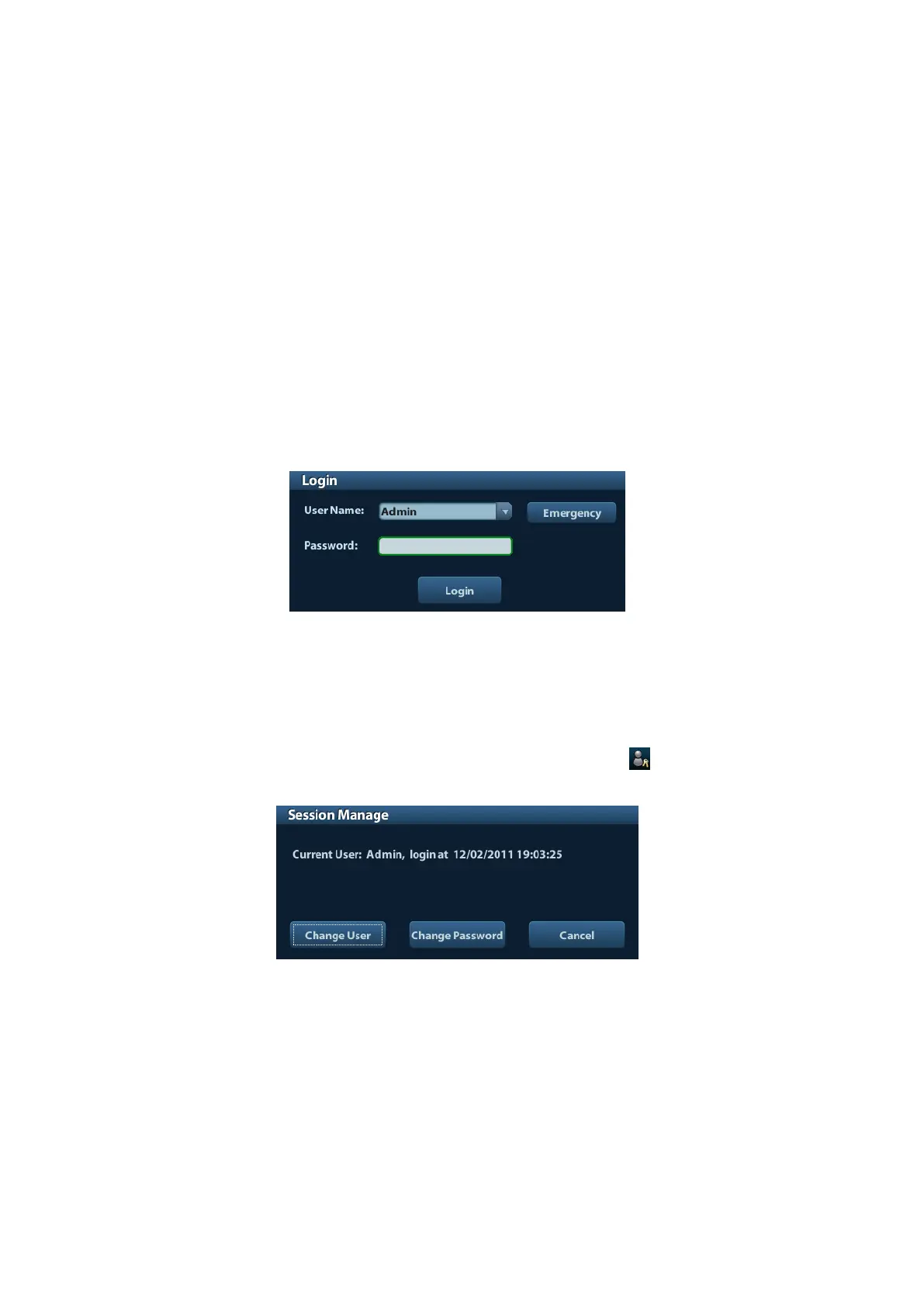
(1) If the system requires you to log on the system before you access the data, you can
see the following dialogue box.
(2) Select the user name in the drop-down list of User Name.
(3) Enter password and click [Login].
For emergency users, click [Emergency] directly to log on.
◼ Changing user
(1) To log out the current user and change to another user, click at the lower right
corner of the screen to pop up the following dialogue box:
(2) Click [Change User] to pop up the Login dialogue box.
(3) Enter the user name and password in the field box.
9.7.4 Add/ Delete a User
The system administrator can add and delete a user, while the operator can’t.



 To Next Page