5-10 Image Optimization
PW mode provides a function for examining flow at one specific site for its velocity, direction
and features.
PW imaging is an option.
5.5.1 Basic Procedures for PW Mode Exam
1. Select a high-quality image during B mode scanning, and adjust to position the area of
interest in the center of the image.
2. Set the user-defined key for PW via the path: [Setup] → [System Preset] → [Key Config].
Press the user-defined key for PW to adjust the sampling line,
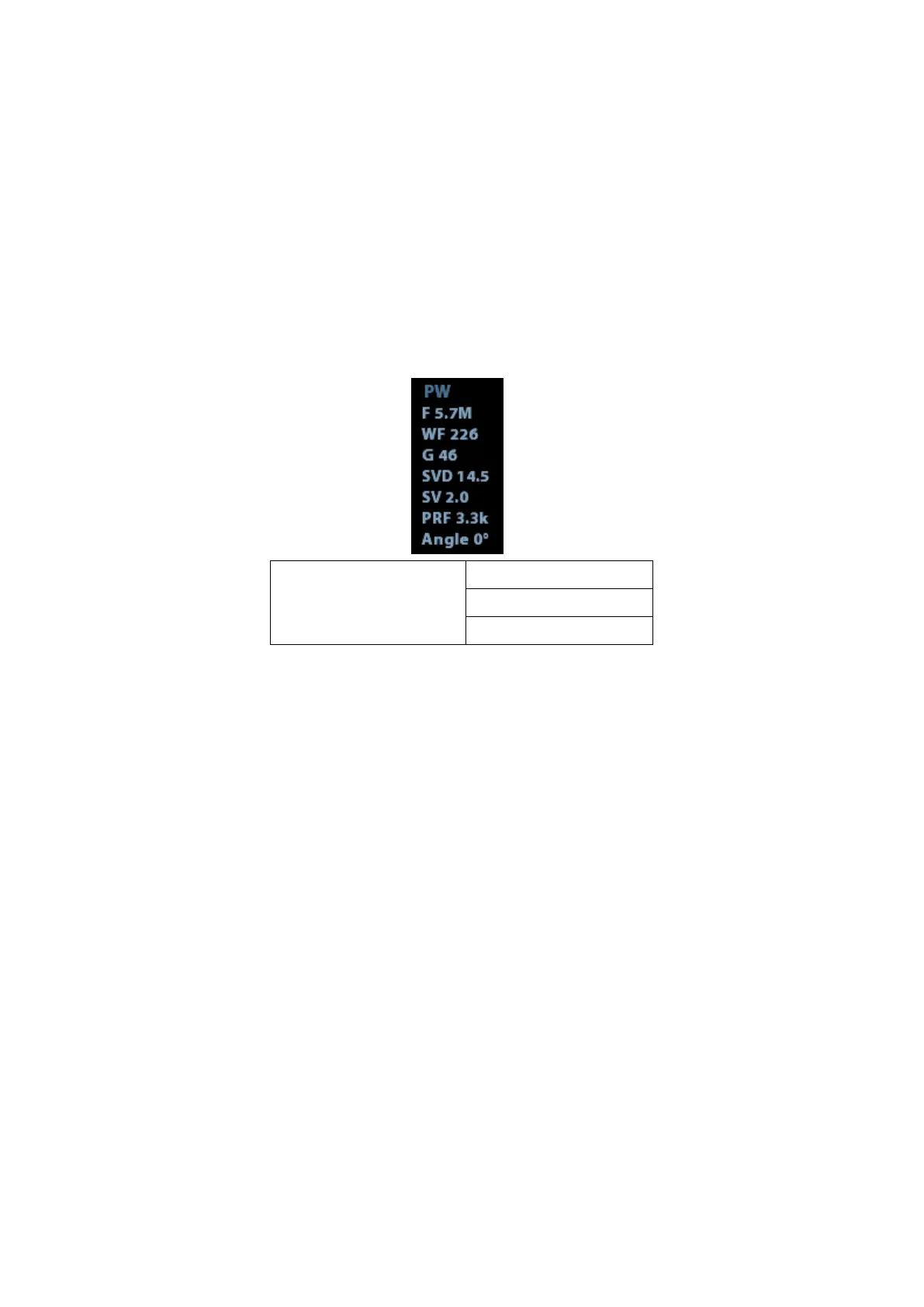
⚫ The sampling status will be displayed in the image parameter area in the top-right
corner of the screen as follows:
3. Set the position of the sample line by moving the trackball left and right. Set the SVD by
moving the trackball up and down. Adjust the angle and SV size according to the actual
situation.
4. Press the user-defined key for PW or <Update> again to enter PW mode and perform
the examination. You can also adjust the SV size, angle and depth in real-time scanning.
5. Adjust the image parameters during PW mode scanning to obtain optimized images.
6. Perform other operations (e.g., measurement and calculation) if necessary.
If “sampling line displaying” is selected, then the screen will display the sampling line all the
time and pressing the user-defined key for PW will lead to entering PW mode directly.



 To Next Page