Battery 13-3
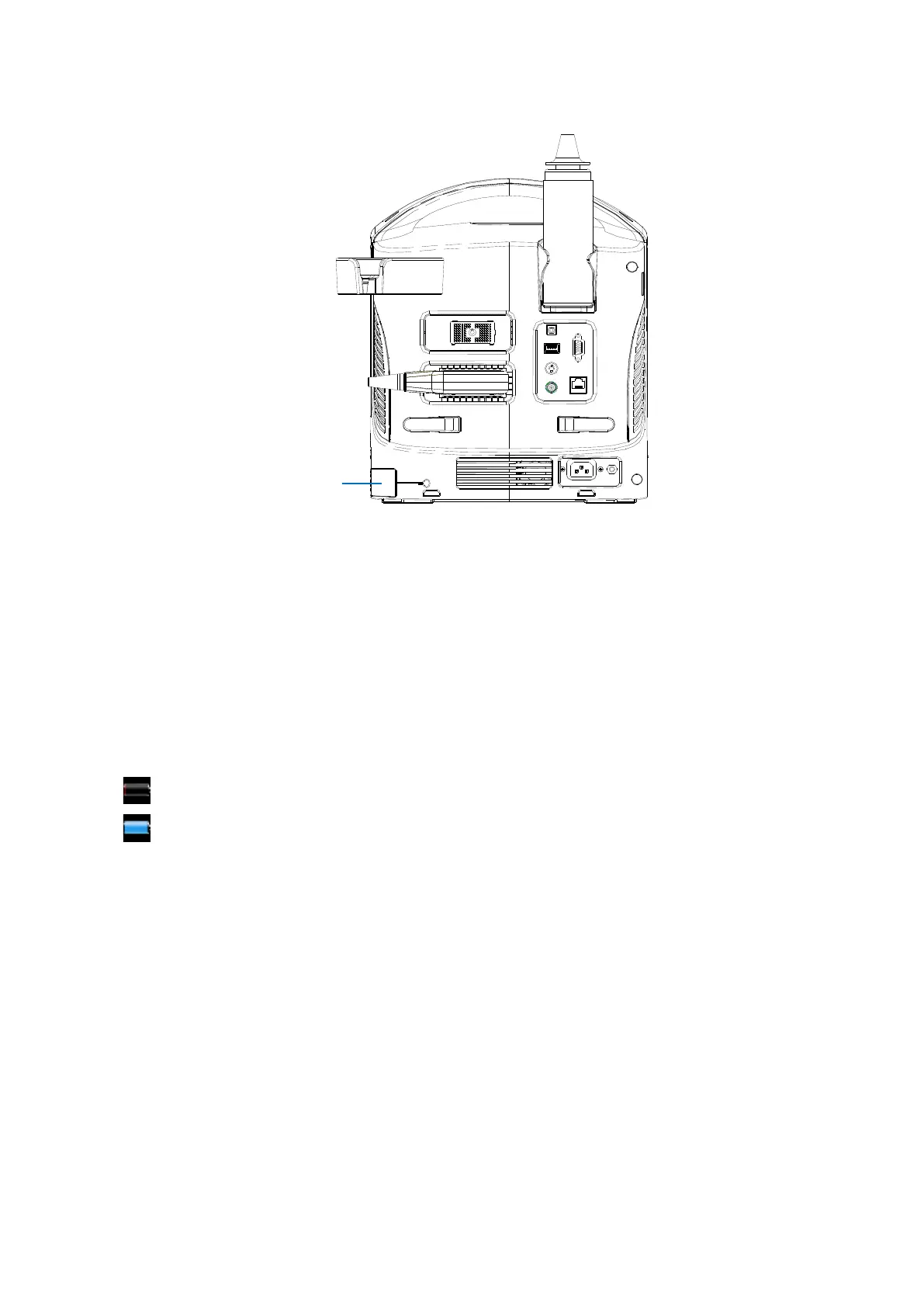
To remove the battery:
1. Turn off the unit and detach the power cord from the main unit.
2. Open the battery cover.
3. Push the battery to left until it’s released.
4. Take out the battery from the bay.
13.4 Battery Status Indicator
The battery status indicator is located in the lower right corner of the screen, indicating the
battery capacity.
: indicates the battery capacity is empty.
: indicates the battery capacity is full.
When the power capacity is not enough, the system will pop up a prompt:
Low battery, please connect with AC power or charge after shutdown.
13.5 Checking Battery Performance
The battery performance may be degraded over time, so you need to check the battery
performance periodically. The checking procedures are shown as follows:
1. Stop the ultrasound exam.
2. Connect the system to the AC power supply to charge the batteries until current
capacity is full.
3. Disconnect the system from the AC power supply to power the system by the batteries
until the system automatically shuts down.
4. The powering time of the batteries indicates the battery performance.



 To Next Page