Display & Cine Review 6-5
Tips: you can perform cine review on each image window in the dual/ quad splitting
mode.
6.2.3 Cine Review in M/PW Mode
After entering the cine review of M/PW mode, rolling the trackball will display the cine
images on the screen one by one.
Roll the trackball to the left, the review progress slider moves to the left, the images moves
to the right, and the earlier stored images are invoked. Whereas, roll the trackball to the right,
the review progress slider moves to the right, and the images move to the left, the recently
stored images are invoked. When you review the images until the earliest or the latest frame,
further rolling the trackball will display the last or first frame.
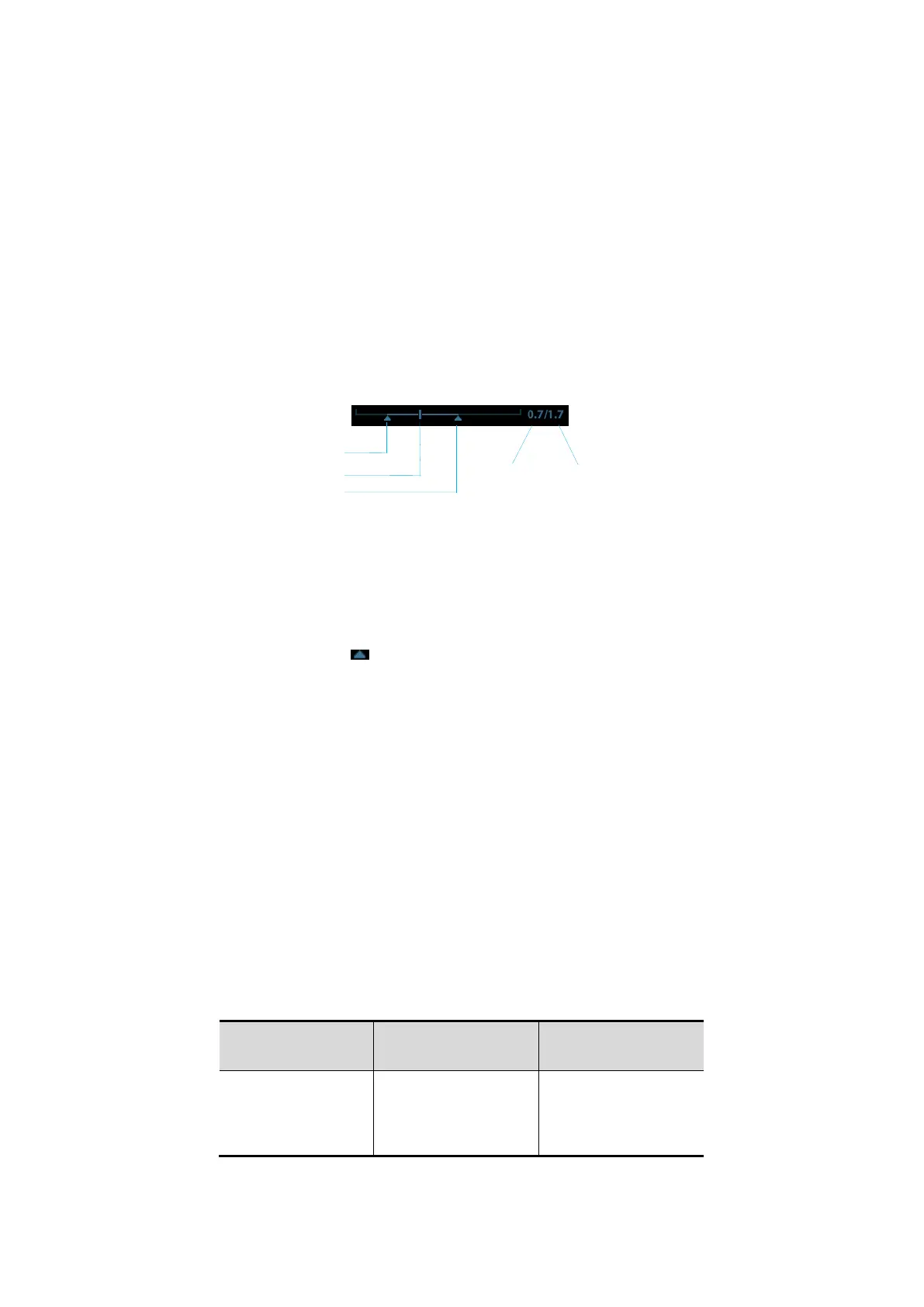
The cine progress bar at the bottom of the screen (as shown in the figure below):
Cine review operations are the same as those of 2D mode.
6.2.4 Linked Cine Review
The linked cine review refers to review of the images captured at the same moment.
There displays the frame mark on the time mark of M image indicating the current 2D
image.
In dual or quad split display mode, you can only review images of the current active window,
use <Dual> or <Quad> to switch the window.
6.3 Cine Memory
6.3.1 Cine Memory Split
In this system, the system always splits the cine memory into two parts, even if in the single-
B window. You can press <B> key to switch and display the images in either memory to
compare images.
The memory capacity is evenly distributed as per splitting number, as shown in the following
table (Taking B images in low density as an example, the capacity of B cine memory is N
frames):



 To Next Page