EasyManua.ls Logo

Mindray DP-20 - Symbols

Mindray DP-20
205 pages
Print Icon
To Next Page IconTo Next Page
To Previous Page IconTo Previous Page
Loading...
System Overview 2-11
No.
Name
Description
Function
36.
Back
/
Press to return to the previous operation or
delete the previous item.
37.
/
Trackball
Roll the trackball to change the cursor position.
38.
Set
/
Used in selection.
39.
Gain/ iTouch
/
Rotate: to adjust B or M gain
Press: to enter/ exit iTouch
40.
Save
/
Press to save, user-defined key
41.
Print
/
Press to print: user-defined key.
42.
Freeze
/
Press to freeze or unfreeze the image.
43.
/
Indicator 1
AC indicator
44.
/
Indicator 2
Battery status indicator
45.
/
Indicator 3
Reserved.
46.
/
Indicator 4
HDD status indicator
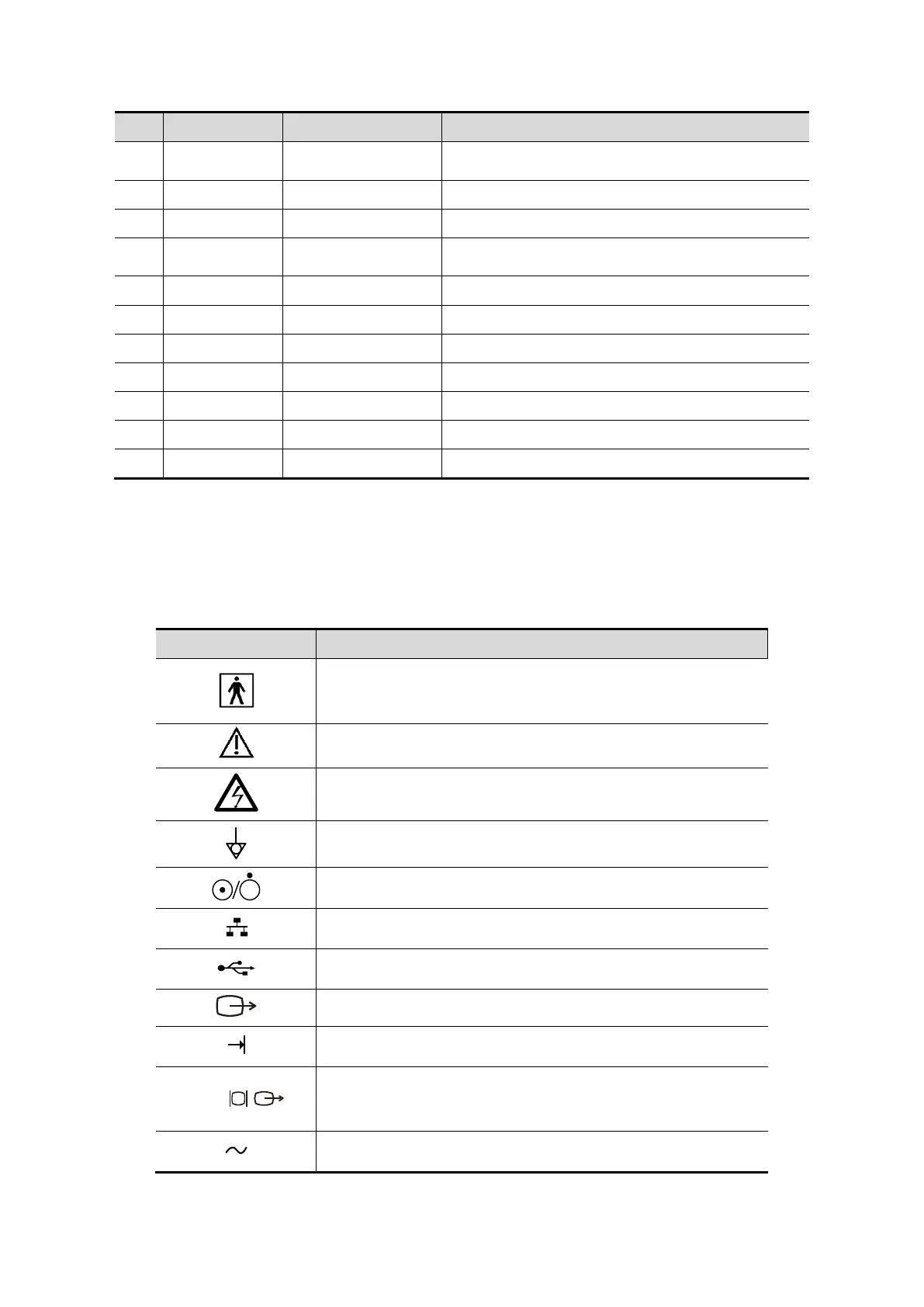
2.7 Symbols
This system uses the symbols listed in the following table, and their meanings are explained
as well.
Symbol
Description
Type-BF applied part
Caution
Dangerous voltage
Equipotentiality
Power button
Network port
USB ports
Video output
Remote control port
VGA
VGA signal output
AC (Alternating current)

Table of Contents

Related product manuals