Probes and Biopsy 12-25
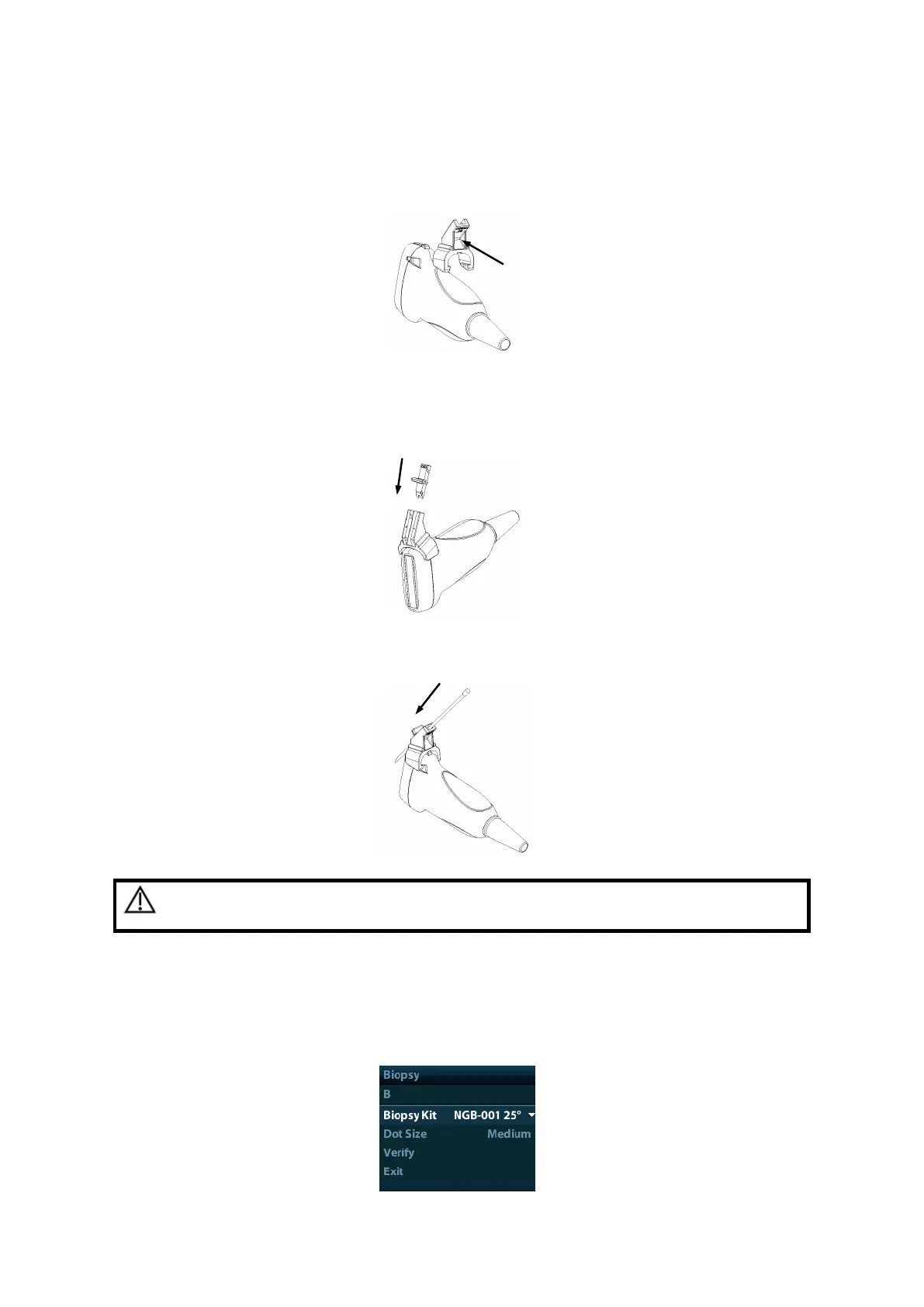
2) Hold the transducer by one hand, select proper needle-guided bracket, and
hold it with the other hand. Align the narrow end tab of the needle-guided
bracket with the groove of the transducer, then push the needle-guided bracket
forward, making the tabs and the grooves of the needle-guided bracket to
match with the grooves and tabs of the transducer.
3) Check manually to confirm that the needle-guided bracket is securely installed
on the transducer.
4) Select a proper guiding block and push it into the groove above the angle block,
and clamp it tightly.
5) Insert a biopsy needle with the same specification as that of the guiding block
into the hole of the guiding block.



 To Next Page