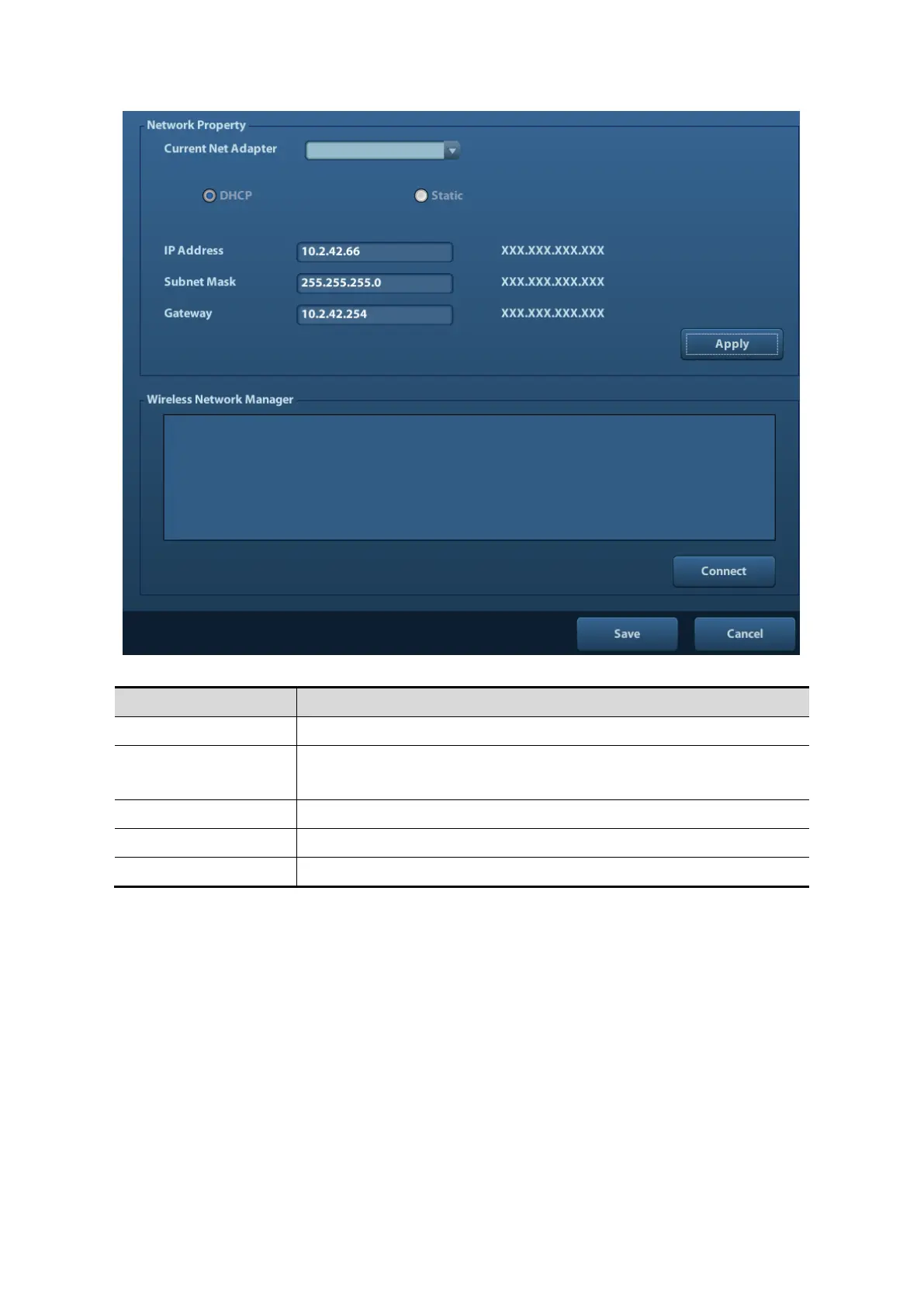
DHCP: IP address will be automatically obtained from DNS server;
Static: you need to enter the IP address.
Note:
⚫ The IP address of the system should not be occupied by other devices in the network,
or the DICOM function will fail.
⚫ After you changed “Station Name”, you need to restart the system to make the setting
effective (press the power button and select “Shut Down” and restart the system after
a while).
10.1.2 DICOM Preset
To set the DICOM service and server properties.
1. Press <Setup> to enter the [Setup] menu.
2. Select [DICOM Preset].



 To Next Page