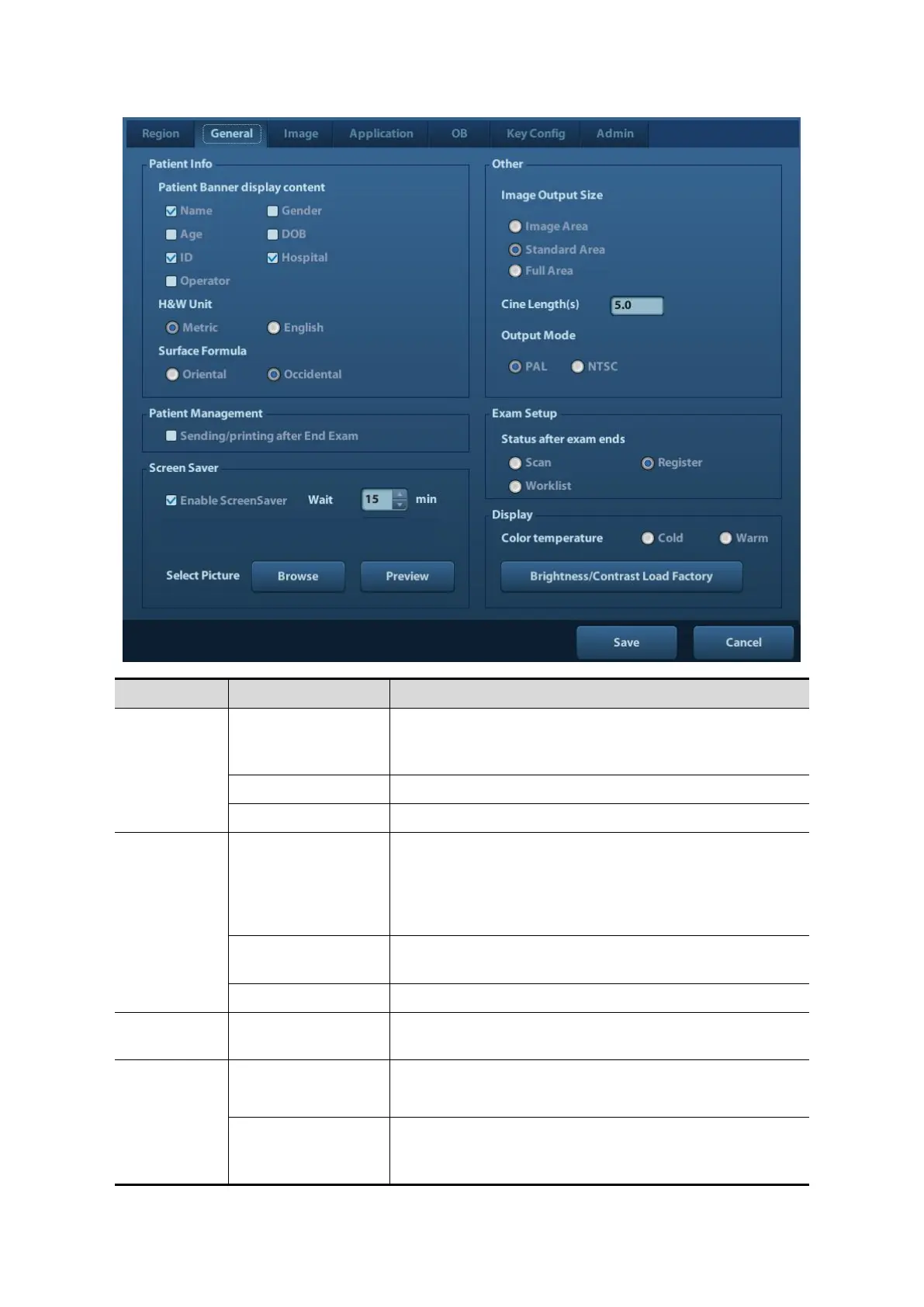
Info displays in
image banner
To select if to display the following patient information
on the image banner: Gender, Age, Operator, ID,
Name, Hospital
To set the unit for patient height and weight.
To set the surface formula.
To set the size for a stored image:
Image Area
Standard Area
Full Screen
Sending/printing
after End Exam
Select if to automatically archive the exam data to
DICOM server for storage/print.
To enable screen saver function, and select the waiting
time until screen saver.
After screen saver function is enabled, click [Browse] to
select the figure used for screen saver, and click
[Preview] to see the effect.



 To Next Page