PRELIMINARY
miniDSP Ltd, Hong Kong / www.minidsp.com / Features and specifications subject to change without prior notice 18
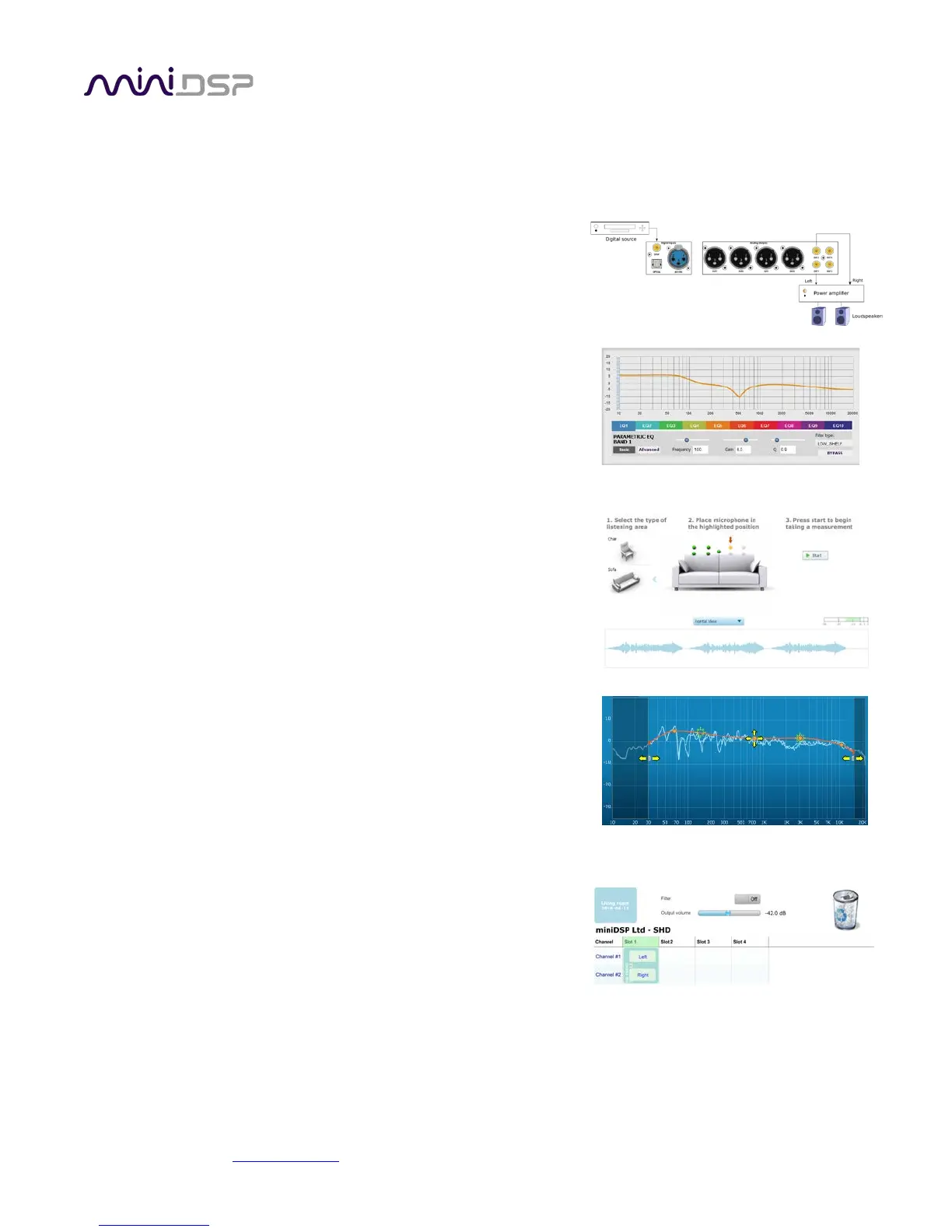
3.2 CONFIGURATION STEPS WITH ADVANCED/BACK-END PROCESSING
The steps for configuring SHD Series processor for applications such as subwoofer integration in addition to
Dirac Live® room correction are summarized as follows:
1. Connect the SHD Series processor into your system and install
software. See Sections 4 and 5.
2. Configure back-end processing with the SHD plugin. This sets up
individual control of each output channel in order to (for
example) integrate a subwoofer or implement an active
speaker. See Section 8.
3. Run a series of acoustic measurements using the Dirac Live
Calibration Tool for miniDSP program, to capture the acoustic
behavior of your speakers and room. See Section 6.
4. Generate digital room correction filters that will be executed by
the SHD Series processor. Up to four filter sets can be
downloaded into the processor for easy real-time recall and
auditioning. See Section 7.
5. Once the digital room correction filters are designed and
downloaded, the computer can be disconnected for normal
listening. Or, use it to stream audio over USB to the SHD
Series processor.



 To Next Page