PRELIMINARY
miniDSP Ltd, Hong Kong / www.minidsp.com / Features and specifications subject to change without prior notice 77
10.3 FIRMWARE UPGRADE
miniDSP may occasionally provide an upgrade to the processor’s MCU firmware to enable new features. To
upgrade the MCU firmware, first download and install the latest version of the SHD plugin from the User
Downloads section of the miniDSP website.
DO NOT DISCONNECT THE USB CABLE OR POWER FROM THE PROCESSOR WHILE FIRMWARE UPGRADE
IS IN PROGRESS. DOING SO MAY “BRICK” YOUR PROCESSOR.
10.3.1 Windows
1. Connect the PROCESSOR to your computer via USB (if not already connected) and power it on.
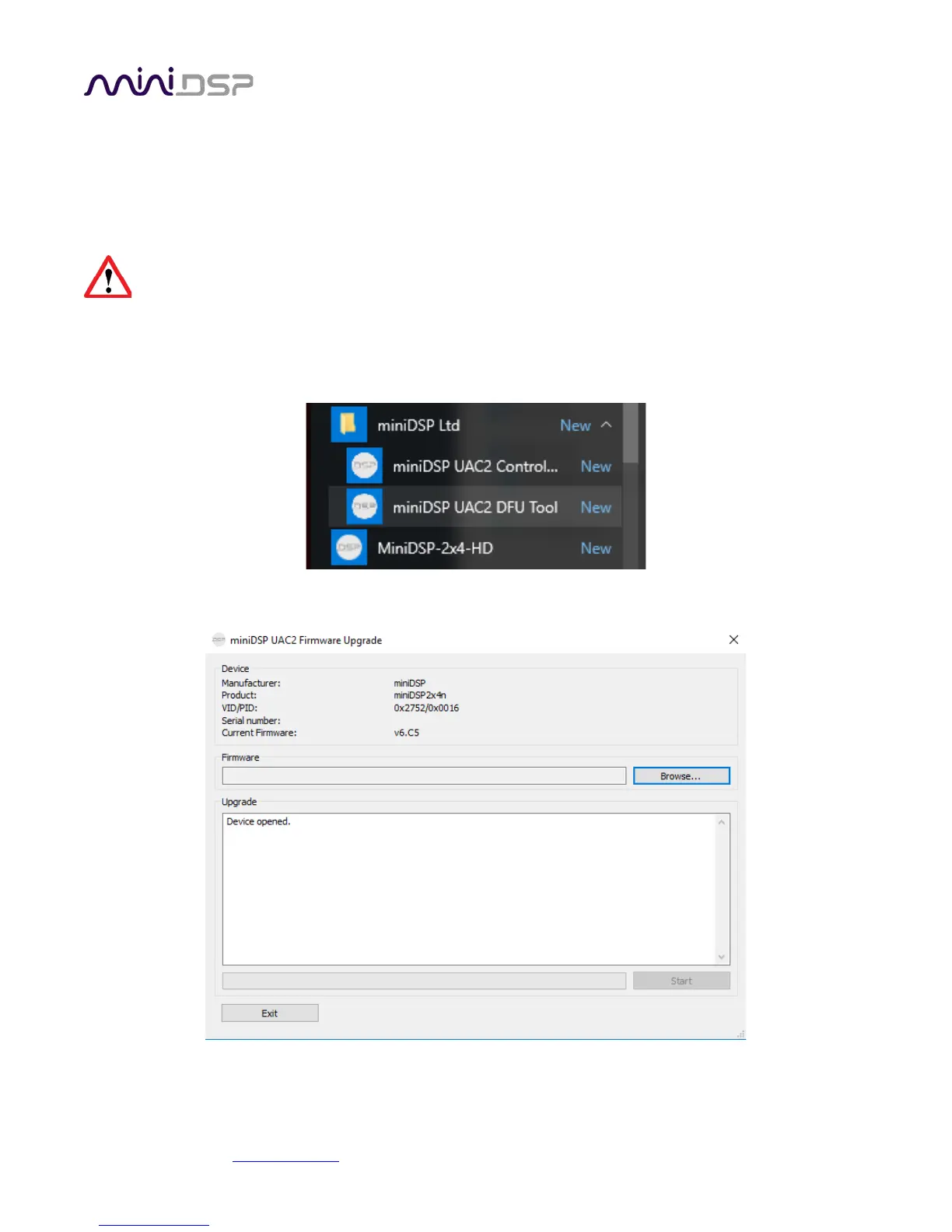
2. Start the miniDSP UAC2 DFU Tool.
3. The upgrade program will start:



 To Next Page