PRELIMINARY
miniDSP Ltd, Hong Kong / www.minidsp.com / Features and specifications subject to change without prior notice 35
6.3.3 Mic Config tab
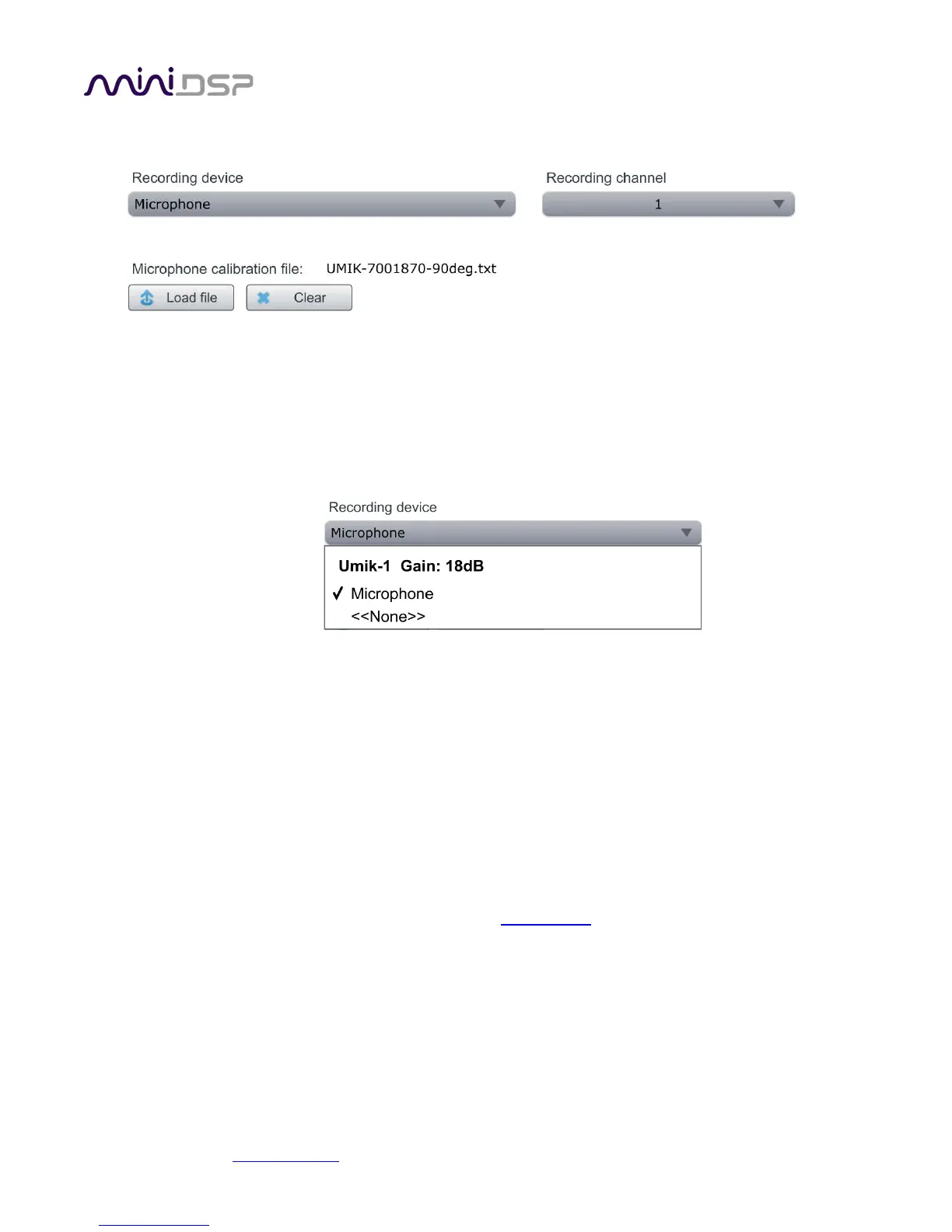
On the Mic Config tab, set the following parameters.
Recording device
Preset to the UMIK-1. Depending on your platform, this may say “UMIK-1. Gain: 18 dB” instead of
Microphone.” You can use the drop-down menu to confirm that the device is the UMIK-1:
If no recording device is selected, check that the UMIK-1 is connected securely to the computer via its USB
cable, then go back to the Sound System tab and click on Rescan. Then drop down the selection menu and
select “Microphone” underneath UMIK-1.
Note: the miniDSP version of DLCT will only recognize the miniDSP UMIK-1. Other microphones or audio
interfaces can not be used.
Recording channel
Select 1 from the drop-down menu.
Microphone calibration file
Each UMIK-1 measurement microphone is individually calibrated to ensure accuracy. To download the
unique calibration file for your microphone, go to the UMIK-1 page
and enter your microphone's serial
number. It is in the form xxx-yyyy and labelled on the microphone.
Then click on the Load File button and select the regular or “on axis” calibration file. Usually, it will be
saved to the computer with a name that is the same as the serial number e.g. “7001870.txt”. (Do not use
the calibration file with “_90deg” in the name e.g. “7001870_90deg.txt” unless you are pointing the
microphone at the ceiling.)
Once you have verified that this tab is correct, click the Proceed button.



 To Next Page