PRELIMINARY
miniDSP Ltd, Hong Kong / www.minidsp.com / Features and specifications subject to change without prior notice 25
4.4.3 Playing from USB stick
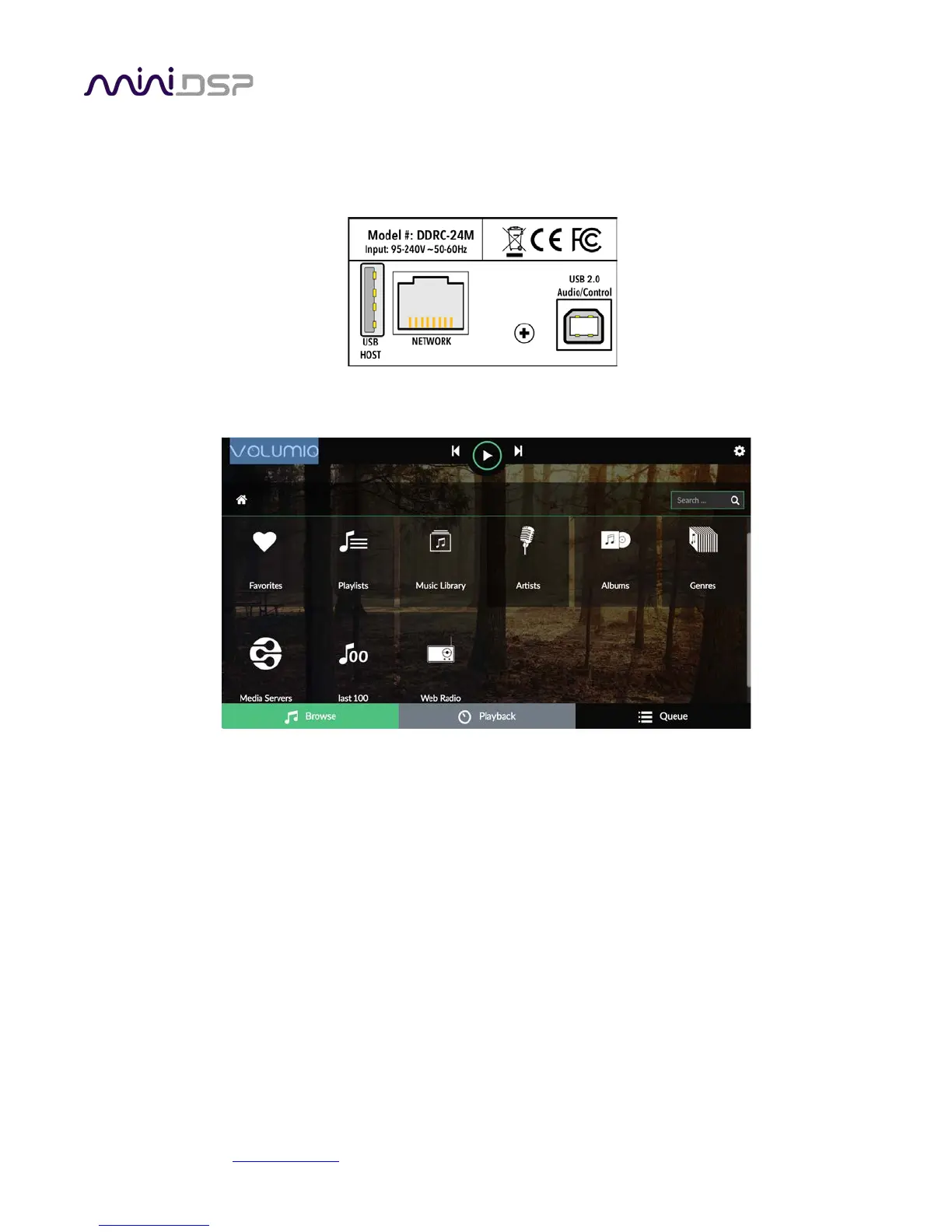
Insert a USB stick containing music files into the USB HOST port on the rear panel, next to the Ethernet port. You
can also use SD cards or micro SD cards with a USB adapter.
Volumio will start indexing the USB stick. Click on the Browse tab at the lower left:
You can either browse the stick directly by going to “Music Library,” or view by artists or albums. Click on an
album artwork and then press the Play button (triangular icon).



 To Next Page