PRELIMINARY
miniDSP Ltd, Hong Kong / www.minidsp.com / Features and specifications subject to change without prior notice 72
9.5.3 Saving and loading configurations
Configurations can be saved to and loaded from files. Each configuration is stored in a separate file. It is very
strongly recommended that each configuration programmed into the processor be saved to a file, to ensure that
the configuration is not lost if the processor is inadvertently reset.
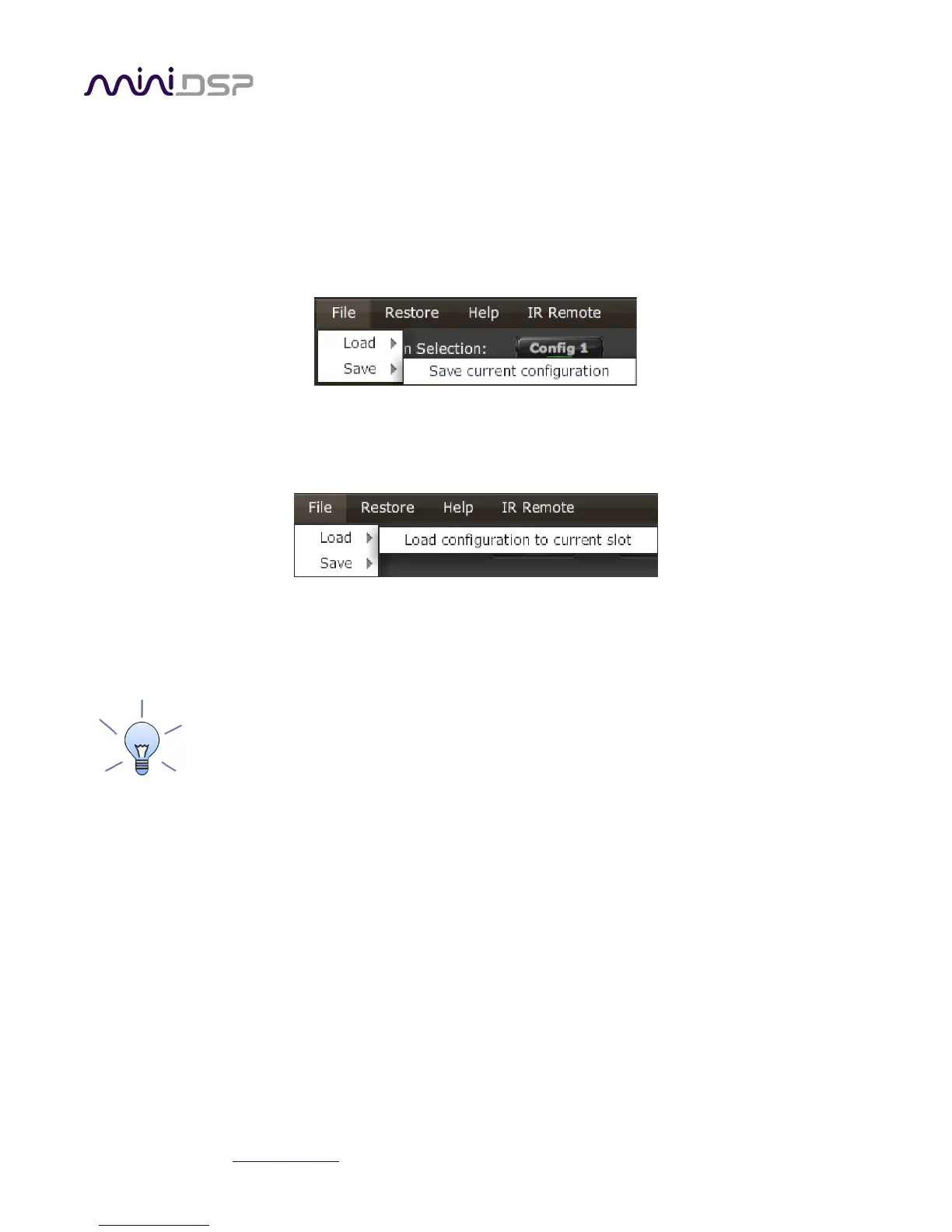
To save the currently selected configuration to a file, drop down the File menu, then select Save and then Save
current configuration. In the file box, select a location and name of the file, and save it.
To load a configuration, first select the configuration preset that you wish to load into. Then drop down the File
menu, select Load, and then Load configuration to current slot.
If the plugin is online, the new configuration data will be downloaded to the processor immediately. If the plugin
is offline, the data will be loaded into the user interface only and will be downloaded to the processor the next
time it is synchronized.
To copy a configuration from one preset to another, save the configuration to a file, then select
a different configuration preset and load the file.
9.5.4 Relationship with Dirac Live
Each configuration preset in the SHD plugin corresponds to the same-numbered filter set configured in DLCT. For
example, if the remote control or front panel is used to select preset 3, then both SHD configuration 3 and Dirac
Live filter set 3 are loaded for audio processing.
The stored configuration file contains the data for the SHD plugin only. The Dirac Live filters must be loaded
separately using DLCT.



 To Next Page