PRELIMINARY
miniDSP Ltd, Hong Kong / www.minidsp.com / Features and specifications subject to change without prior notice 46
such as where the magnitude response dip discussed in the previous point shows up in only one speaker,
you can try unlinking the left and right channels and making separate adjustments.
7.2.4 Saving and loading target curves
To allow you to experiment with different target curves, you can save a target curve to a file and reload it at a
later time. To save a target curve, click on the Save Target button. If the left and right channels are linked, then
the shared target curve will be saved to the file. If the channels are not linked, then the currently visible target is
saved to the file.
To load a target curve, click on Load Target. Note that loading a target will erase the current target, so be sure to
save it first if needed. If the channels are linked, then the target curve will be loaded to both channels. If the
channels are not linked, then the target will be loaded to the currently visible channel.
7.3 GENERATING CORRECTION FILTERS
Once you have a target curve set to your satisfaction, click on the Optimize button. DLCT may at this time
contact the Dirac license server to verify its license, so you will need to be connected to the Internet. If a firewall
is in place, it must allow HTTP (normal web traffic) to pass.
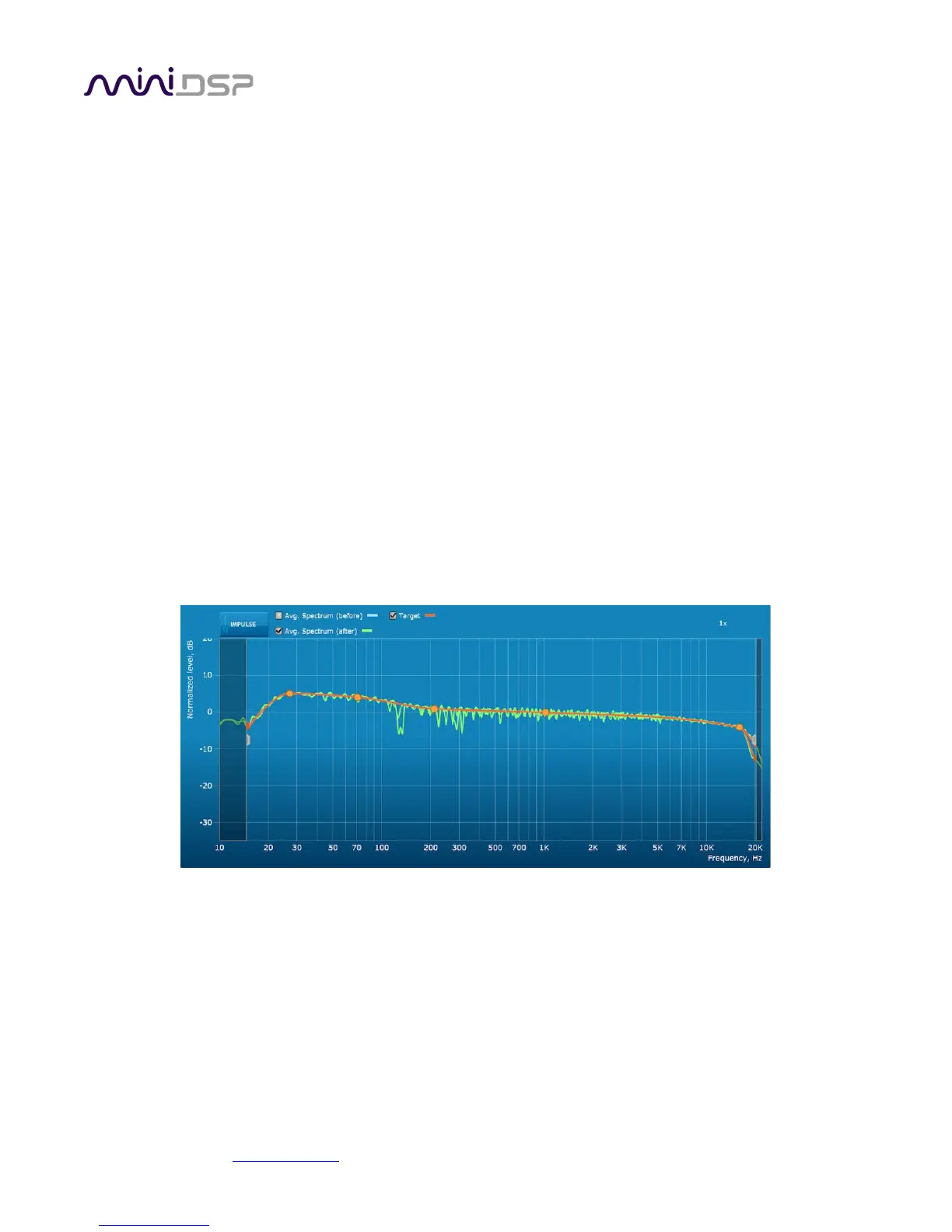
The status bar will update with progress of the algorithm. Execution may take some time, depending on the
speed of your computer. When the algorithm completes, the predicted average magnitude response will be
shown in green. (The predicted impulse response can be viewed by clicking on the Impulse button.)
To download the generated filters into the processor, click the Proceed button or on the Export tab on the left.



 To Next Page