PRELIMINARY
miniDSP Ltd, Hong Kong / www.minidsp.com / Features and specifications subject to change without prior notice 34
6.3.1 Check your configuration/preset (advanced)
When you run a measurement for Dirac Live calibration, the Dirac Live test signal passes through the Routing
matrix and the output channel processing. Therefore, it is important that you have the correct configuration
before running the calibration measurement.
For example, suppose you have set up your routing and output channels for a subwoofer crossover in
configuration 2. Before starting Dirac Live calibration, double-check that the processor is set to configuration 2.
6.3.2 Sound System tab
The Sound System tab is preset for you, provided that you have your SHD Series processor connected to the
computer via USB.
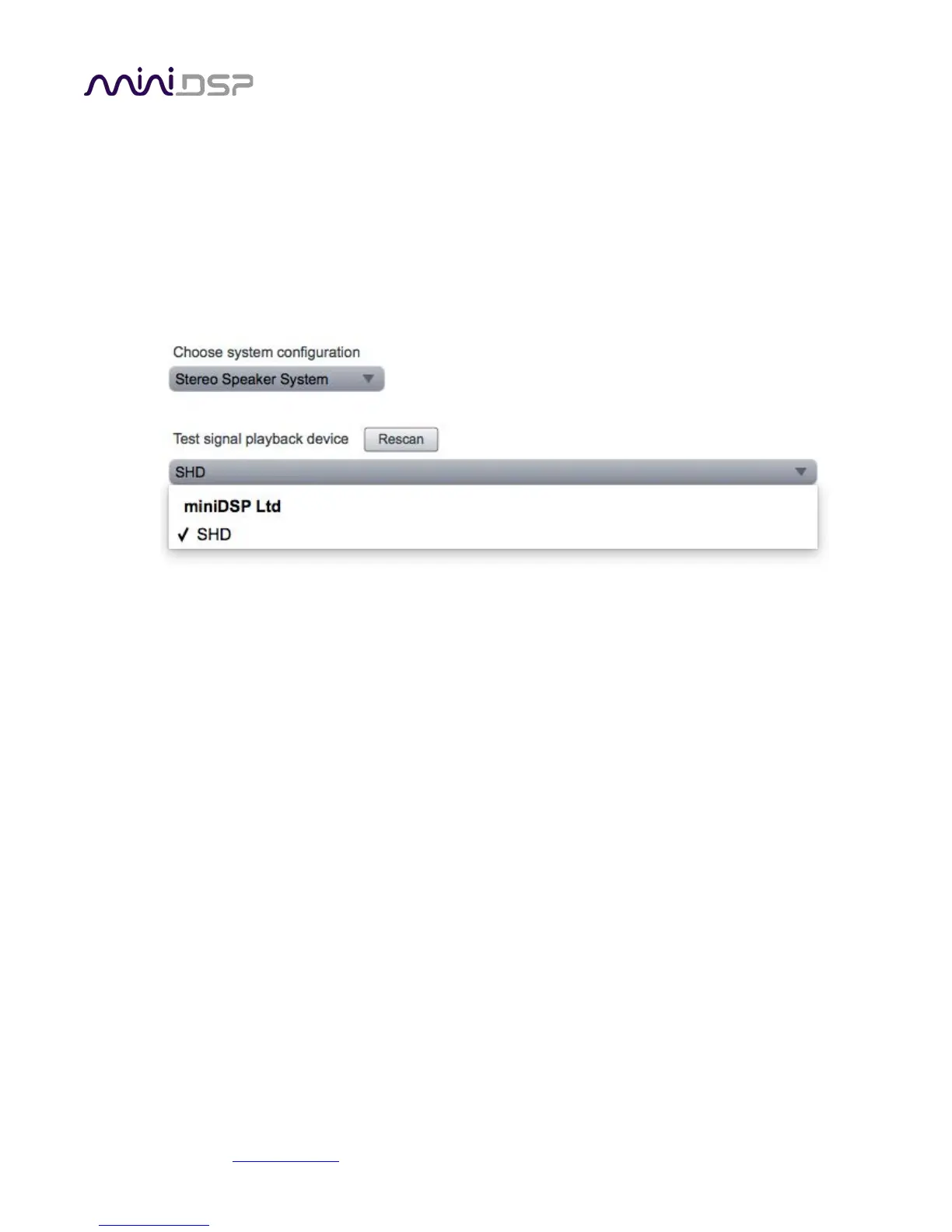
Choose system configuration
Preset to Stereo Speaker System. This is the only configuration supported by the SHD Series processors.
Test signal playback device
Preset to SHD. (If this is not present, check that your processor is connected via USB and powered on, then
click the Rescan button.)
Once you have verified that this tab is correct, click the Proceed button.



 To Next Page