PRELIMINARY
miniDSP Ltd, Hong Kong / www.minidsp.com / Features and specifications subject to change without prior notice 28
XMOS_Firmware
This folder contains the firmware for the processor. miniDSP may occasionally provide updated firmware
to improve functionality and performance – see Firmware upgrade starting on page 75
for the procedure.
5.2 SOFTWARE INSTALLATION ― WINDOWS
Possible Windows installation issues
The miniDSP software requires that a number of other frameworks be installed for it to work. For Windows 7
and later, these packages should be installed automatically. For earlier versions of Windows, please download
and install the following frameworks before attempting to install any miniDSP software. You can also manually
install these if you receive an error message that required software is missing.
• Microsoft .NET framework
(version 3.5 or later)
• Latest version of Adobe Air
• Microsoft Visual C++ 2010 Redistributable Package: for x86 (32-bit operating system) or x64 (64-bit operating
system).
SHD plugin installation
1. Navigate to the Plugins folder of the software download.
2. Double-click on the SHD.exe installer program to run it. We recommend that you accept the default
installation settings.
Dirac Live Calibration Tool for miniDSP (DLCT) installation
1. Navigate to the Dirac Live folder of the software download and then to the Windows folder.
2. Double-click on the installer to run it. You may need to unzip it first (right-click, then select “Extract All”).
The installer will have a name similar to Dirac Live Calibration Tool (2 channels) v1.2.1.8426 Setup.exe (the
version number starting with v1.2... may be different). We recommend that you accept the default
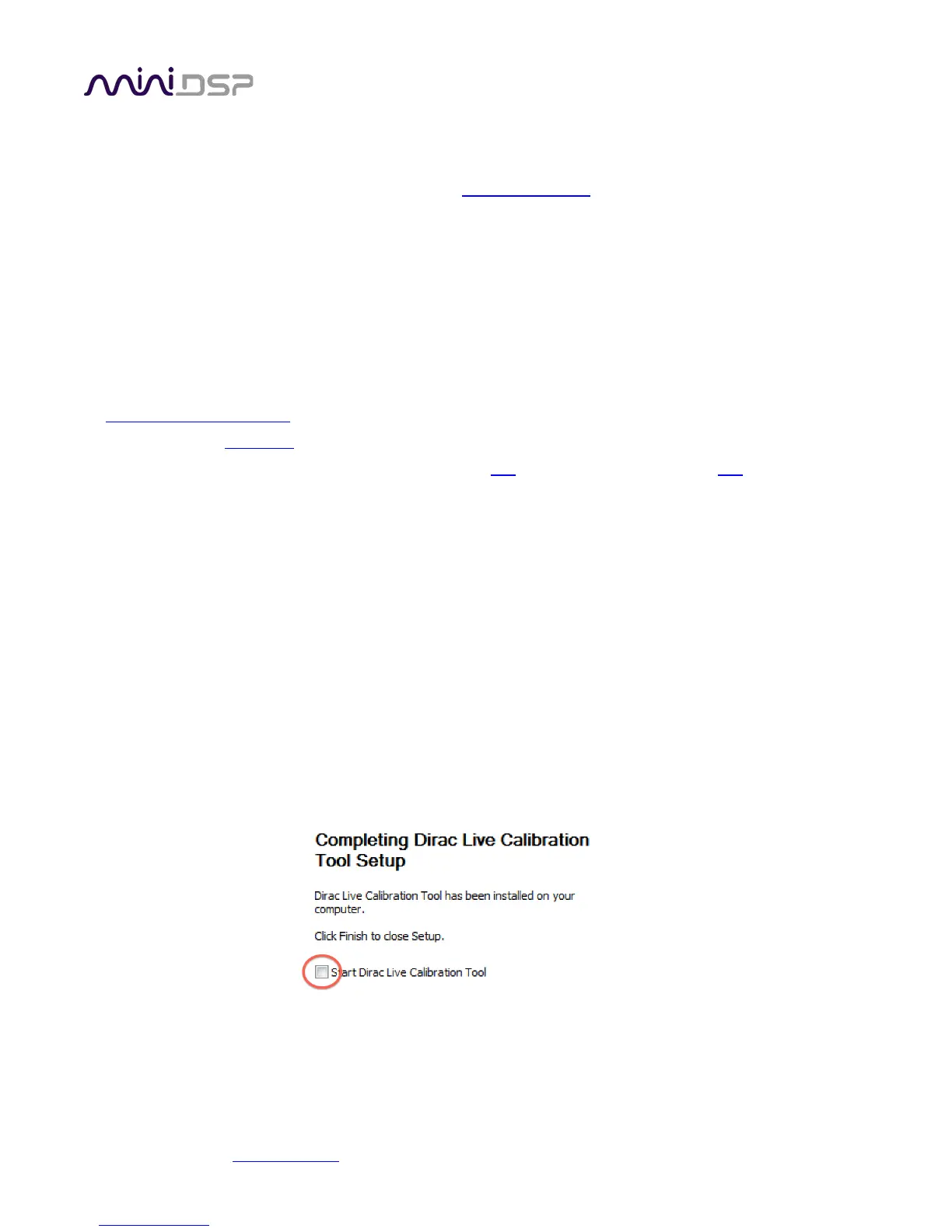
installation settings. However, on the last screen, uncheck the box to start Dirac Live automatically (you will
need to install the driver as described on the next page before using DLCT).



 To Next Page