PRELIMINARY
miniDSP Ltd, Hong Kong / www.minidsp.com / Features and specifications subject to change without prior notice 29
UAC driver installation
1. Connect the processor to the computer using the supplied USB cable, and power it on.
2. Navigate to the WinDrivers folder of the software download and double-click on the appropriate installer:
• miniDSP_UAC2_v2.29.0_ForWinXP_Vista.exe for Windows XP and Vista
• miniDSP_UAC2_v4.11.0_2017-06-19_setup.exe for Windows 7, 8, and 10
(The version number embedded in the filename may be different.)
We recommend accepting the default installation location. Once the driver installation completes, click the
Finish button.
The Windows PC will not be able to communicate properly with the processor if it was not connected
by USB and powered on when you installed the driver. If that is the case, you will need to uninstall
the driver, connect the processor, power it on, and run the installer again.
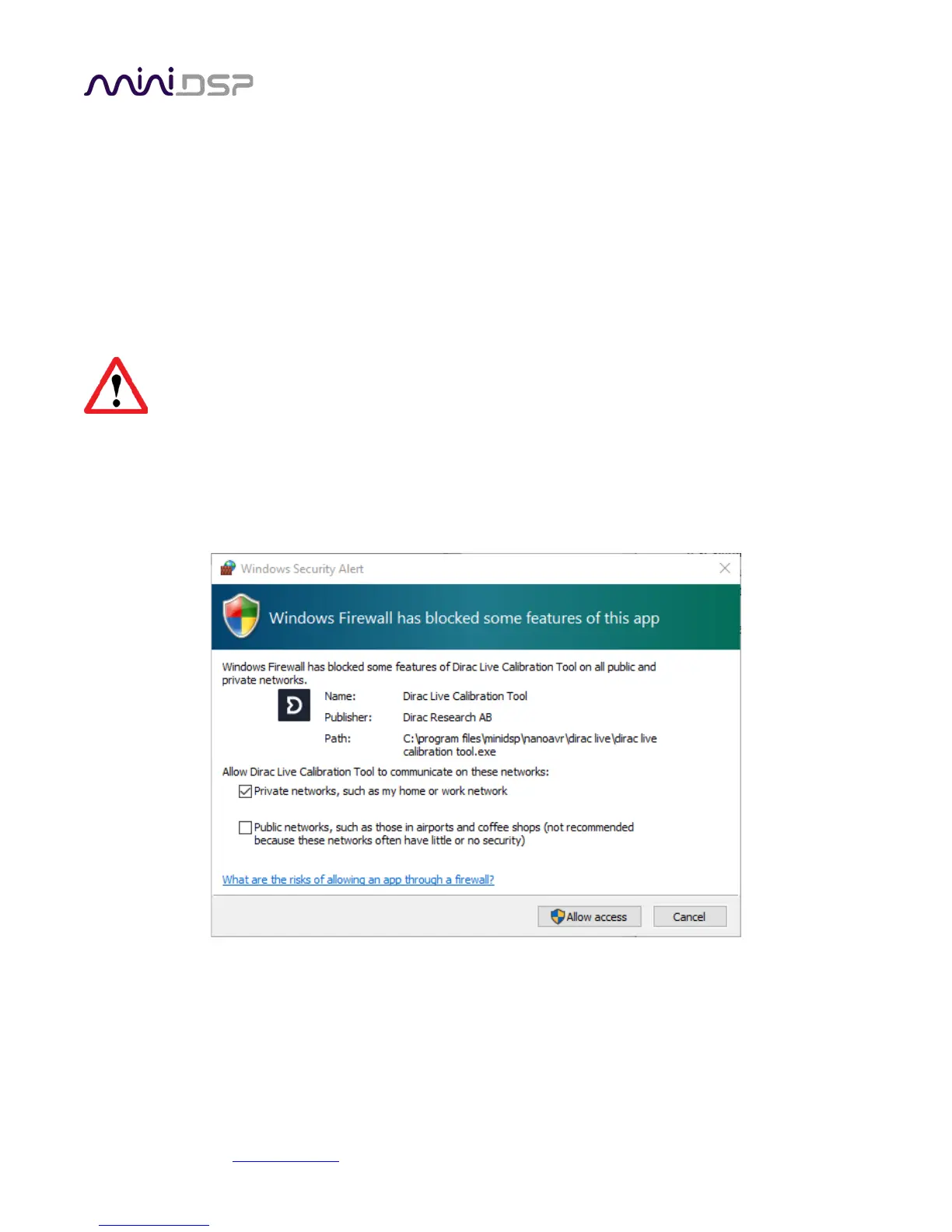
Note: the first time run DLCT, you may see a warning from Windows Firewall as shown below. If so, ensure that
“Private networks...” is checked and “Public networks...” is not checked. Then click on “Allow access.”



 To Next Page