PRELIMINARY
miniDSP Ltd, Hong Kong / www.minidsp.com / Features and specifications subject to change without prior notice 24
4.4.2 Web interface
To open the Volumio web interface, enter one of the following in your web browser window (or click on the
links embedded in this document):
• http://volumio
• http://volumio.local
Depending on your network hardware, one may work while the other will not. Create a bookmark in your
browser for the link that brings up the Volumio interface.
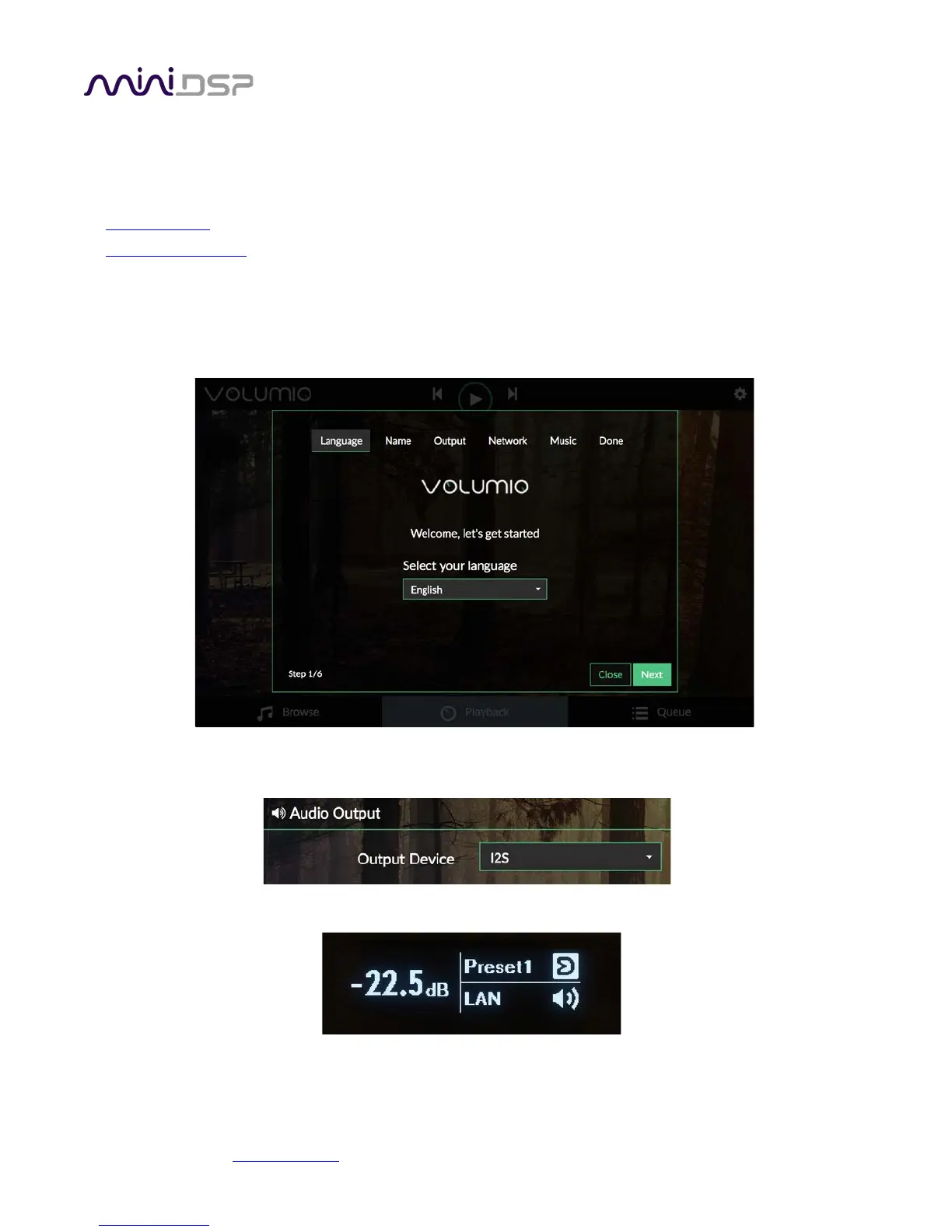
When you connect to Volumio the first time, you will enter a simple setup wizard. Just proceed through the
steps:
Check that the audio output will be routed from Volumio to the internal DSP by dropping down the gear icon
and selecting “Playback Options”. The Output Device option should be set to “I2S”.
Use the front panel encoder or the remote control to select the LAN input source:



 To Next Page