PRELIMINARY
miniDSP Ltd, Hong Kong / www.minidsp.com / Features and specifications subject to change without prior notice 52
8.4 KEY FEATURES
This section summarizes the key features of the plugin. For detailed information, see Section 9.
8.4.1 Master control
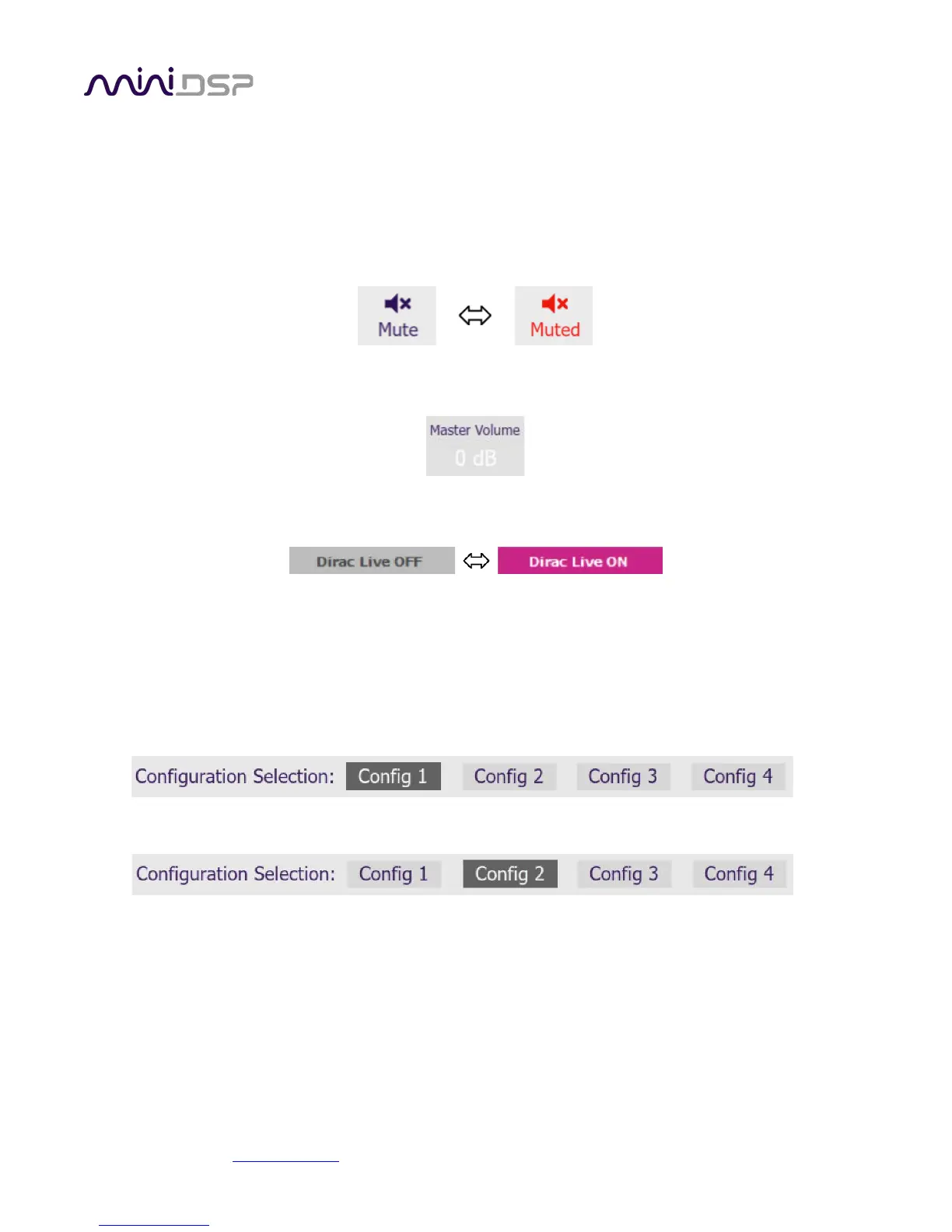
Once the plugin is online, the items in the Master Control area are active. The Mute button disables all audio
output:
The Master Volume display shows the current volume setting. The master volume can be set directly by clicking
here and typing a new value. It can also be set with the front panel, remote control or from within DLCT:
The Dirac Live button turns Dirac Live processing on and off. This function can also be accessed with the front
panel, remote control or from within DLCT:
8.4.2 Configuration/preset selection
The set of data that controls the back-end processing is called a configuration. This includes crossovers,
parametric EQ and the routing matrix. It does not include the master volume or mute status.
Four configurations are stored onboard. The currently selected preset is indicated in the row near the top of the
UI as the darkened one:
To switch to a different preset, just click on the desired button:
8.4.3 Inputs



 To Next Page