PRELIMINARY
miniDSP Ltd, Hong Kong / www.minidsp.com / Features and specifications subject to change without prior notice 55
8.5 ACOUSTIC MEASUREMENT FOR BACK-END CONFIGURATION
Best results are obtained with the aid of appropriate acoustic measurements. For applications like subwoofer
integration, additional software is not needed, as DLCT can be used as the measurement tool.
8.5.1 Using DLCT
After configuring the SHD plugin, quit it and start DLCT. Proceed through the steps in Section 6, but only do the
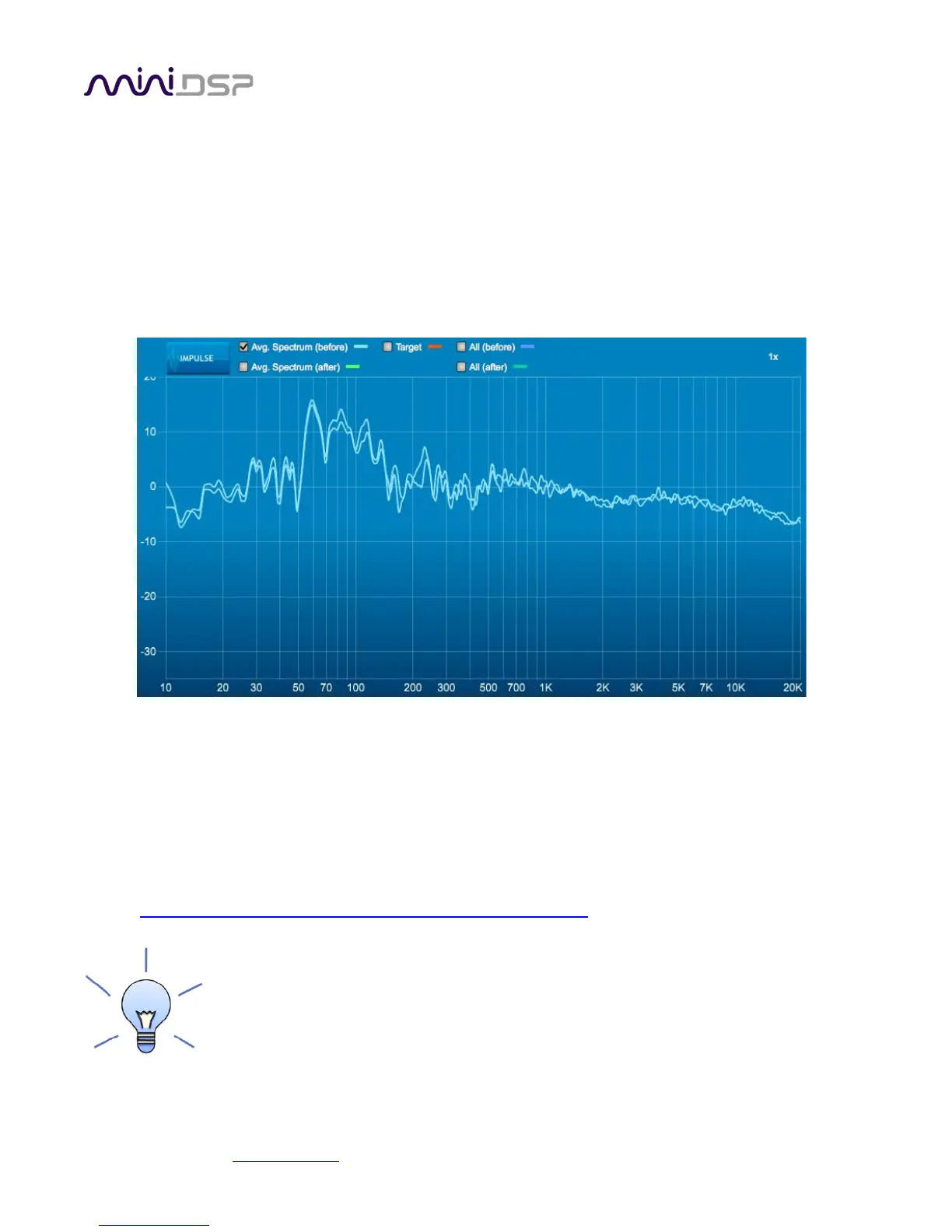
first measurement in the center of the listening area, then proceed to the Filter Design screen. The display will
show the measurements of the left and right channels:
Note that it will be necessary to quit DLCT prior to starting up the SHD plugin to make changes, and vice versa.
Be sure to save the project before quitting DLCT if you wish to preserve each measurement.
8.5.2 Using Room EQ Wizard
For faster configuration changes, and for measurements that require gating such as those used for a two-way
active speaker, Room EQ Wizard (or another acoustic measurement program) should be used. We have many
application notes describing how to use REW on our website:
• https://www.minidsp.com/applications/acoustic-measurements
You can also use REW to measure the system response after performing Dirac Live
calibration. However, remember that a measurement at a single point in space does not
reflect how Dirac Live works, as Dirac Live uses a total of nine measurements. Furthermore,
Dirac Live does not do a simple averaging of the nine measurements.



 To Next Page