PRELIMINARY
miniDSP Ltd, Hong Kong / www.minidsp.com / Features and specifications subject to change without prior notice 22
4.3.2 Windows
Note: playing USB audio from Windows requires that the UAC driver be installed first (page 28).
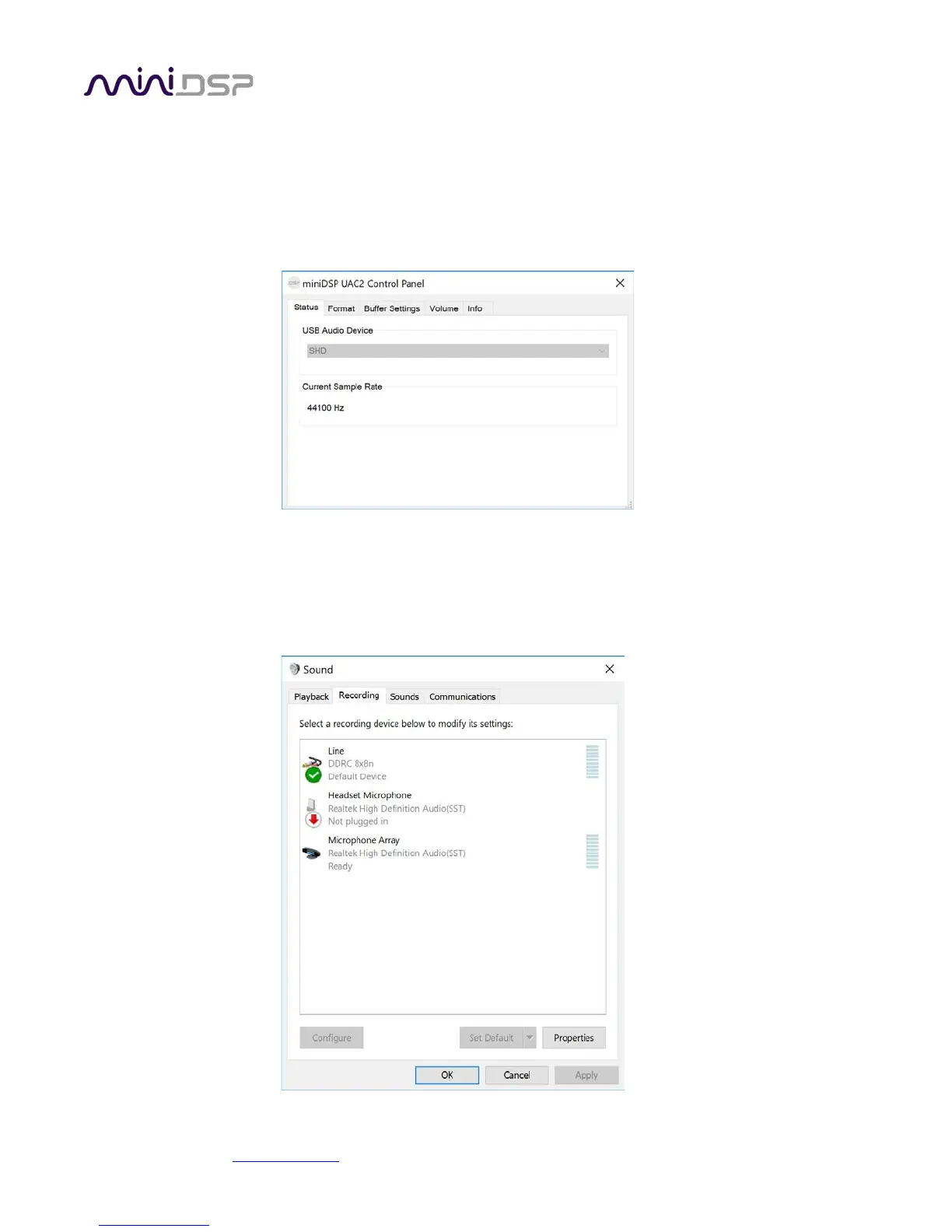
Open the UAC Control Panel from the Windows Start menu. This control panel allows you to set a number of
options, such as word length (Format tab) and buffer size (Buffer tab). We recommend that you leave these
settings at their defaults.
If you are having an issue with inadequate output volume over USB playback, check the Volume tab.
To set the SHD Series processor as the default output device, open the Windows Control Panel and navigate to
the Audio Devices section. On the Output tab, select SHD and click on the “Set Default” button. Individual audio
playback programs may allow the SHD Series processor to be selected for audio output independently of the
system default.



 To Next Page