PRELIMINARY
miniDSP Ltd, Hong Kong / www.minidsp.com / Features and specifications subject to change without prior notice 78
4. Click on the Browse button, navigate to the folder XMOS_Firmware in the plugin download folder, and
select the firmware file. It will have a name like “SHD_XMOS_v1.5.bin.” (The version number “v1.5” may
change.)
5. Click on the Start button.
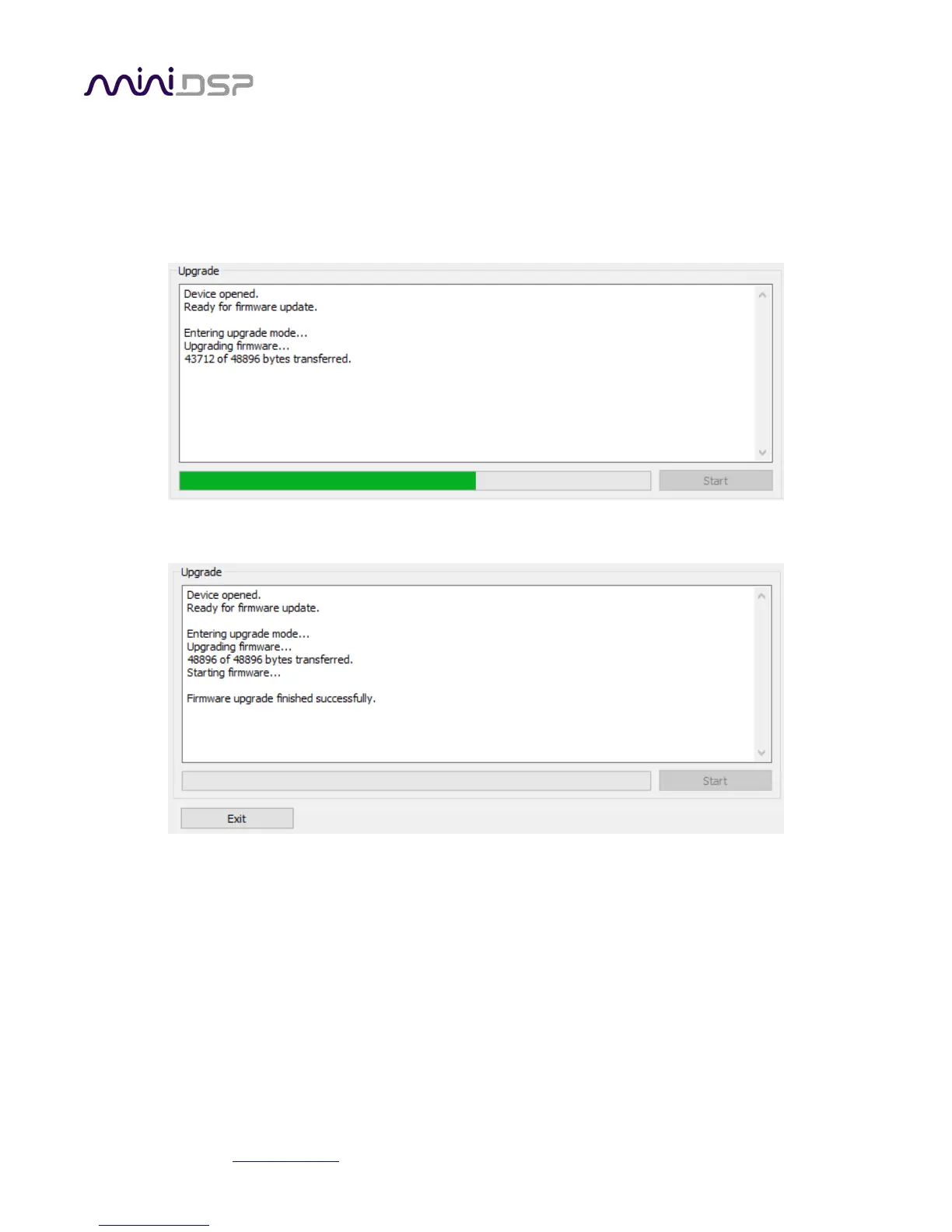
6. You will get a progress bar as upgrade proceeds:
7. Once the firmware upgrade completes, you will see a message that the upgrade completed successfully:
8. Click on Exit.
9. That’s it! You’re done. You can now use your PROCESSOR with the new functionality.



 To Next Page