Operating the unit
34 Operating instructions
Cancelling inhibit operation
Requirement Touchscreen is locked
1. Tap on lock symbol.
Keypad is opened.
2. Set password.
The operating lock is unlocked by entering the password "369".
The lock symbol and the keypad disappear. The
FlexiHelp
button
becomes visible in the information bar and the touchscreen is
enabled.
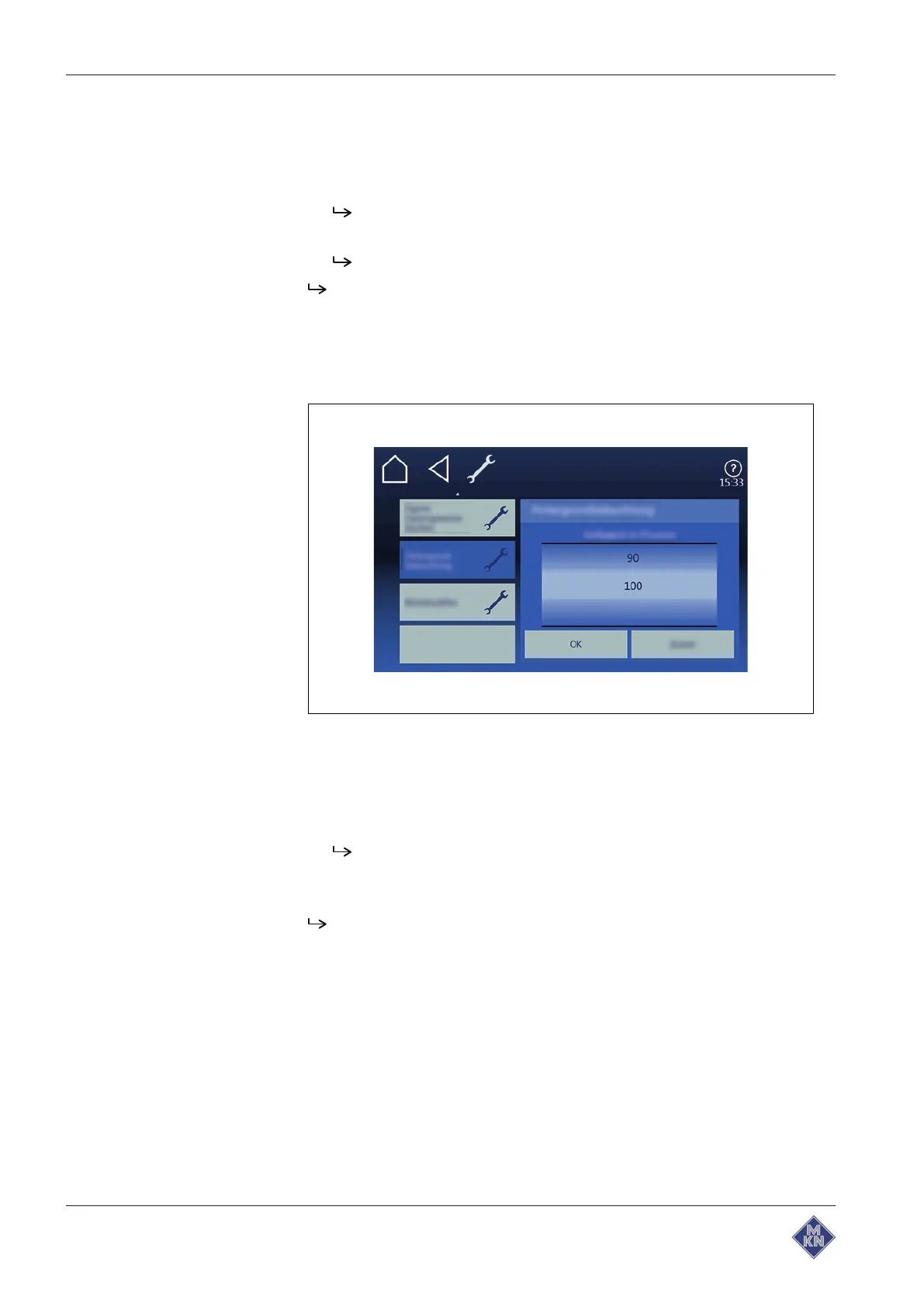
4.5.9 Setting the background lighting
Image: Setting the brightness
Requirements The
Settings
menu is displayed
1. Tap the "Background lighting" field.
2. The menu for
Brightness in percent
is displayed.
The roller displays the current value.
3. Using a wiping gesture, set the roller to the desired value.
4. Confirm with the "OK" button.
The background lighting is set.
4127003--0ABBE-E



 To Next Page