Operating the unit
29Operating instructions
4.5.2 Opening the equipment functions menu
Requirement The unit is switched on
The Main menu is displayed
Tap the "Equipment functions" button.
The
Equipment functions
menu is displayed.
4.5.3 Changing the basic settings
The basic settings for operation can be displayed, changed and
exported by entering the password "111".
Calling up the settings menu
Requirement
Equipment functions
menu open
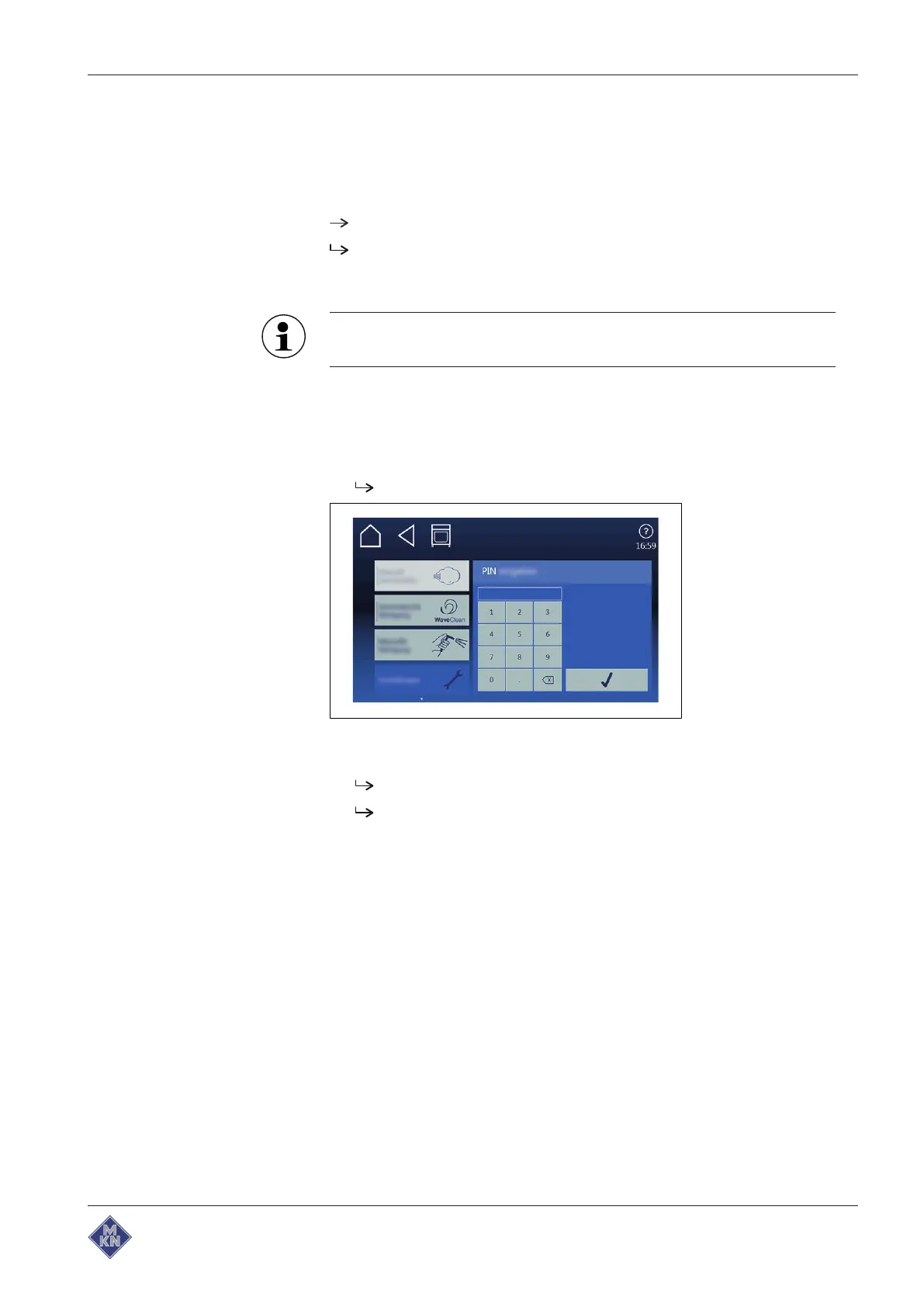
1. Tap on "Equipment settings" field.
The
PIN
window opens.
2. Set password.
3. Tap on
Confirmation
button.
The
Equipment settings
menu is displayed.
Basic settings can be changed.
In addition to those described in this chapter, there are the
following further functions.
Audio settings
Selection of the volume of the signal tones.
Operation lock
Various settings depending on whether and when the operation lock
is to be activated.
Entering and changing the code word.
Stand-by mode
To set the stand-by mode, deactivate the operating lock.
If stand-by mode is activated, the touchscreen goes dark after the set
time. The cooking zone light is switched off.
4127003--0ABBE-E



 To Next Page