Operating the unit
75Operating instructions
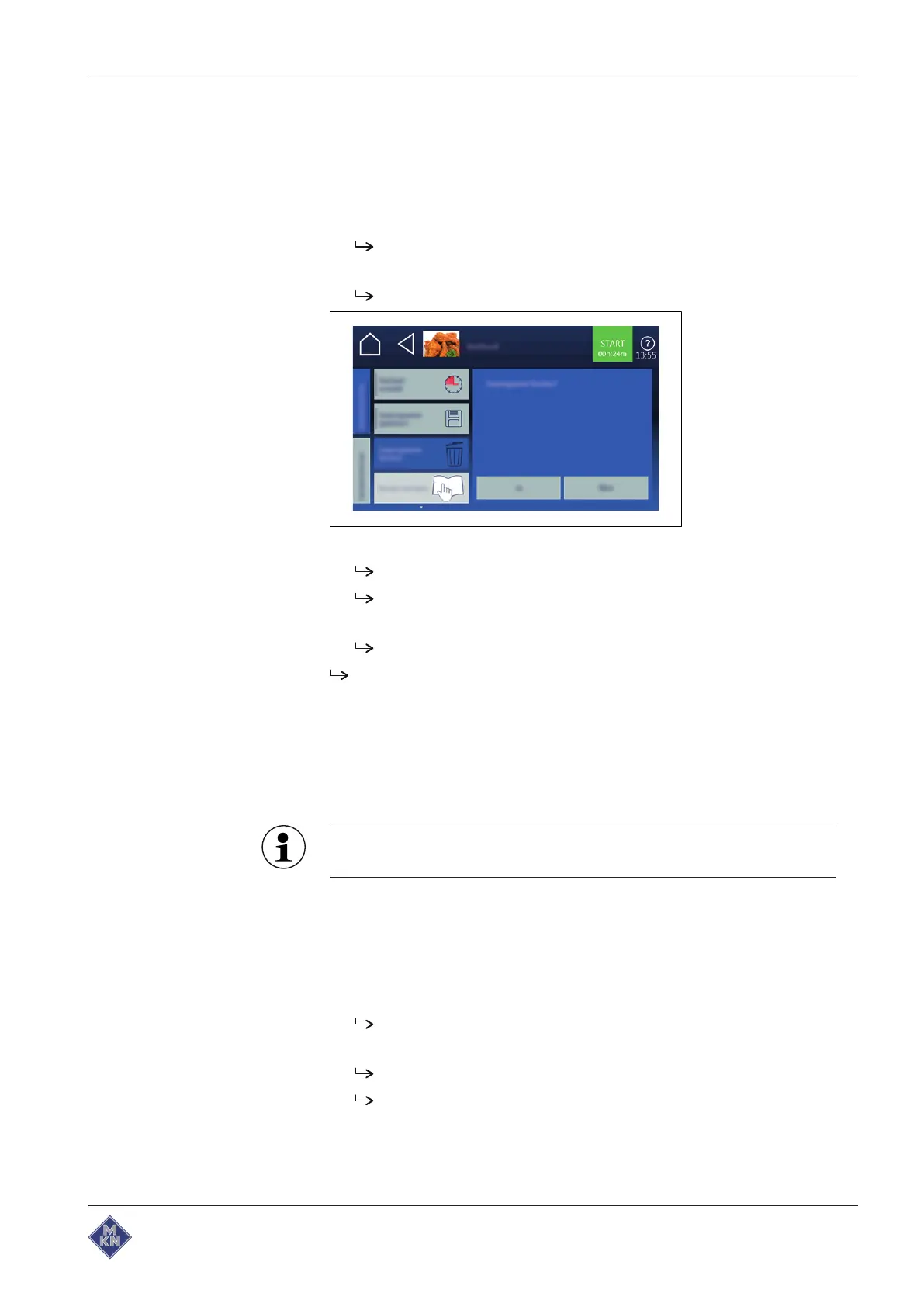
4.10.6 Deleting a cooking program
Requirement Cooking program open
Cooking program not started
1. Tap on
Auxiliary functions
field.
Tab
window is open.
2. Tap on "Delete Cooking program" field.
Delete
window is displayed.
3. Tap on "Yes" button.
Cooking program is deleted.
Confirmation
window is displayed.
4. Tap on
Confirmation
button.
Auxiliary functions
tab is closed.
Cooking program is deleted.
4.10.7 Exporting and importing a cooking program
Exporting Cooking programs
When exporting, all the Cooking programs you have created in the
Cookbook are exported.
Previously exported cooking programs on the USB flash drive
will be overwritten.
Requirement USB flash drive inserted
Automatic cooking
menu open
Self-created Cooking programs are saved in the Cookbook
1. Tap on "autoChef" button in the information bar.
autoChef
window is opened.
2. Tap on "Export Cooking programs" field.
The
operating instructions
window is opened.
Read displayed operating instructions.
4127003--0ABBE-E



 To Next Page