Operating the unit
35Operating instructions
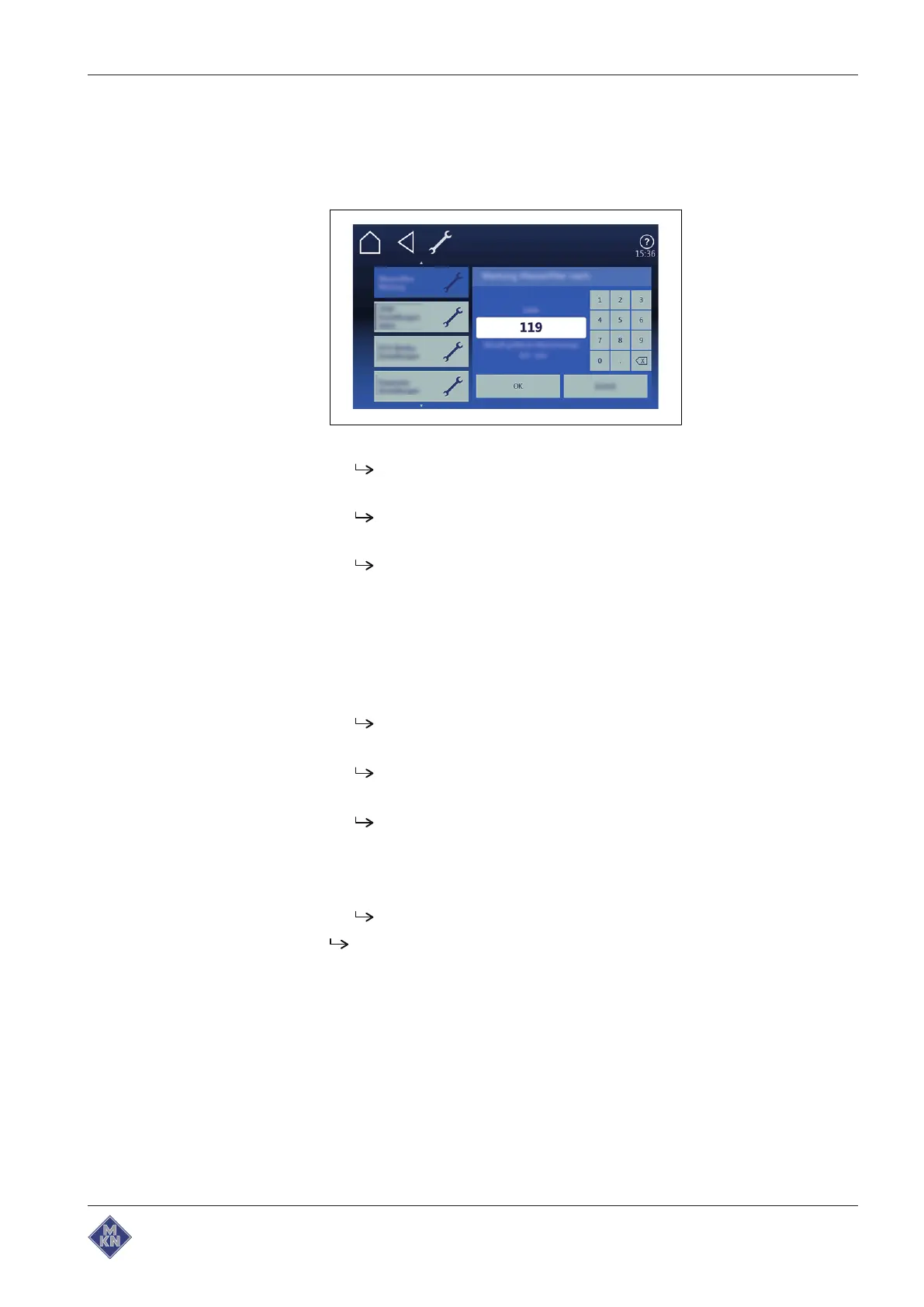
4.5.10 Setting the water filter maintenance
Requirement The
Settings
menu displayed
1. Tap on "Water filter maintenance" field.
2. The
Water filter maintenance
menu is displayed.
The entered value, which defines when to remind about the
water filter maintenance, is displayed.
The amount of filtered water since the last filter change is
displayed.
The value for the water filter maintenance can be entered on
the keypad and confirmed with the "OK" field.
4.5.11 Possible settings in the parameter level
Requirement The
Settings
menu is displayed
1. Tap the "Settings parameters" field.
The
Settings parameters
menu is displayed.
2. Using a wiping gesture, set the rollers to the desired parameter.
The designation of the selected parameter is displayed.
3. Tap the "Read" button.
The current value of the selected parameter is displayed.
4. Delete the current value with the keypad.
5. Enter the new value with the keypad.
6. Tap the "Write" button.
The displayed value is adopted for this parameter.
The parameter is changed.
4127003--0ABBE-E



 To Next Page