Operating the unit
58 Operating instructions
Ending low-temperature cooking
Requirements Low-temperature cooking started
Cooking time has not elapsed
1. Tap the "Stop" button in the information bar.
or
2. Wait for the cooking time to end.
The heating of the unit is ended.
The "Stop" button is replaced with the "Start" button.
The cooking time is reset.
Low-temperature cooking is ended.
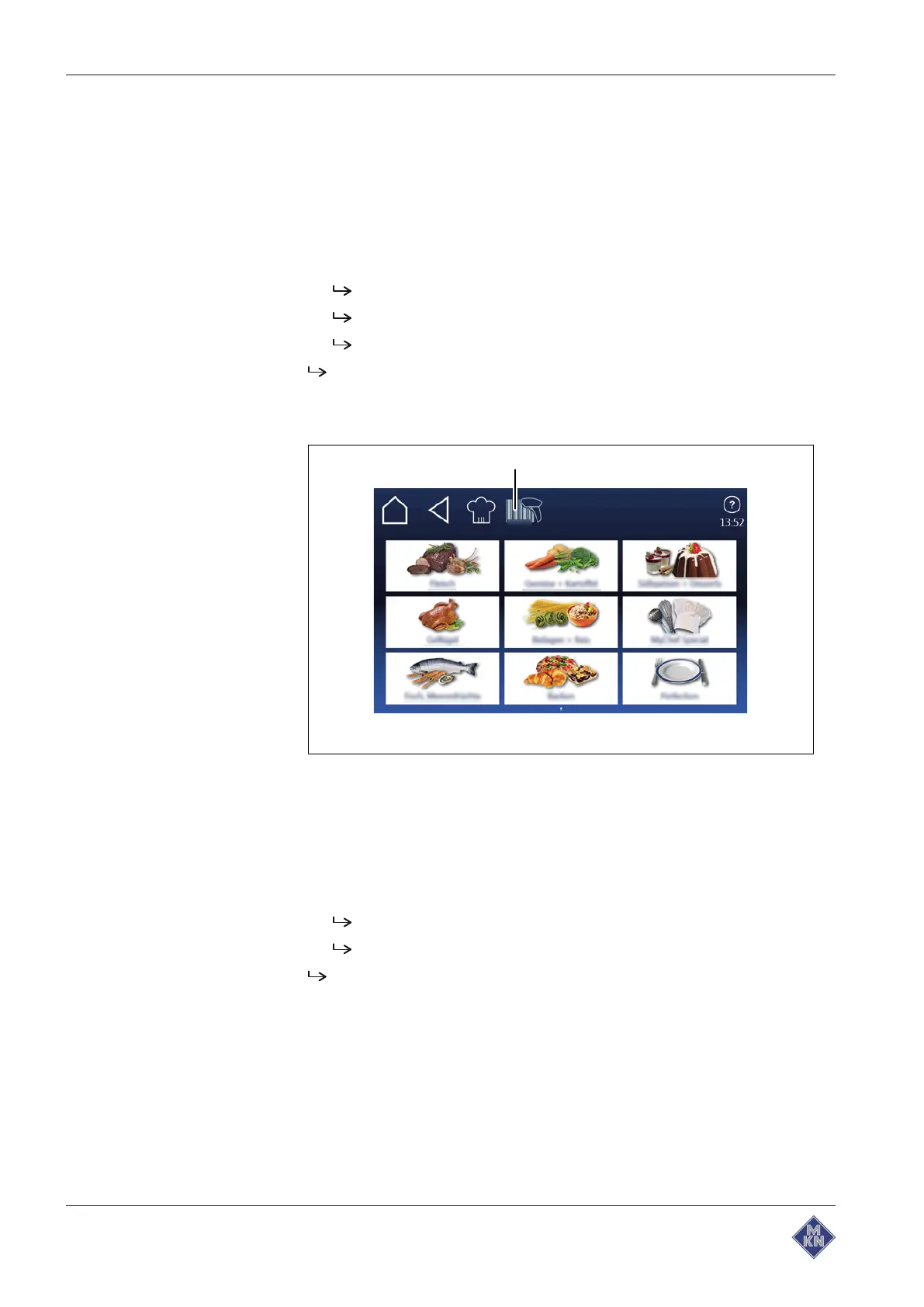
4.6.18 Using the barcode scanner
Image:
Barcode scanner selectio
n window
a
Barcode scanner
button
Requirement Barcode scanner connected
1. Tap on
Barcode scanner
button.
2. Read barcode.
Product is selected.
Cooking program is loaded.
Barcode scanner
function is applied.
4127003--0ABBE-E



 To Next Page