Operating the unit
55Operating instructions
4.6.15 Setting the rest stage
The
Insert rest stage
function is possible at any time.
Without saving, the stage only applies to the current cooking
program.
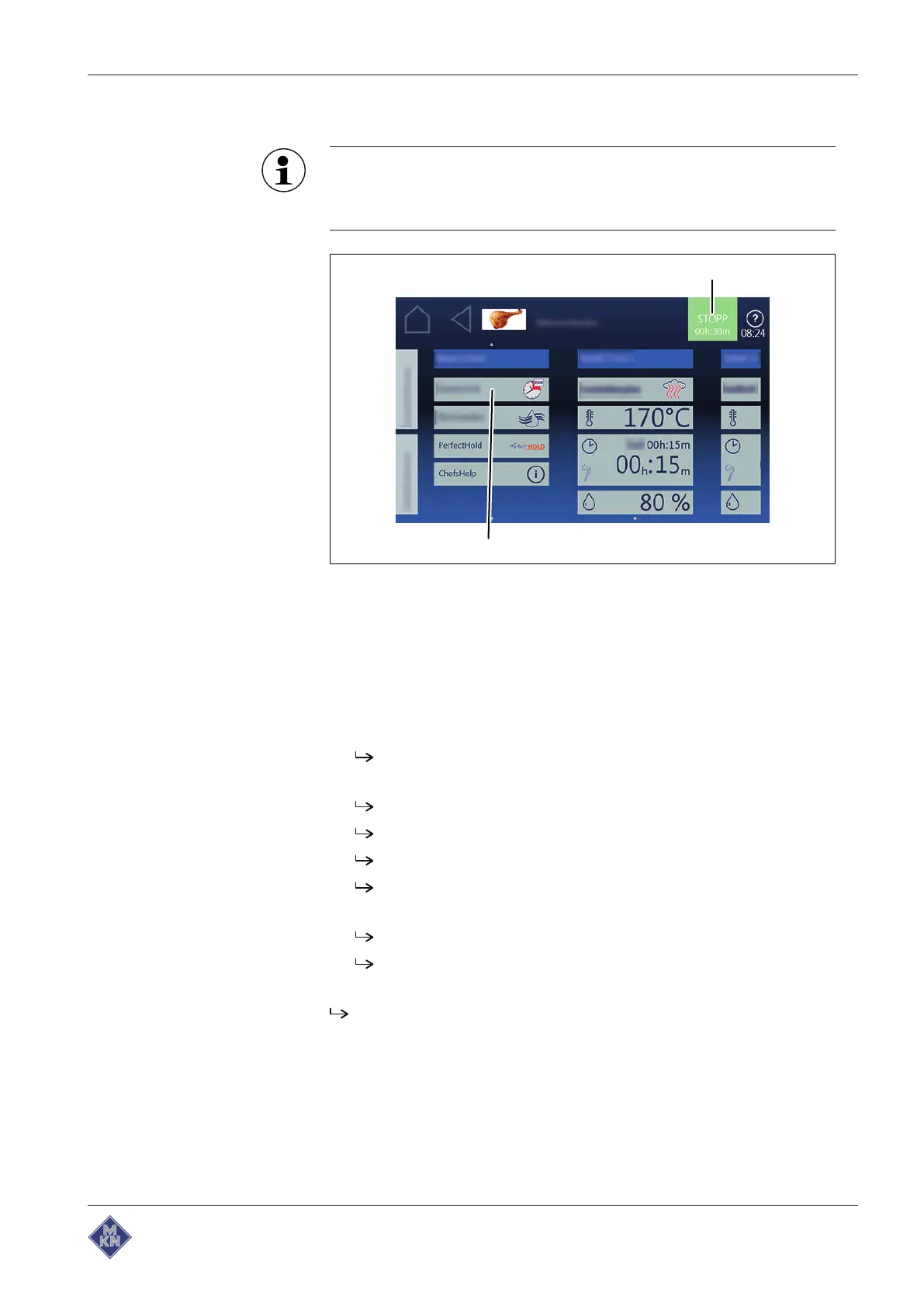
Image:
Insert rest step
window
a
Start
button b
Rest step
field
Requirements
Automatic cooking
menu open
Cooking program selected
1. Select the
New step
function.
2. Tap the
Rest stage
field.
The
Manual cooking
menu appears.
3. Configure the settings.
Set the cooking mode.
Set the temperature.
Set the time.
Set the moisture.
4. Tap the "Start" button.
Rest stage
is added to the current program.
Rest stage
is not saved in the cooking program.
5. Save the cooking program.
Rest stage
is saved in the cooking program.
4127003--0ABBE-E



 To Next Page