Operating the unit
57Operating instructions
4.6.17 Using low-temperature cooking
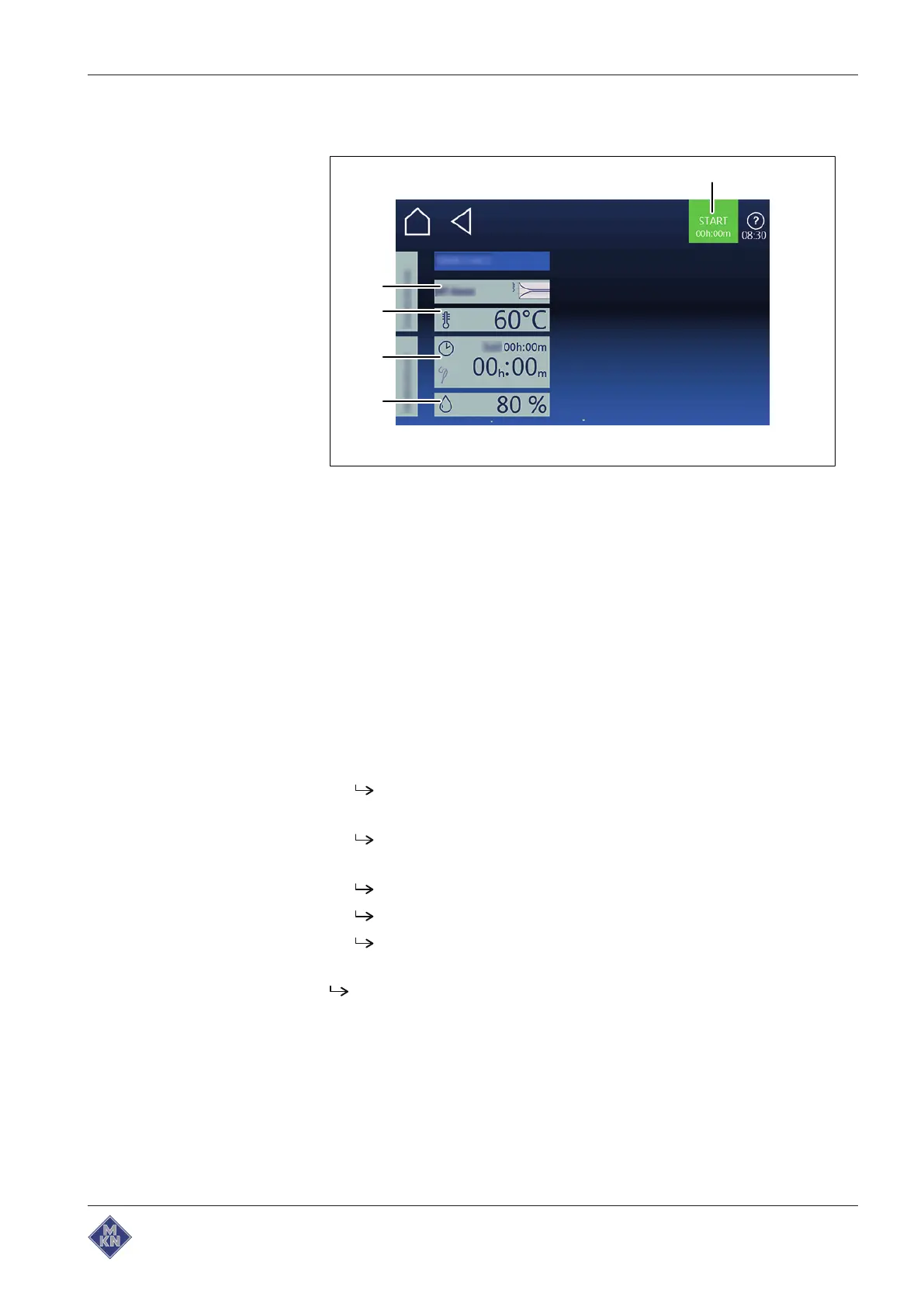
Image:
LT Cooking mode setting
window
a "Start" button d
Cooking time
field
b
Cooking mode
field e
Moisture
field
c
Cooking temperature difference
field
Starting low-temperature cooking
Requirement Food being cooked on tray in the slide-in unit
Core temperature sensor set
Door closed
Manual cooking
menu displayed
1. Tap on “LT cooking” Cooking mode field.
The "Cooking mode" window is displayed.
2. Make settings.
The "Cooking mode" window displays the settings made.
3. Tap on "Start" button in the information bar.
Unit heats up.
"Start" button is replaced by "Stop" button.
Cooking time is updated in the "Cooking mode window"
window.
LT cooking has started.
4127003--0ABBE-E



 To Next Page