Operating the unit
46 Operating instructions
or
2. Wait for the cooking time to end.
The heating of the unit is ended.
The "Stop" button is replaced with the "Start" button.
The cooking time is reset.
Perfection is ended.
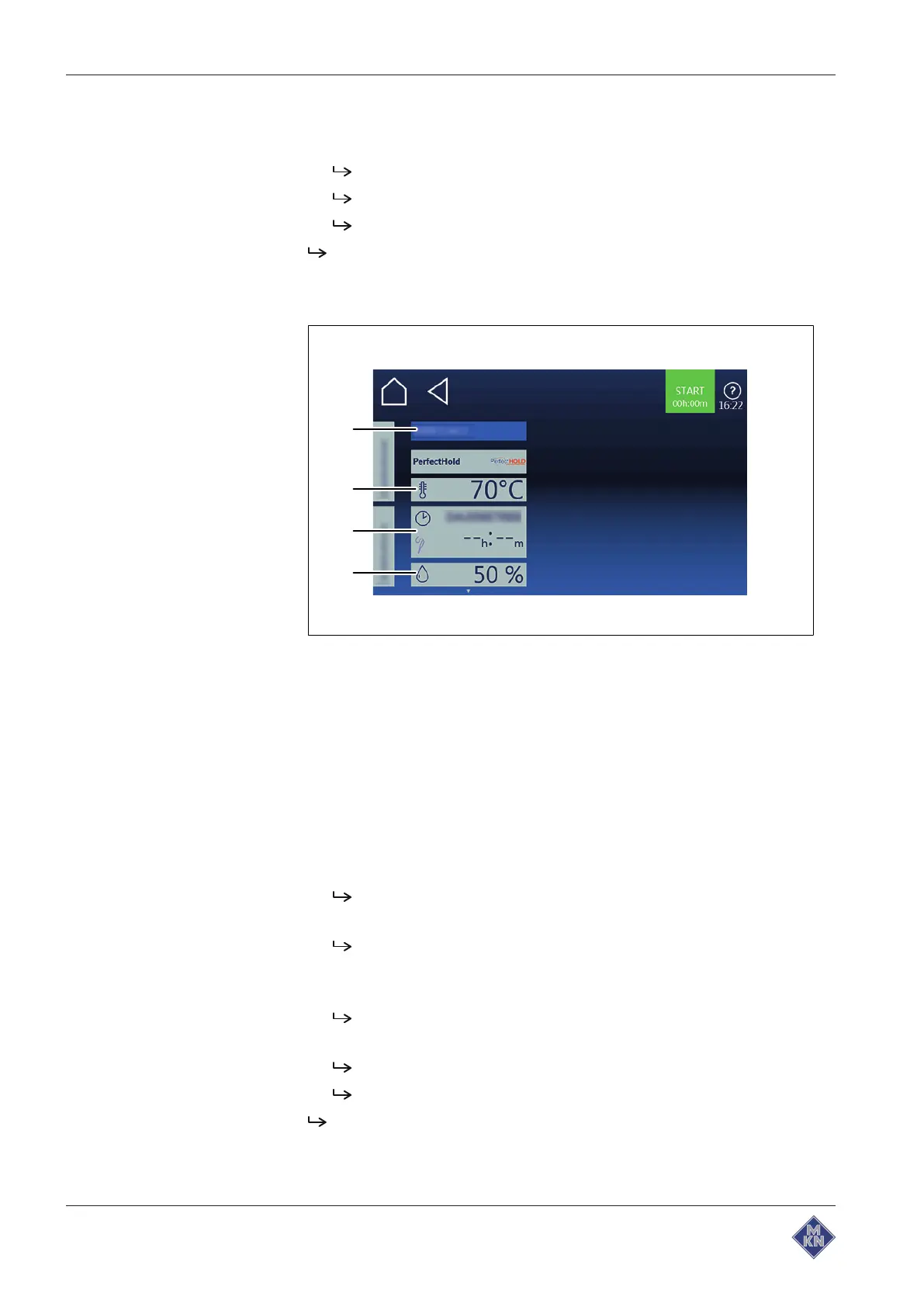
4.6.7 Using PerfectHold
Image: Setting window PerfectHOLD
a
Moisture
button c
Temperature
field
b
Cooking time
field d
Setting
window
Requirements Cooking program ended
Manual cooking menu open
Extended cooking function selected
1. Tap the
Temperature
field.
2. Using a wiping gesture, set the rollers to the desired value.
3. Tap the
Confirm
button.
The
Settings
window is closed.
4. Tap the
Cooking time
field.
The
Settings
window is displayed.
5. Tap the
Cooking time
button.
6. Using a wiping gesture, set the rollers to the desired value.
Wipe up / down to increase / decrease the cooking time.
7. Tap the
Confirm
button.
The
Settings
window is closed.
The
Cooking mode
window shows the set cooking time.
PerfectHOLD is set as time-controlled.
4127003--0ABBE-E



 To Next Page